EasyManua.ls Logo

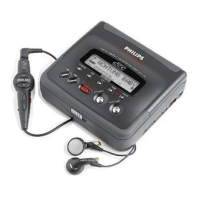
Philips DCC 170 - PLAYBACK; Playing a DCC Cassette; Playing an Analog Cassette; Operation Feedback

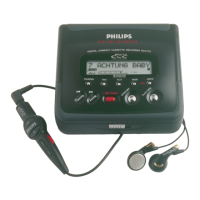
Philips DCC 170
28 pages
Print Icon
To Next Page IconTo Next Page
To Previous Page IconTo Previous Page
Loading...
PLAYBACK
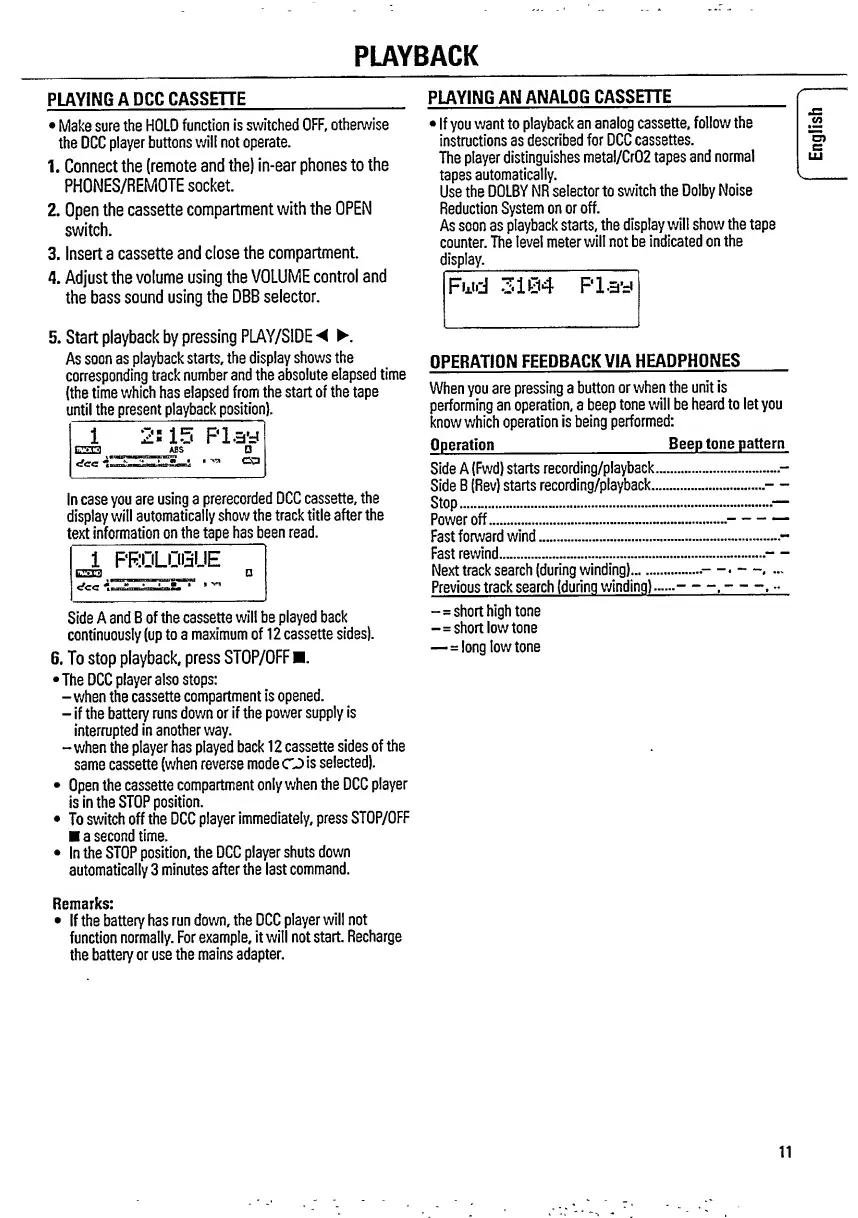
PLAYING
A
DCCCASSEnE
_
Make
sure
the
HOLD
function
is
switched
OFF,
otherwise
the
DCC
player
buttons
will
not
operate.
1
.
Connect
the
(remote
and
the)
in-ear
phones
to
the
PHONES/REMOTE
socket.
2.
Open
the
cassette
compartment
with
the
OPEN
switch.
3.
Insert
a
cassette
and
close
the
compartment.
4.
Adjust
the
volume
using
the
VOLUME
control
and
the
bass
sound
using
the
DBB
selector.
5.
Start
playback
by
pressing
PLAY/SIDE
.
As
soon
as
playback
starts,
the
display
shows
the
corresponding
track
number
and
the
absolute
elapsed
time
(the
time
which
has
elapsed
from
the
start
of
the
tape
until
the
present
playback
position).
1
<fcc
*5
Play
In
case
you
are
using
a
prerecorded
DCC
cassette,
the
display
will
automatically
show
the
track
title
after
the
t
ext
information
on
the
tape
has
be
e
n
read.
1
PROLOGUE
P
cfcc
Side
A
and
B
of
the
cassette
will
be
played
back
continuously
(up
to
a
maximum
of
12
cassette
sides).
6.
To
stop
playback,
press
STOP/OFF
.
•The
DCC
player
also
stops:
-when
the
cassette
compartment
is
opened.
-
if
the
batteiy
runs
down
or
if
the
power
supply
is
interrupted
in
another
way.
-when
the
player
has
played
back
12
cassette
sides
of
the
same
cassette
(when
reverse
mode
CJ
is
selected).
Open
the
cassette
compartment
only
when
the
DCC
player
Is
In
the
STOP
position.
To
switch
off
the
DCC
player
immediately,
press
STOP/OFF
a
second
time.
In
the
STOP
position,
the
DCC
player
shuts
down
automatically
3
minutes
after
the
last
command.
Remarks:
If
the
battery
has
run
down,
the
DCC
player
will
not
function
normally.
For
example,
it
will
not
start.
Recharge
the
battery
or
use
the
mains
adapter.
PLAYING
AN
ANALOG
CASSEHE
_
If
you
want
to
playback
an
analog
cassette,
follow
the
instructions
as
described
for
DCC
cassettes.
The
player
distinguishes
metal/Cr02
tapes
and
normal
tapes
automatically.
L.
Use
the
DOLBY
NR
selector
to
switch
the
Dolby
Noise
Reduction
System
on
or
off.
As
soon
as
playback
starts,
the
display
will
show
the
tape
counter.
The
level
meter
will
not
be
indicated
on
the
display.
_
Fwd
3104
Play
OPERATION
FEEDBACK
VIA
HEADPHONES
When
you
are
pressing
a
button
or
when
the
unit
is
performing
an
operation,
a
beep
tone
will
be
heard
to
let
you
know
which
operation
is
being
performed:
Operation
_
Beep
tone
pattern
Side
A
(Fwd)
starts
recording/playback..
Side
B
(Rev)
starts
recording/playback...
Stop..
Power
off.
Fast
forward
wind..
Fast
rewind..
Next
track
search
(during
winding).
Previous
track
search
(during
winding)
■■
-=short
high
tone
-=short
low
tone
—=long
low
tone
11
English

Other manuals for Philips DCC 170

Related product manuals