9
English
3 Get started
Caution
Use of controls or adjustments or performance of
procedures other than herein may result in hazardous
radiation exposure or other unsafe operation.
Always follow the instructions in this chapter in
Placement
mount the unit on a wall.
Mount on a wall
See the wall mounting instructions included in
the package.
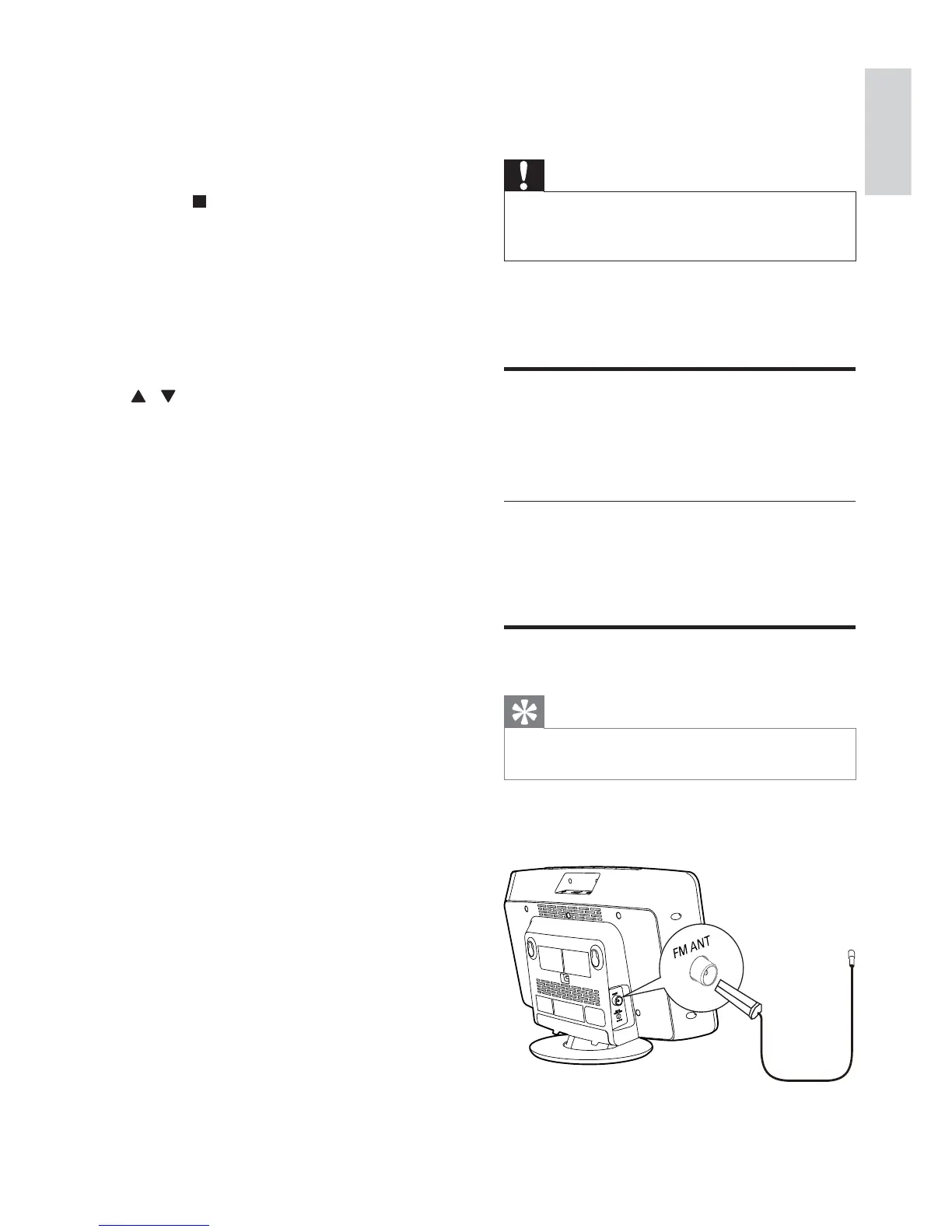
Connect FM antenna
Tip
For optimal reception, fully extend and adjust the
position of the antenna.
Connect the supplied FM antenna to the FM
ANT socket on the main unit.
n REPEAT/SHUFFLE
Play a track or all tracks repeatedly.
Play tracks in current album
repeatedly.
Play tracks randomly.
o MENU/
Access iPod/iPhone/iPad menu.
Stop play or erase a program.
p DOCK
Select iPod/iPhone/iPad source.
q OK
r
/
Select a preset radio station.
Skip to previous/next album.
s FM
Select FM tuner source.
EN



 To Next Page