13
4 Play
Play a disc
1
Press CD to select the disc source.
2 Press to open the disc compartment.
3 Insert a disc with the printed side facing
outward.
4 Press to close the disc compartment.
Play starts automatically. If not, press »
.
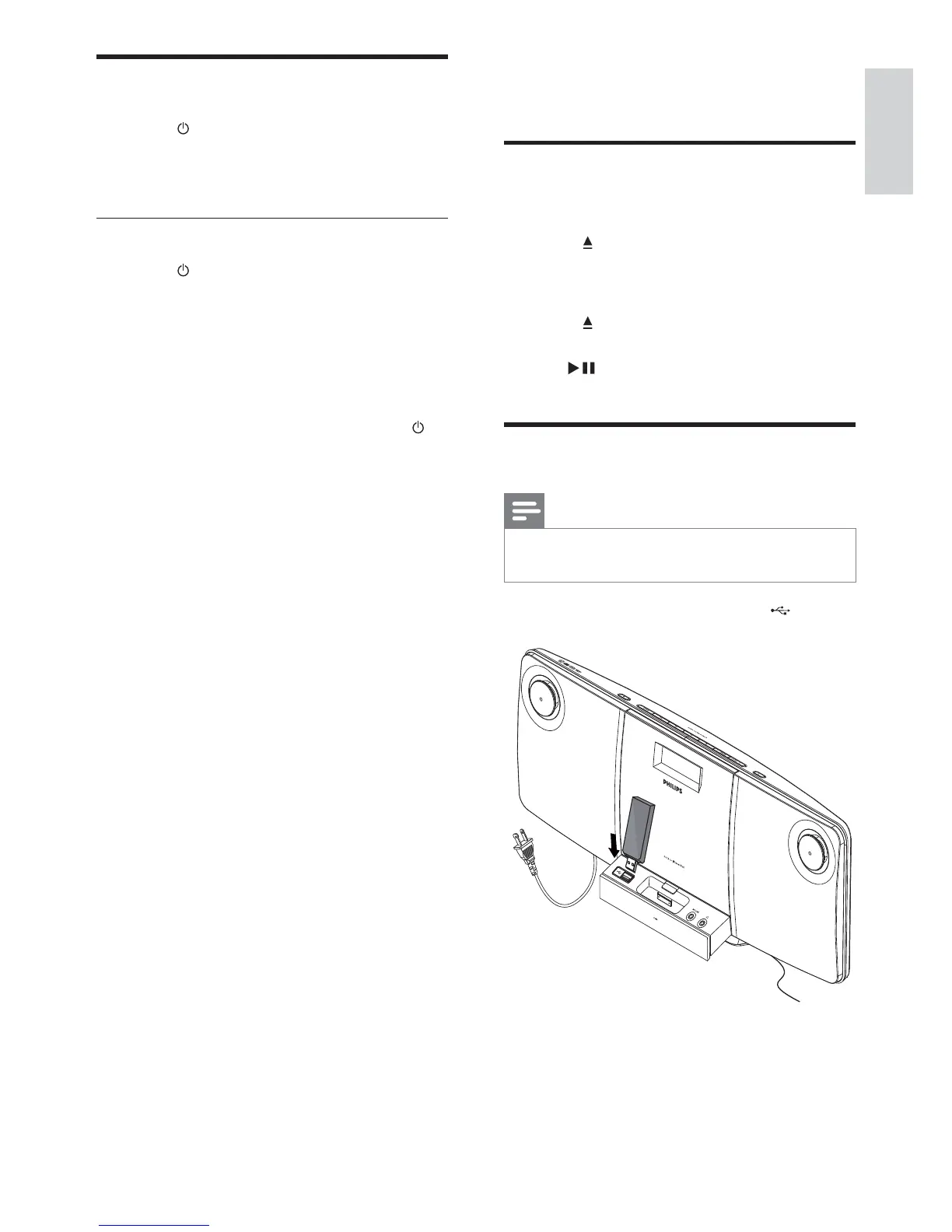
Play from USB
Note
Ensure that the USB device contains playable •
audio content.
1 Insert the USB device into the socket.
Turn on
1
Press .
The unit switches to the last selected »
source.
Switch to standby
1 Press again to switch the unit to
standby mode.
The clock (if set) appears on the »
display panel.
To switch the unit to Eco Power Standby
mode:
1 In the standby mode, press and hold
for more than 2 seconds.
The backlight on the display panel »
turns off.
English
EN



 To Next Page