13
www.philips.com/faqs/dect
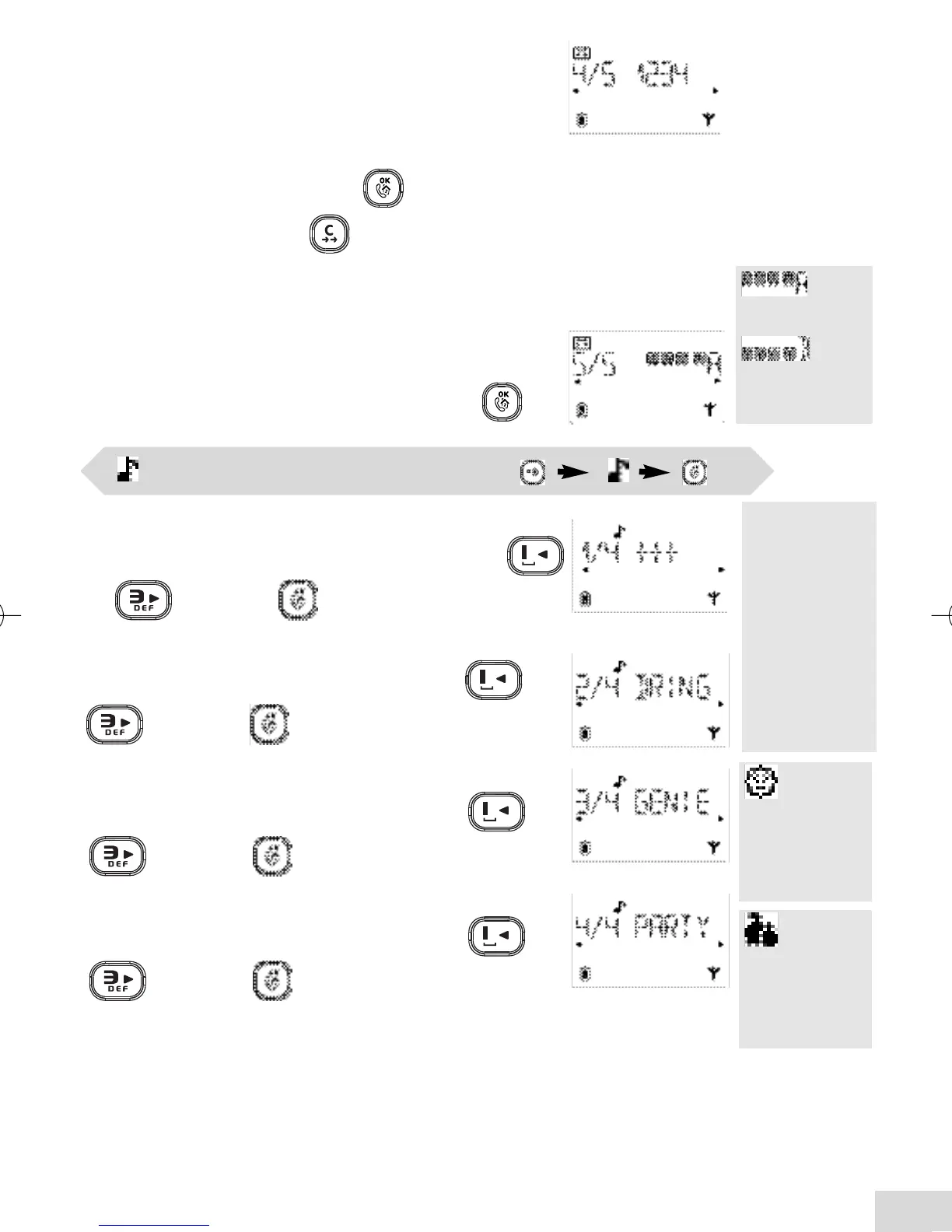
Ringer Volume (option 1 out of 4 :1/4)
Scroll through the different volume settings using
or keys. Press to validate your choice.
Handset Melody (option 2/4)
Scroll through the 7 different melodies using or
keys. Press to validate.
Friends phonebook (VIP) Melody* (option 3/4)
Scroll through the 7 different melodies using or
keys. Press to validate.
Family phonebook (VIP) Melody* (option 4/4)
Scroll through the 7 different melodies using or
keys. Press to validate.
is blinking
when selecting
the friends
phonebook
melody.
is blinking
when selecting
the family
phonebook
melody.
Handset ringer settings ( )
* Subject to a subscription with your operator to the Caller Line Identification service.
*A VIP melody
can be
associated to
each
phonebook.
When ringing,
the VIP melody
helps you
identify the
caller’s group.
Changing Remote Access Code (option 4/5)
To remotely access your answerphone you need to
enter a secret code (4 digits). By default, this code is
identical to the RC code written under the base.
If you want to change the default code :
Enter a personal code and press to validate.
Note : You can delete with your Remote Access
Code. If this code has been deleted, the remote-activation of
the answerphone is not possible.
Choosing the recording quality (option 5/5)
You can choose the recording quality of your
answerphone.
Scroll to the required quality and validate with .
:
High quality.
:
Standard
quality.
DECT 215 master UK indice 1.qxd 30/08/2004 15:44 Page 13



 To Next Page