12
Customising the telephone
To enter the programming mode press .
Icons representing the menus will then be displayed on the screen :
Réglages répondeur (uniquement pour le DECT 215)
Volume and melody settings (VIP melodies*)
Handset registering
Other settings
Once the menu is selected with and keys, press to
confirm your choice.
Note : Each menu has one or several options. The options will appear on the
screen one after the other by pressing . To exit the programming mode
at any time press or (long press) .
Use
and to
navigate within
the menus.
Icons : flashing
to select the
menu and
steady on once
entered in the
menu.
Programming the phone
www.philips.com/faqs/dect
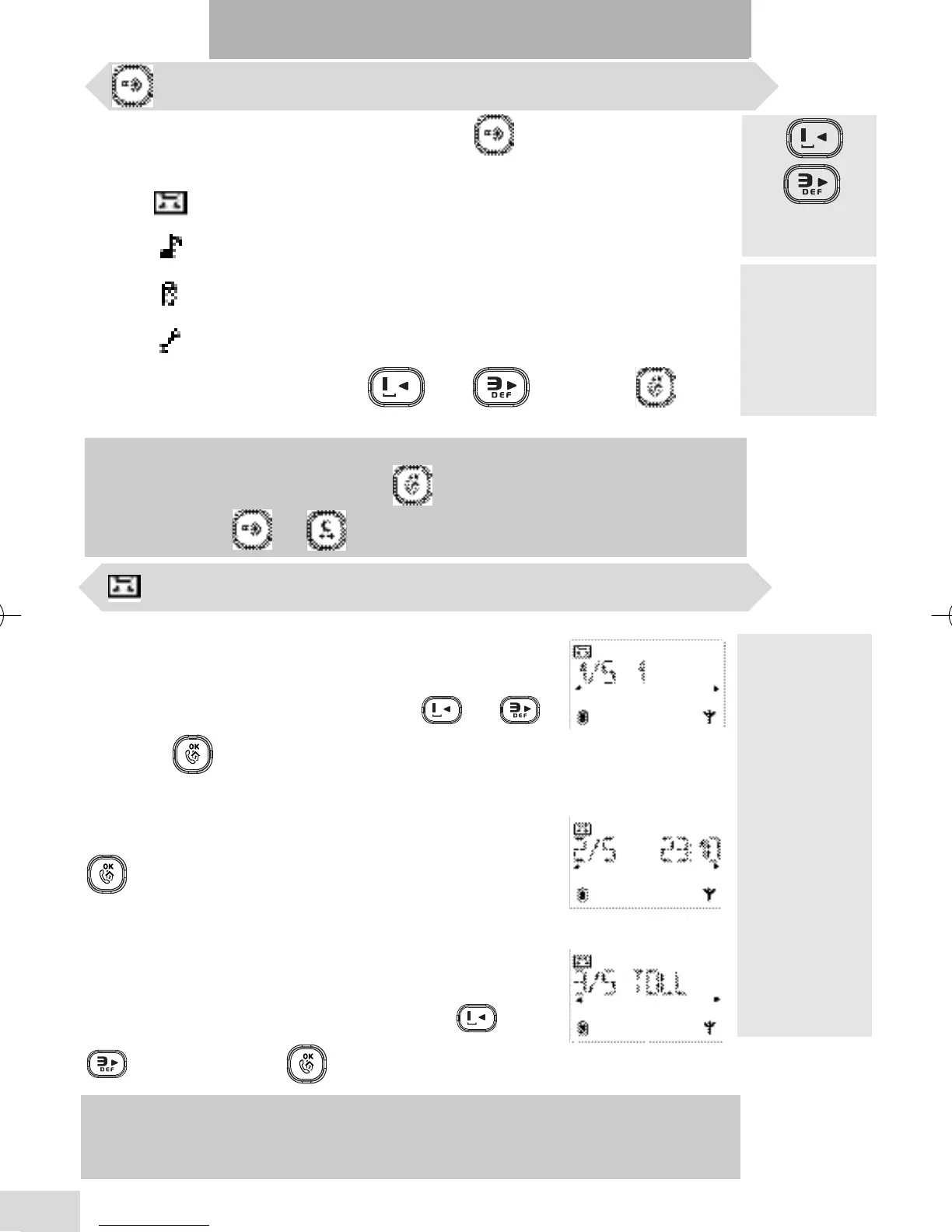
Changing the day (1st option out of 5 : 1/5)
Each day is represented by a number : Monday as
1...Sunday as 7.
Scroll to the required day number with or
and press to validate.
Changing the time (option 2/5)
Enter the time (without any space or dash) and press
to validate.
Number of rings before answer (option 3/5)
You can select from the list (2,3,4,5 and toll saver** )
the number of rings after which the answerphone will
take the call.
Scroll to the required number of rings with or
and validate with .
*The VIP
settings allow
to store the
names in
particular
phonebook
groups.A
melody can be
associated to a
phonebook.
When ringing,
the VIP melody
helps you
identify the
caller’s group.
(see p. 13).
** :In toll saver mode, if there are new messages the answerphone will answer
after 3 rings, and only after 5 rings if there are no new messages. So, you can hang
up after 4 rings without paying for a call. Toll saver is useful for remote access only.
Answerphone settings (DECT 215 only)
DECT 215 master UK indice 1.qxd 30/08/2004 15:44 Page 12



 To Next Page