Front panel controls
Philips Communication, Security & Imaging 5
English
Primary functions
(light below ALT key off)
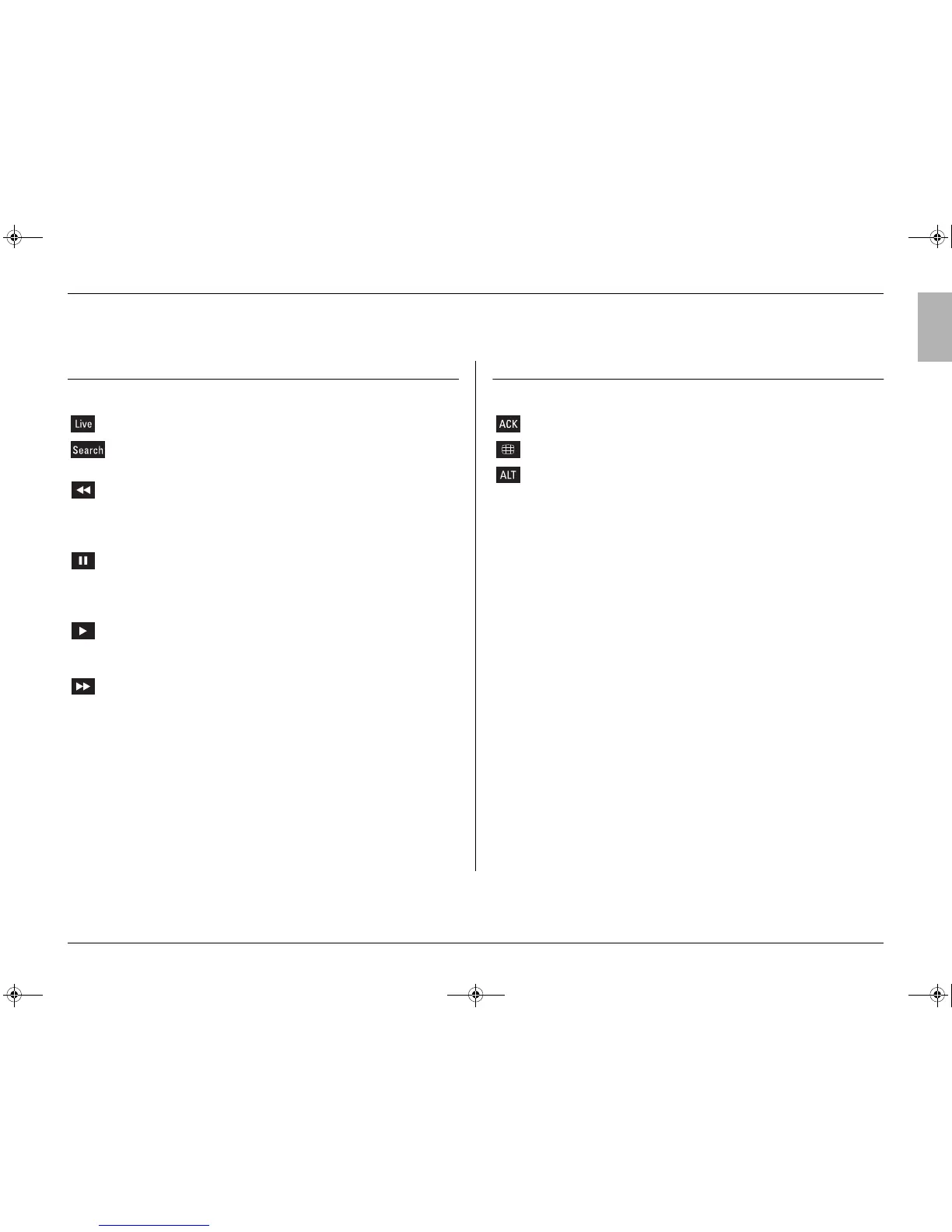
Live key - press to switch to live viewing.
Search key - press to open a search menu to look for recorded
events.
Rewind key - in live mode, press to start reverse playback of
recordings for the displayed cameras.
- in playback mode, press to speed up rewind.
- in pause mode, press to step back one frame.
Pause key - in live mode, press to freeze a camera picture.
- in the playback mode, press to freeze playback
picture; press for longer than one second to protect
recordings.
Play key - in live mode, press to resume playback from the last
selected playback position.
- in pause mode, press to resume playback.
Fast forward - in live mode, press to start playback from one
minute earlier.
- in playback mode, press to speed up the playback
rate.
- in pause mode, press to step forward one frame.
ACK key - press to acknowledge an alarm.
Multiscreen key- press to see different monitor display layouts.
ALT key - switches the front panel keys between a normal
function and an alternate function (shown below the
key).
- press for longer than one second to get on-screen
help.
1 - 16* Camera keys - press to see a full-screen display of the camera’s
picture.
- in the menu mode, press to select the camera or
enter a number.
* can be 6, 9 or16 depending on model
DVR16_LUI_DFUv1_1.book Page 5 Thursday, January 23, 2003 6:38 PM



 To Next Page