Getting started
Do not connect the Cradle to the computer unless DoseView and the Cradle driver
are installed on the computer.
1 Start the DoseView application.
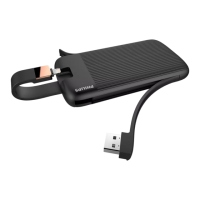
2 Connect a Cradle to your computer’s USB port.
3 Put a PDM in the Cradle.
Within a few seconds, DoseView will detect the PDM. This is indicated at
the top of the DoseView window by a note “Connected to PDM
100001158”, where PDM 100001158 is an example of a PDM ID.
DoseView will start loading the PDM dose history. This may take up to
a few minutes. You can follow the progress on the progress bar at the
bottom of the DoseView window.
6.2
N O T E
6.2 Getting started
6-2
Using the Cradle
DoseAware Base Station Package Document version 1.2
P h i l i p s H e a l t h c a r e 9 8 9 6 0 0 2 1 6 6 2 3 0 9 0 0 a 4 4 7 8 0 0 4 5 a 3 a











 To Next Page