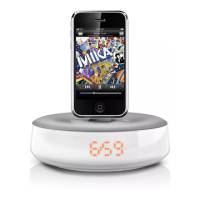
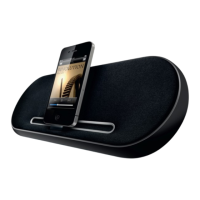
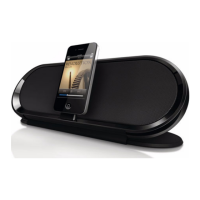
Need help?
Do you have a question about the Philips DS1150 and is the answer not in the manual?
Provides essential safety guidelines and warnings for the proper use of the apparatus.
Information regarding device modifications, CE compliance, and recycling guidelines.
Welcome message, introduction, and list of components included in the package.
Details and labels the different parts of the docking speaker unit.
Instructions on how to connect the AC power adapter to the unit and outlet.
Explains how the docking speaker powers on and switches to standby mode.
Guide on enjoying audio playback from a docked iPod or iPhone.
Lists the models of iPod and iPhone supported by the docking speaker.
Steps for inserting, synchronizing, and playing music from your iPod/iPhone.
Details amplifier, AC power, dimensions, and weight of the docking speaker.
Instructions for charging devices, adjusting volume, and display brightness.
Addresses common issues like no power or no sound and provides troubleshooting steps.
 General
| Brand | Philips |
|---|---|
| Model | DS1150 |
| Product Type | Docking Speakers |
| Compatibility | iPod, iPhone, iPad |
| Connector Type | 30-pin Dock Connector |
| Charging | Yes |
| Audio Input | 3.5mm audio input |
| Power Supply | AC adapter |
| Type | Docking Speaker System |
| Power Output | 2 x 5W RMS |

 To Next Page