5EN
4 Play
Play from iPod/iPhone
You can enjoy audio from iPod/iPhone through
this docking speaker.
Compatible iPod/iPhone
The docking speaker supports the following
iPod/iPhone models.
Made for:
• iPhone 5
• iPodnano(7thgeneration)
• iPodtouch(5thgeneration)
Load the iPod/iPhone
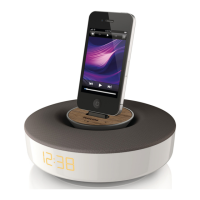
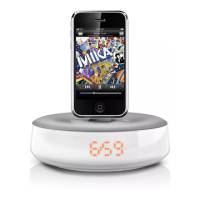
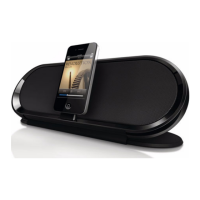
Insert your iPod/iPhone into the dock.
» The docking speaker synchronizes time
from the docked iPod/iPhone.
To remove the iPod/iPhone:
• Pull your iPod/iPhone out of the dock.
Listen to the iPod/iPhone
Note
•
Make sure that the iPod/iPhone is loaded correctly.
Start to play music from your iPod/iPhone.
» Music streams from the docking
speaker automatically.
Charge the iPod/iPhone
The docked iPod/iPhone begins to charge
automatically after connected to power.
Charge your mobile phone
You can charge your mobile phone through the
USB socket in this device with a USB cable (not
supplied)



 To Next Page