English
ON SCREEN DISPLAY INFORMATION 15
On screen display information
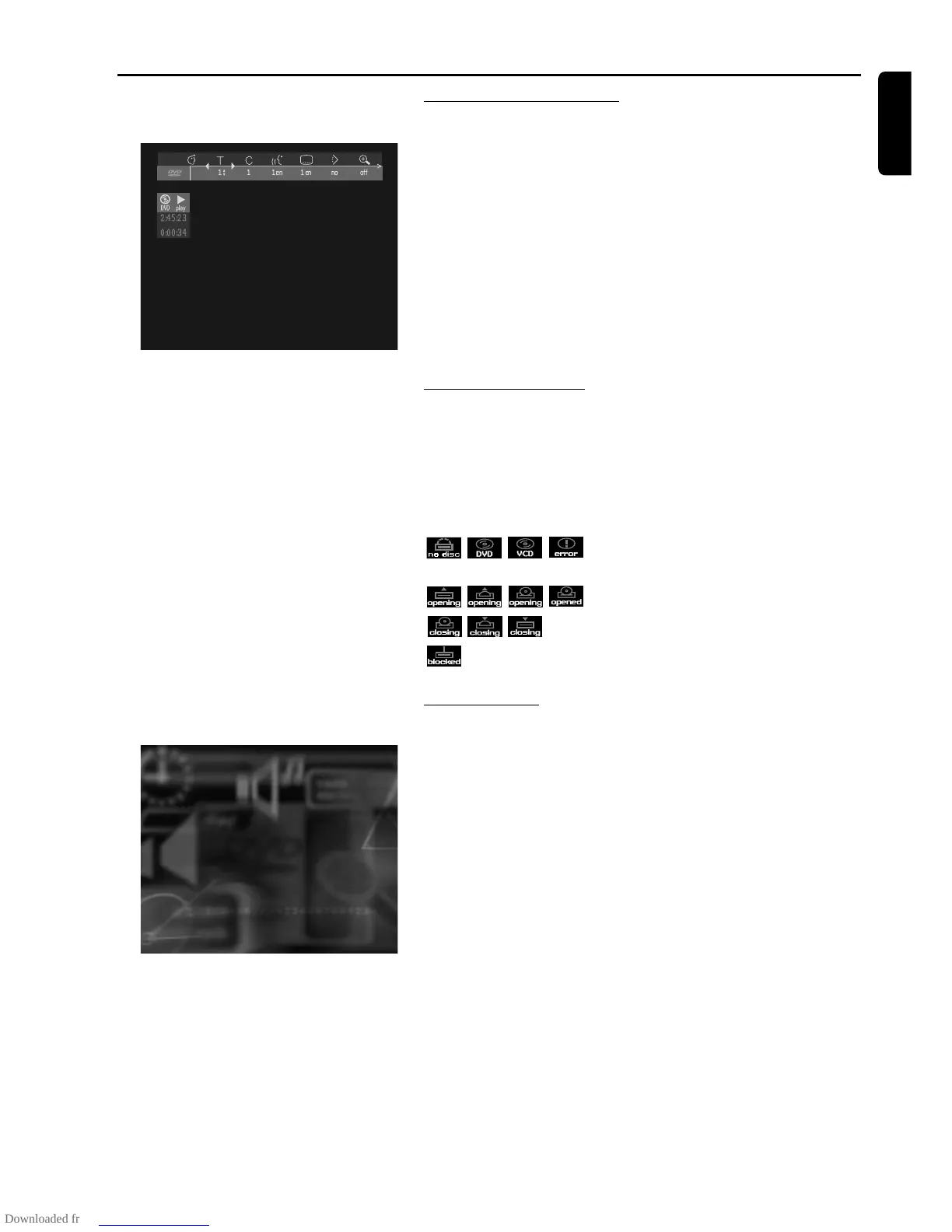
Menu bar/Status window
V User preference f Slow motion
W Title/Track g Fast motion
X Chapter/Index h Time search
Y Audio language
Z Subtitle language
} Angle
a Zoom
b Colour setting
c Video Program
d Sound
e Picture by Picture
Status window icons
The status window displays the current status of the player and is
displayed together with the first part of the menu bar, if activated in the
FEATURES menu (see Personal Preferences).
General
Disc type
Tray status
Default screen
The default screen is displayed when the player is in STOP mode.
It may contain a status window (see ‘Status Window’) and a ‘Temporary
Feedback Field’. Giving information concerning prohibited actions,
playback modes, available angles, etc.



 To Next Page