26
English
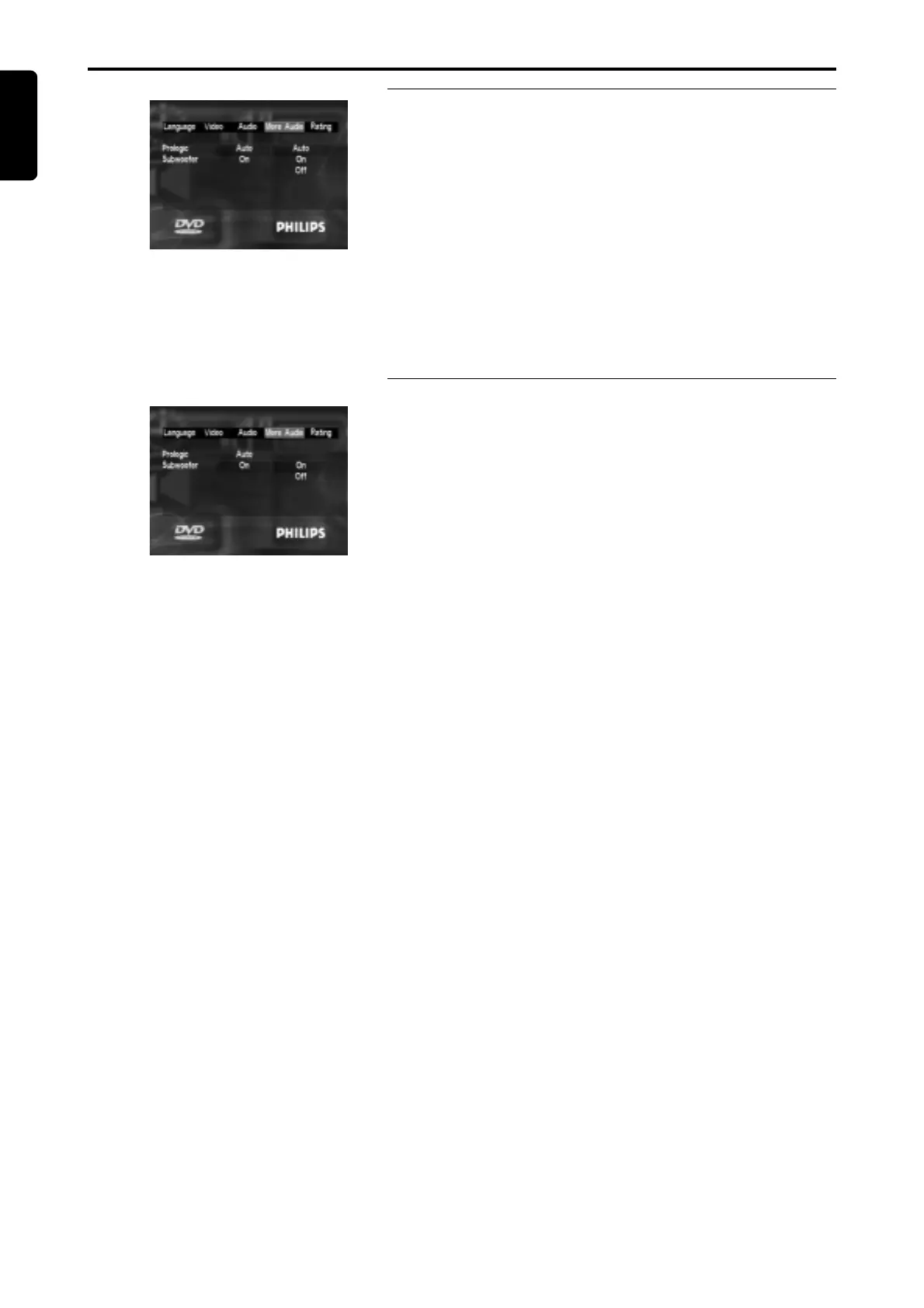
Pro Logic
¶ You can follow the steps below to setup the Pro Logic.
– Press the 1 2 keys to highlight the item MORE AUDIO in the top
menu, then press the SELECT key to open the first level submenu.
– Press the 34 keys to select the item PRO LOGIC.
– Press the SELECT key to open the second level submenu.
– Press the 34 keys to select the desired option.
ON: When playback the disc with Dobly Pro Logic signal recorded on
it, DVD player will decode and output of Dolby Pro Logic surround
sound.
OFF: Disable the output of Dolby Pro Logic surround sound.
AUTO: Enable or disable the output of Dolby Pro Logic surrond sound
depending on the signal recorded on the disc.
– Press the SELECT eky to confirm selection.
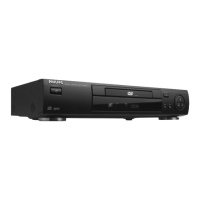
Subwoofer
¶ You can follow the steps below to setup the Subwoofer.
– Press the 1 2 keys to highlight the item MORE AUDIO in the top
menu, then press the SELECT key to open the first level submenu.
– Press the 34 keys to select the item SUBWOOFER.
– Press the SELECT key to open the second level submenu.
– Press the 34 keys to select the desired option.
ON: Enable the signal output for subwoofer.
OFF: Disable the signal output for subwoofer.
– Press the SELECT eky to confirm selection.
Setup Menu



 To Next Page