
 Need help?
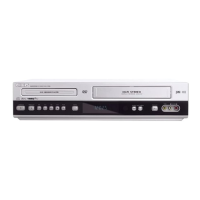
Do you have a question about the Philips DVD755VR/14 and is the answer not in the manual?
Disconnect all equipment from power outlets before making connections.
Connect antenna/cable signal to AERIAL jack or use cable box/receiver.
Connect RF coaxial cable from DVD/VCR RF-OUT to TV ANTENNA IN.
Connect power cords of DVD/VCR, TV, and Cable Box to outlet.
 General
| Type | DVD VCR Combo |
|---|---|
| Brand | Philips |
| Model | DVD755VR/14 |
| DVD Player | Yes |
| VCR Player | Yes |
| Video Format | NTSC |
| Recording Format | VHS |
| Remote Control | Yes |
| Progressive Scan | No |
| DVD Type | DVD player |
| VCR Type | VHS player |
| Playable Disk Types | DVD, DVD-R, DVD-RW, CD, CD-R, CD-RW |
| Playable File Formats | MPEG, JPEG |
| Region Code | 1 |
| Video Playback Formats | MPEG-1, MPEG-2 |
| Audio Playback Formats | PCM, Dolby Digital |
| Connections | Composite Video, S-Video, Audio L/R, RF Out |












 To Next Page