EasyManua.ls Logo

Philips DVD755VR/00 - User Manual

Philips DVD755VR/00
38 pages
Print Icon
To Next Page IconTo Next Page
Loading...
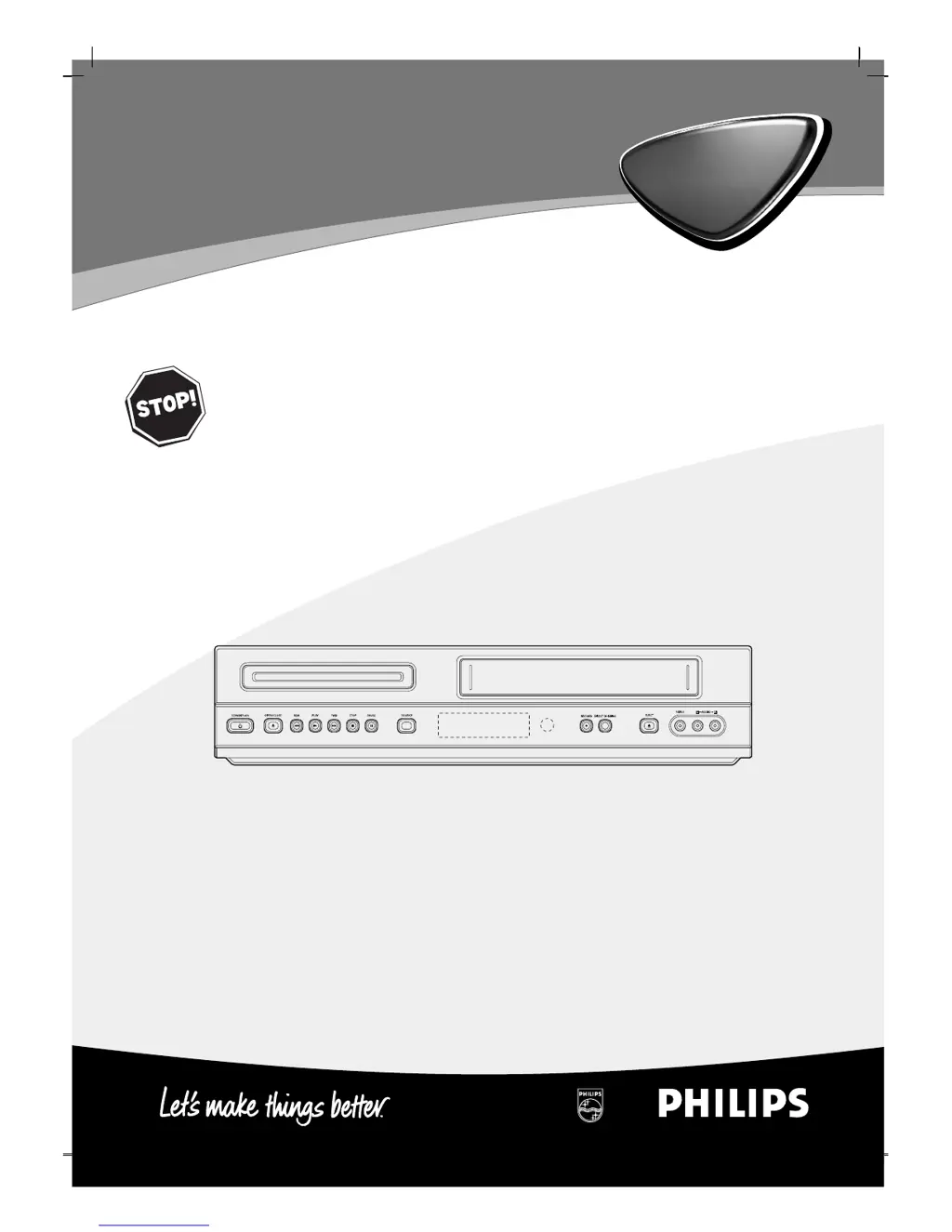
DVD755VR/00
DVD-Video Player / Video Cassette Recorder
Read this manual first!
Congratulations on purchasing this Philips product.
We’ve included everything you need to get started.
If you have any problems, Philips representatives can
help you get the most from your new product by explaining:
• Hookups,
• First time setup, and
• Operation.
For fast help, call us rst!
Tel: see back page of this manual
Owner’s Manual
Manuel de l’utilisateur
Bedienungsanleitung
Gebruiksaanwijzingen
Manual del usuario

Table of Contents

Questions and Answers

  • J
    johnfoleyJul 28, 2025
    How to fix no sound on Philips DVD VCR Combo?
    • J
      Jason WhiteJul 29, 2025
      If there is no sound, several factors could be the cause: * The equipment connected with the audio cable is not set to receive DVD signal output. Select the correct input mode of the audio receiver. * The audio cables are not connected securely. Ensure the audio cable is securely connected to the jacks. * The equipment connected with the audio cable is turned off. Turn on the equipment. * The Digital Audio Output is set to the wrong position. Set the Digital Audio Output to the correct position, then turn the DVD player on again. * The disc is dirty. Clean the disc.
  • G
    Gary BrownAug 2, 2025
    What to do if my Philips DVD VCR Combo remote control does not work?
    • A
      Amy StarkAug 2, 2025
      If the remote control isn't working properly, first, check for any obstacles between the remote and the unit and remove them. If that doesn't work, the batteries in the remote control may be exhausted. Replace the batteries with new ones.
  • X
    xgrahamAug 6, 2025
    What to do if my Philips DVD VCR Combo player does not start playback?
    • H
      henrywendyAug 6, 2025
      If the DVD player does not start playback, make sure that: * The disc is placed with the playback side down. * The disc is placed correctly inside the guide on the disc tray. * The disc is clean. If not, clean the disc. * The Rating level is set. If so, cancel the Rating function or change the rating level.
  • R
    Ronald RaymondAug 10, 2025
    How to fix poor picture quality on Philips DVD VCR Combo?
    • S
      Steven JonesAug 10, 2025
      If the picture quality is poor, it might be due to TV channels not being tuned in properly. Check the tuning and carry out the tuning again. Another reason could be that an unplayable disc is inserted. Ensure you insert a playable disc, checking the disc type and regional code.
  • A
    Anthony RogersAug 14, 2025
    How to fix Philips DVD VCR Combo when it has no power?
    • H
      Haley CruzAug 15, 2025
      If there is no power, it is possible that the power cord is disconnected. Plug the power cord into the wall outlet securely.
  • R
    rfreemanAug 19, 2025
    Why won't my Philips DVD VCR Combo play a disc?
    • I
      Isaiah GallagherAug 19, 2025
      If the power is on, but the DVD or audio player does not work, a possible cause is that no disc is inserted. Insert a disc and check that the DVD or audio CD indicator in the display window is lit.
  • M
    Matthew PerryAug 23, 2025
    Why is there no Hi-Fi sound on my Philips DVD VCR Combo?
    • C
      courtneytuckerAug 23, 2025
      If there is no Hi-Fi sound, the audio mode may not be set properly. Switch ‘AUDIO’ in the main menu to ‘STEREO’.

Summary

Safety Precautions

Electrical and Laser Safety Warnings

Warnings about electric shock, fire hazards, and laser exposure.

Before Use

Disc Types and Compatibility

Information on playable discs, notes, region codes, and disc terms.

Unit and Disc Handling Precautions

General handling, cleaning of unit/discs, and disc storage advice.

Front Panel and Display

Unit Controls and Display Window

Explanation of front panel buttons and the unit's display indicators.

Remote Control

Remote Control Functions

Detailed explanation of each button and its operation for navigation and control.

Rear Panel Connections

Input;Output Ports Overview

Identifies and describes the purpose of various connection jacks on the rear panel.

Connections

Connecting to TV and Decoder

Guides on connecting the DVD+VCR to a TV and an external decoder via AV or RF.

Connecting to Optional Equipment

Analog and Digital Audio Connections

How to connect to amplifiers/receivers using analog stereo or digital audio outputs.

VCR Operation: Initial Setup

Tuning TV Channels

Procedures for tuning video channels on your TV and using automatic channel memory.

VCR Operation: Settings

Manual Clock and Date Setting

Steps to manually set the internal clock and date for time-sensitive functions.

VCR Operation: Menu Navigation

Automatic TV Station Tuning

Process for automatic channel scanning and storage using ACMS.

VCR Operation: Manual Tuning

Manual TV Station Tuning

Procedure for manually tuning weaker broadcast signals and naming stations.

VCR Operation: Station Management

DVD Operation: Basics

DVD Playback Options

Controls for title, chapter, time search, audio language, subtitles, angle, and sound.

DVD Operation: Initial Settings

Picture Aspect Ratio Settings

Adjusting TV aspect ratio (Letterbox, Panscan, Wide) for optimal display.

DVD Operation: Sound Settings

Digital Audio Output Configuration

Setting digital audio output for Dolby Digital, PCM, or Stream/PCM.

DVD Operation: Parental Control

Content Rating and Child Lock

Setting parental control by rating level and enabling child lock.

Tape Playback Operations

Basic Tape Playback

Steps for inserting, playing, and stopping video cassettes.

Tape Recording: Instant Timer

Instant Timer Recording (ITR)

Setting up immediate recordings for a specific duration or using LP mode.

Tape Recording: ShowView

Tape Recording: On-Screen Timer

DVD;VCD Playback Operations

DVD Special Features

Audio and MP3 Disc Playback

JPEG Disc Viewing

Programmed Playback

Additional Operations

Sound System and Display Settings

Special Recording Functions

Troubleshooting Guide

Philips DVD755VR/00 Specifications

Operating Environment IconOperating Environment
operating temperature5˚C to 35˚C
operating humidity5 % to 90 %
timer24 hours display type
Power IconPower
power requirementsAC 220-230V, 50Hz
power consumption23W
Audio and Video Specifications IconAudio and Video Specifications
frequency response DVD (PCM 96 kHz)8 Hz to 44 kHz
frequency response DVD (PCM 48 kHz)8 Hz to 22 kHz
frequency response CD8 Hz to 20 kHz
Inputs and Outputs IconInputs and Outputs
audio input (SCART)-6.0dBm, more than 10 kohms
audio input (RCA)-6.0dBm, more than 47 kohms
video input (SCART/RCA)1.0 Vp-p, 75 ohms, unbalanced
Weight and Dimensions IconWeight and Dimensions
dimensions430 X 97.5 X 293 mm
mass4.8 kg

Related product manuals