25
Default Setup
If some problems occur during setting DVD, the
DEFAULT function is used to reset all items to
factory default and all your personal setting will
be erased.
1 Press 34 to highlight DEFAULT.
2 Highlight RESET by pressing the 2 key.
3 Press OK.
NOTE: When this function is activated, all setups
will be reset to factory defaults.
MP3/JPEG Navigator
This menu allow you to make the alternate
setting when you playback picture CD and MP3
CD.
1 Press 3 4 to highlight MP3/JPEG NAV.
2 Press 2 to enter the submenu.
3 Press 3 4 to highlight NO MENU or WITH
MENU.
➜ NO MENU: playback all pictures or MP3
musics in sequence automatically.
➜ WITH MENU:playback pictures or MP3 musics
in the selected folder.
5 Press OK key to confirm your selection.
Setup Menu
Parental Control
Movies on DVDs may contain scenes not suitable
for children. Therefore, discs may contain ‘Parental
Control’ information which applies to the
complete disc or to certain scenes on the disc.
These scenes are rated from 1 to 8, and
alternative, more suitable scenes are available on
the disc. Ratings are country dependent. The
‘Parental Control’ feature allows you to prevent
discs from being played by your children or to
have certain discs played with alternative scenes.
0 VCD, SVCD, CD has no level defination, so
parental control function has no effect on those
kinds of discs as well as most of illegal DVD discs.
0 You can follow the steps below to setup the
parental control:
1 Press the 34 keys to highlight PARENTAL.
2 Move to its submenu by pressing the 2 key.
3 Then use the 3/4 keys to highlight a rating for
the disc inserted.
4 Press OK to confirm, then press the 1 key to
return to the PREFERENCE menu.
No Parental Control
Parental Control is not activated. The Disc will be
played in full.
1 Select ADULT item.
2 Press OK.
Ratings 1 to 7:
Some discs contain scenes not suitable for
children. All scenes with the higher rating than you
set will be erased during playback. But if the disc
contains alternate scenes according with what
you set, the substitutes will playback automatically.
If not, the playback will stop and the six digits
code will be asked for being entered again.
26
PLAYBACK SYSTEM
DVD Video
Video CD & SVCD
CD
PICTURE CD
MP3-CD
CD-R, CD-RW
DVD+R, DVD+RW
VIDEO PERFORMANCE
* CVBS 1Vpp --- 75Ω
* S-VIDEO Y: 1.00Vpp --- 75Ω
C: 0.30Vpp --- 75Ω
*Component video Y: 1.00Vpp --- 75Ω
Pr: 0.7Vpp --- 75Ω
Pb: 0.7Vpp --- 75Ω
AUDIO FORMAT
Digital Mpeg/ AC-3/ DTS compressed Digital
PCM 16, 20, 24 bits
fs, 44.1, 48, 96 kHz
MP3(ISO 9660) 24, 32, 56, 64, 96, 128,
256 kbps & variable
bit rate fs, 16, 22.05,
24, 32, 44.1, 48 kHz
Analog Sound Stereo
AUDIO PERFORMANCE
DA Converter 24bit
Signal-Noise (1KHz) 100dB
Dynamic range(1KHz) >90dB
DVD fs 96 kHz 4Hz- 44kHz
fs 48 kHz 4Hz- 22kHz
SVCD fs 48 kHz 4Hz- 22kHz
fs 44.1kHz 4Hz- 20kHz
CD/VCD fs 44.1kHz 4Hz- 20kHz
TV STANDARD (PAL/50Hz) (NTSC/60Hz)
Number of lines 625 525
Playback Multistandard (PAL/NTSC)
CONNECTIONS
Component Video Output Cinch
S-Video Output Mini DIN 4-pins
Video Output Cinch
Audio Output(L+R) Cinch
Digital Output 1 coaxial
IEC958 for CDDA / LPCM/ MPEG1
IEC1937 for MPEG 2, Dolby
Digital and DTS
CABINET
Dimensions (w x d x h) 360 x 285 x 43 mm
Weight Approximately 2.2 Kg
POWER CONSUMPTION
Power consumption in Standby mode 1W
Specifications
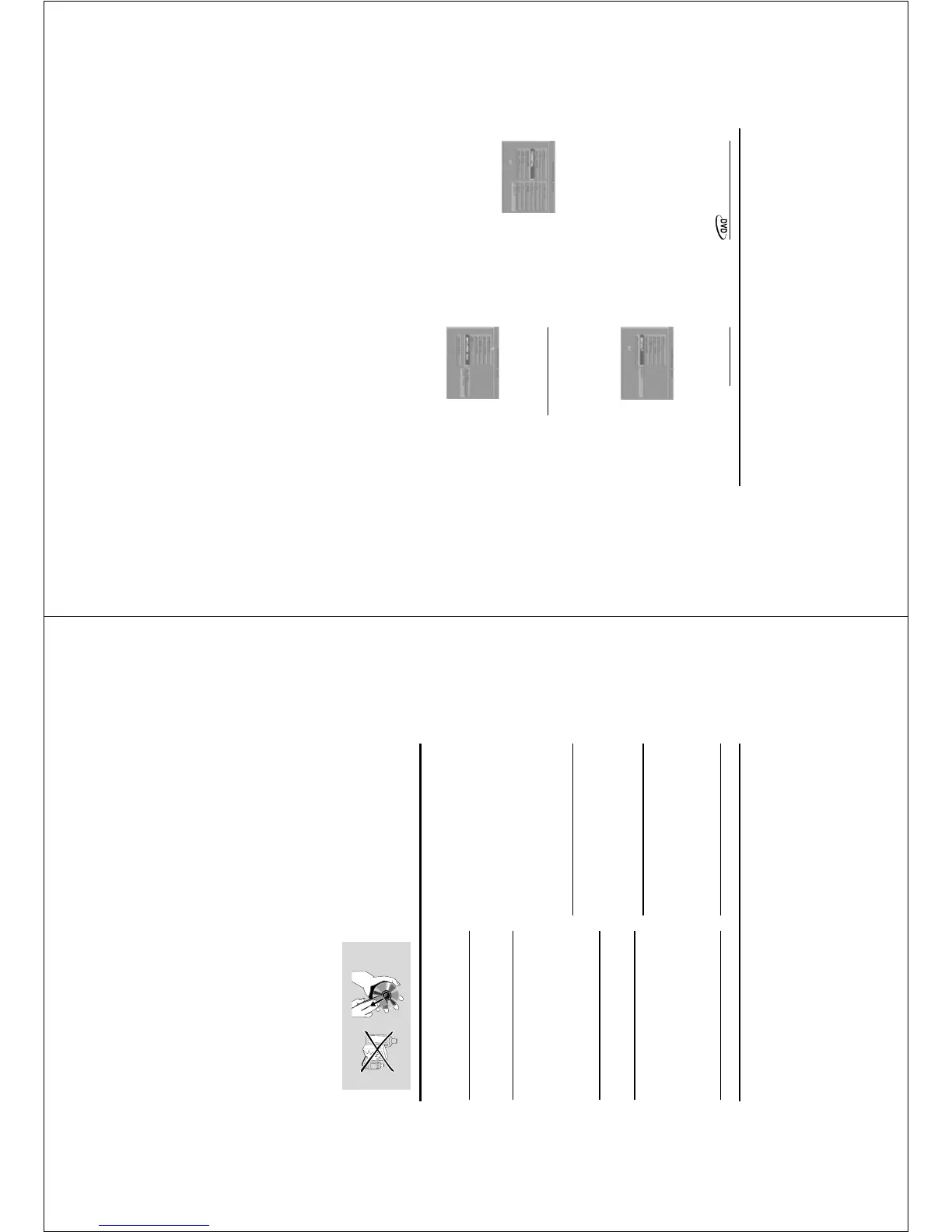
Cleaning the Cabinet
¶ Use a soft cloth slightly moistened with a mild
detergent solution. Do not use a solution
containing alcohol, spirits, ammonia or abrasives.
Cleaning Discs
¶ When a disc becomes dirty, clean it with a
cleaning cloth. Wipe the disc from the center out.
Do not wipe in a circular motion.
¶ Do not use solvents such as benzine, thinner,
commercially available cleaners, or antistatic spray
intended for analog records.
Maintenance
Specifications subject to change without prior notice



 To Next Page