EN 7
3139 785 31150
3. Directions For Use
The following except of the Quick Use Guide serves as an introduction to the set.
The Complete Direction for the Use can be downloaded in different languages from the internet site of Philips Customer care Center:
www.p4c.philips.com
10 : 12
09: 24
15: 24
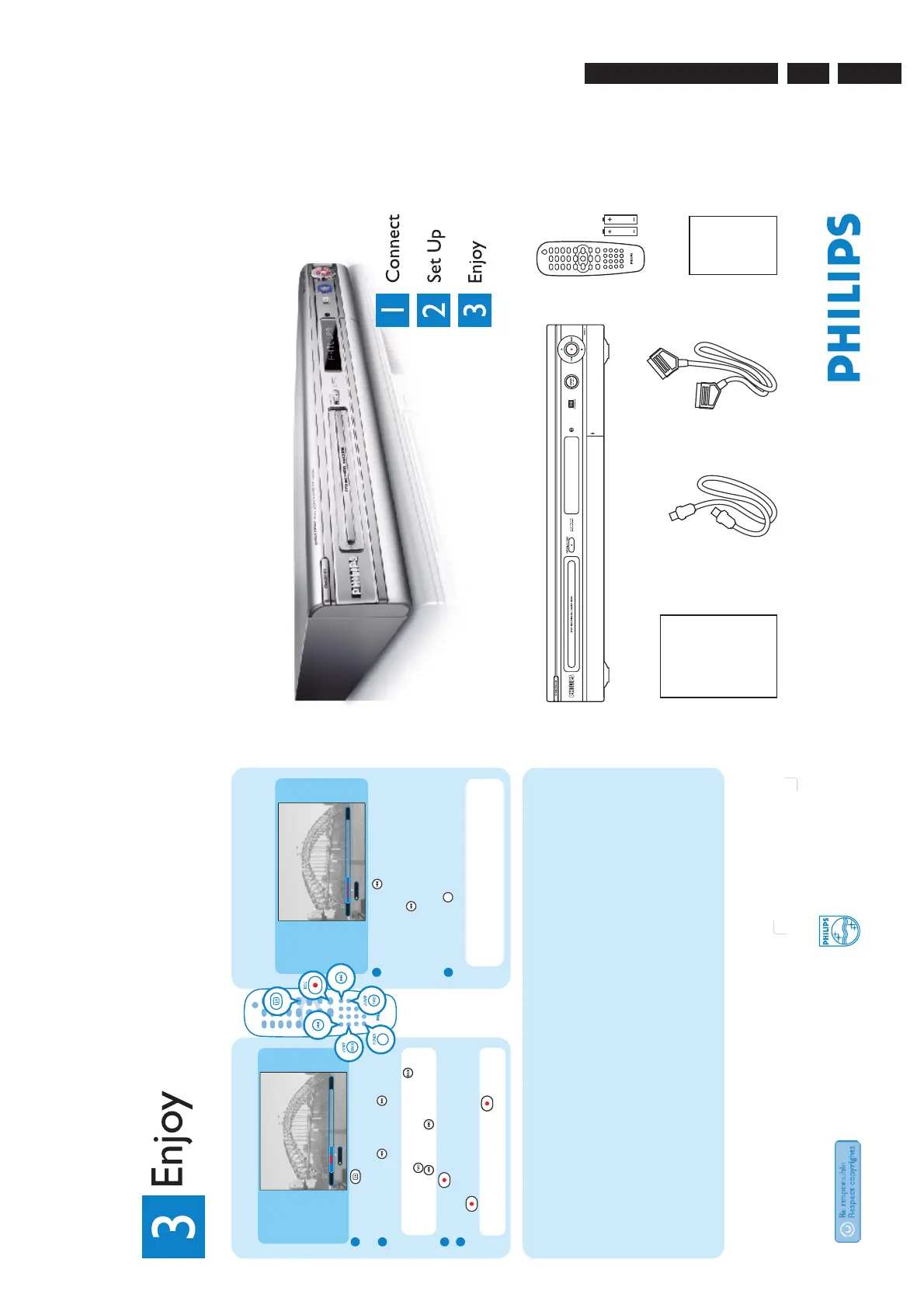
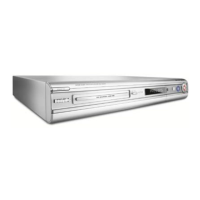
What’s in the Box
09 : 55
09: 24 15:24
Play recording while
recording it
1
Press PREVIOUS ; a bar representing what
is temporarily stored will appear with the
recording mark ed in red, contin ue to press
PREVIOUS to go back to the part of the
recording you want to watch and the recorder
will start pla ying from there.
2
Press TUNER to go back to the live TV
broadcast.
Tip You can pause and jump forward or
backward of what you have already recorded
without interfering with the recording.
Recording to hard disk
1
Press INFO and a bar representing
what is temporarily stored will appear.
2
Press PREVIOUS or NEXT to search
for where you want to start recording.
Tip You can also press JUMP BACK ,
JUMP FWD or press and hold
PREVIOUS , NEXT .
3
Press REC .
4
Key in the time period to record or press
REC again for a 30 minutes recording.
Tip Each time you press REC another 30
minutes recording time is added.
Troubleshooting
For more troubleshooting tips, see the user manual.
Problem Tip
Remote control • Aim remote control at recorder (not TV) or remove any obstacles in the way.
• Batteries are weak; replace the batteries.
Disc does not play • The child lock is on. Refer to user manual to unlock it.
• Wrong region code.The DVD must be coded for ALL regions or Region 2.
• Check if the disc is defective, scratched or warped. Clean the disc or try another disc.
The picture is distorted • The disc does not match the TV colour system standard (PAL/NTSC).
• When playing DVD set Record Mode to high-quality speed to improve picture quality.
Recordings are not • Channel you are recording is not stored or the wrong programme number is selected.
occurring as scheduled. • If you adjust the clock after you set a timer recording, reset the timer recording.
New recordings cannot • The recorder cannot duplicate copyrighted material onto a recordable DVD.
be made. • A finalised DVD+R has been inserted. Change disc.
Need help?
User Manual
See the user manual that came with your hard
disk/DVD recorder
Online
Go to www.philips.com/support
2005 © Koninklijke Philips N.V.
All rights reserved.
12 NC 31 39 246 17151
www.philips.com
Quick Start Guide
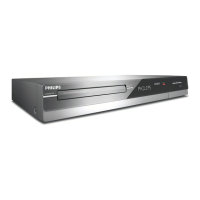
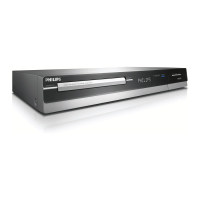
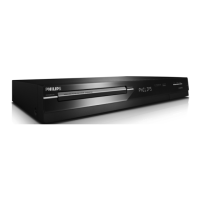
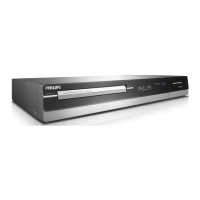
DVDR 3300H
DVDR 3330H
DVDR 5330H
Hard Disk/DVD Recorder
User manual
Hard disk/DVD recorder
RF coaxial cable SCART cableQuick start guide
Remote control
and 2 batteries
3.
Directions For Use






 To Next Page