English
13
Connections
~ AC MAINS
AUDIO
OUT
V (Pr/Cr)
U (Pb/Cb)
Y
S-VIDEO
IN
VIDEO IN
COMPONENT
VIDEO IN
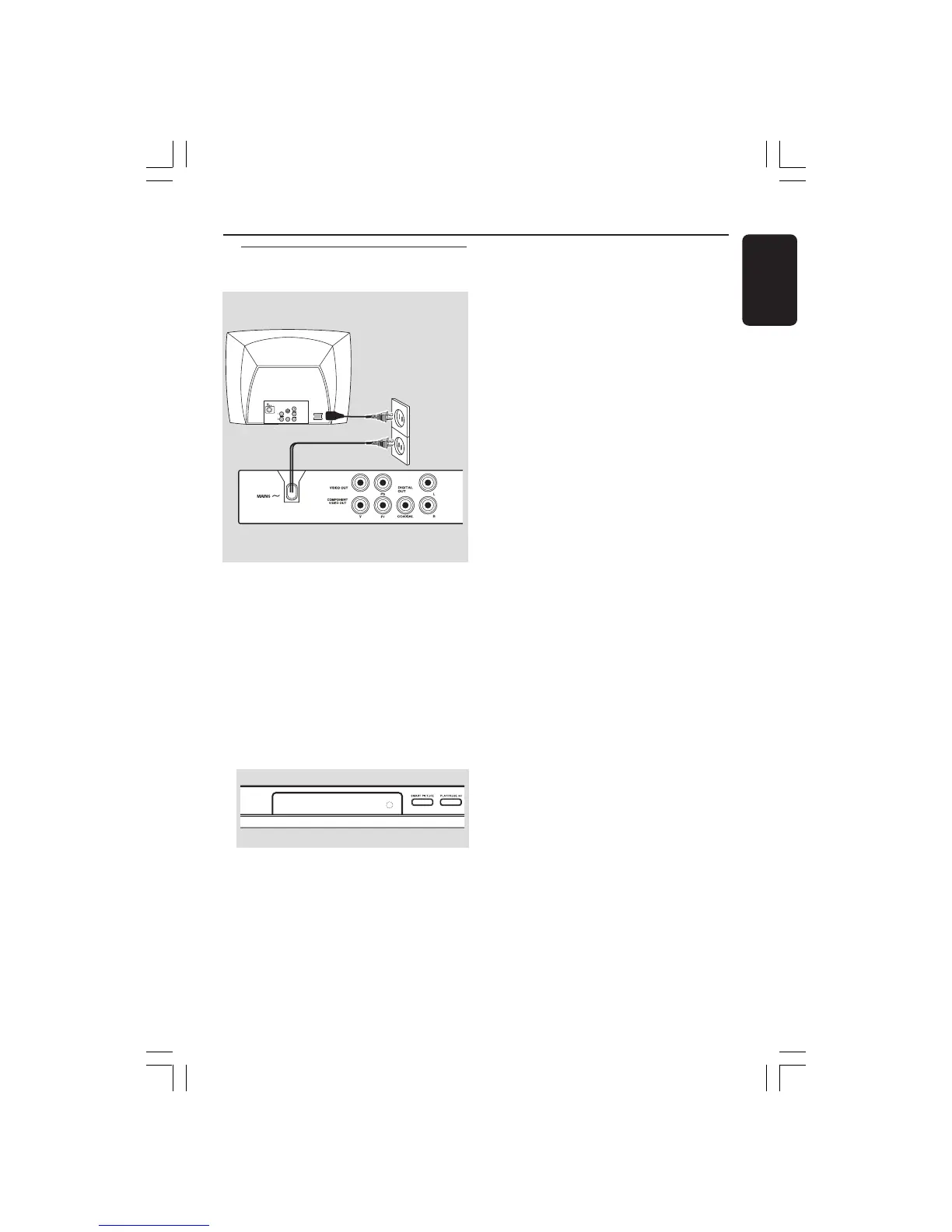
After everything is connected
properly, plug in the AC power cord
to the power outlet.
Never make or change any connections
with the power switched on.
When no disc is loaded, press
STANDBY ON on the DVD Player
front panel,
“NO DISC” may appear on the
display panel.
Connecting the power cord
NO DISC
001-47 DVP5140_Eng_37_RC2 11/07/06, 2:02 PM13



 To Next Page