02(A)_8239 210 98882
English
26
System Menu Options
Equalizer
The options included in Equalizer is: ‘Sound
Mode’.
1 Press the 34 keys to highlight an option.
2 Enter its submenu by pressing 2.
3 Move the cursor by pressing the 34 keys
to highlight the selected item.
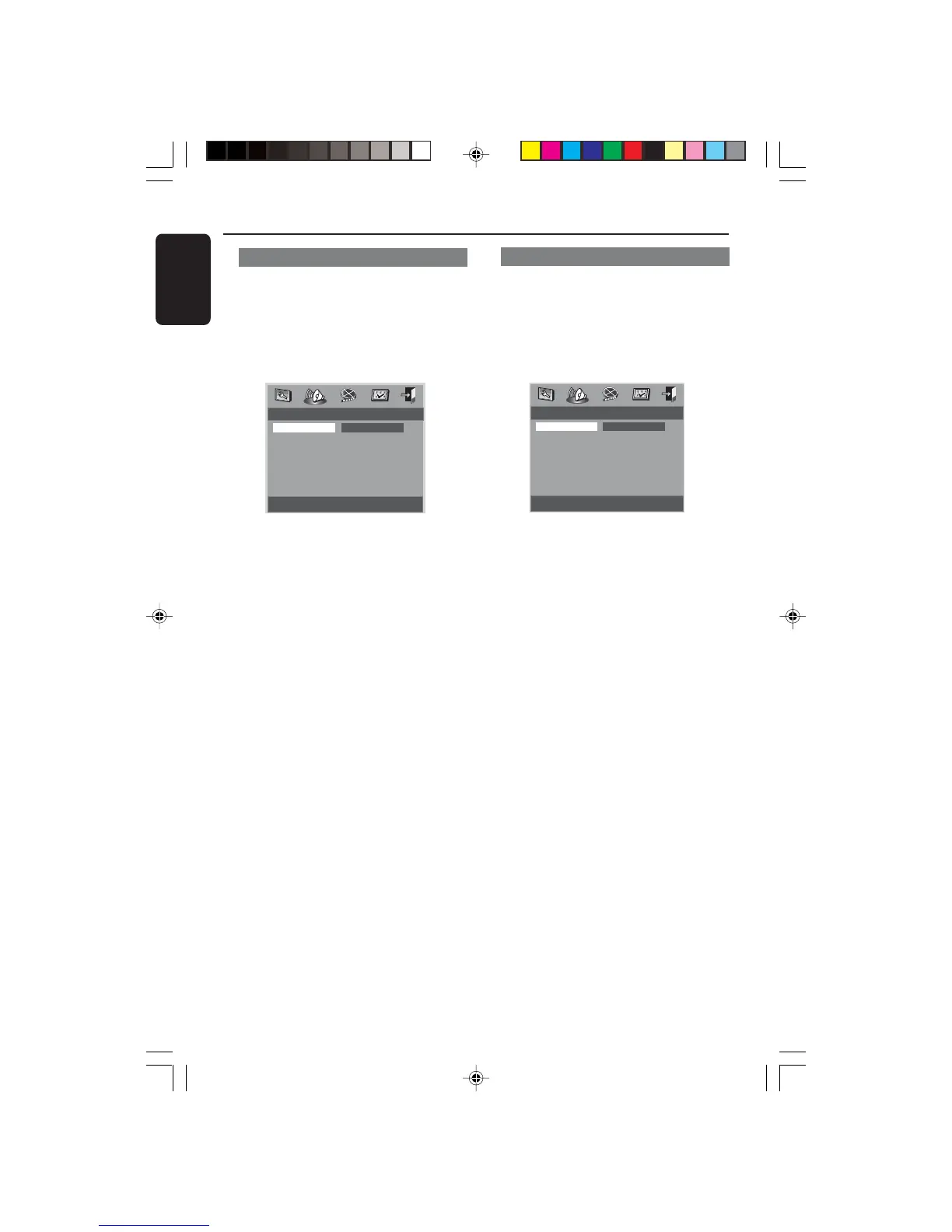
- - Equalizer Page - -
None
Sound Mode None
Rock
Pop
Live
Dance
Techno
Classic
Soft
Sound Mode
Select a Sound Mode that matches the
type of music you are playing. These
preset Sound Modes adjust the frequency
bands of the audio to enhance your
favourite music.
➜ None, Rock, Pop, Live, Dance,
Techno, Classic and Soft
3D Processing
The option included in 3D Processing is:
‘Reverb Mode’.
1 Press the 34 keys to highlight an option.
2 Enter its submenu by pressing 2.
3 Move the cursor by pressing the 34 keys
to highlight the selected item.
- - 3D Processing Page - -
Reverb Mode
Reverb Mode Off
Concert
Living Room
Hall
Bathroom
Cave
Arena
Church
Reverb Mode
Reverb mode provides a virtual surround
sound experience using just two speakers.
➜ Off, Concert, Living Room, Hall,
Bathroom, Cave, Arena and Church
Helpful Hint:
–Reverb mode will be activated when
‘Downmix’ is set to off.
01-34 DVP520_02a1 18/03/2004, 6:31 PM26


 To Next Page