4-4
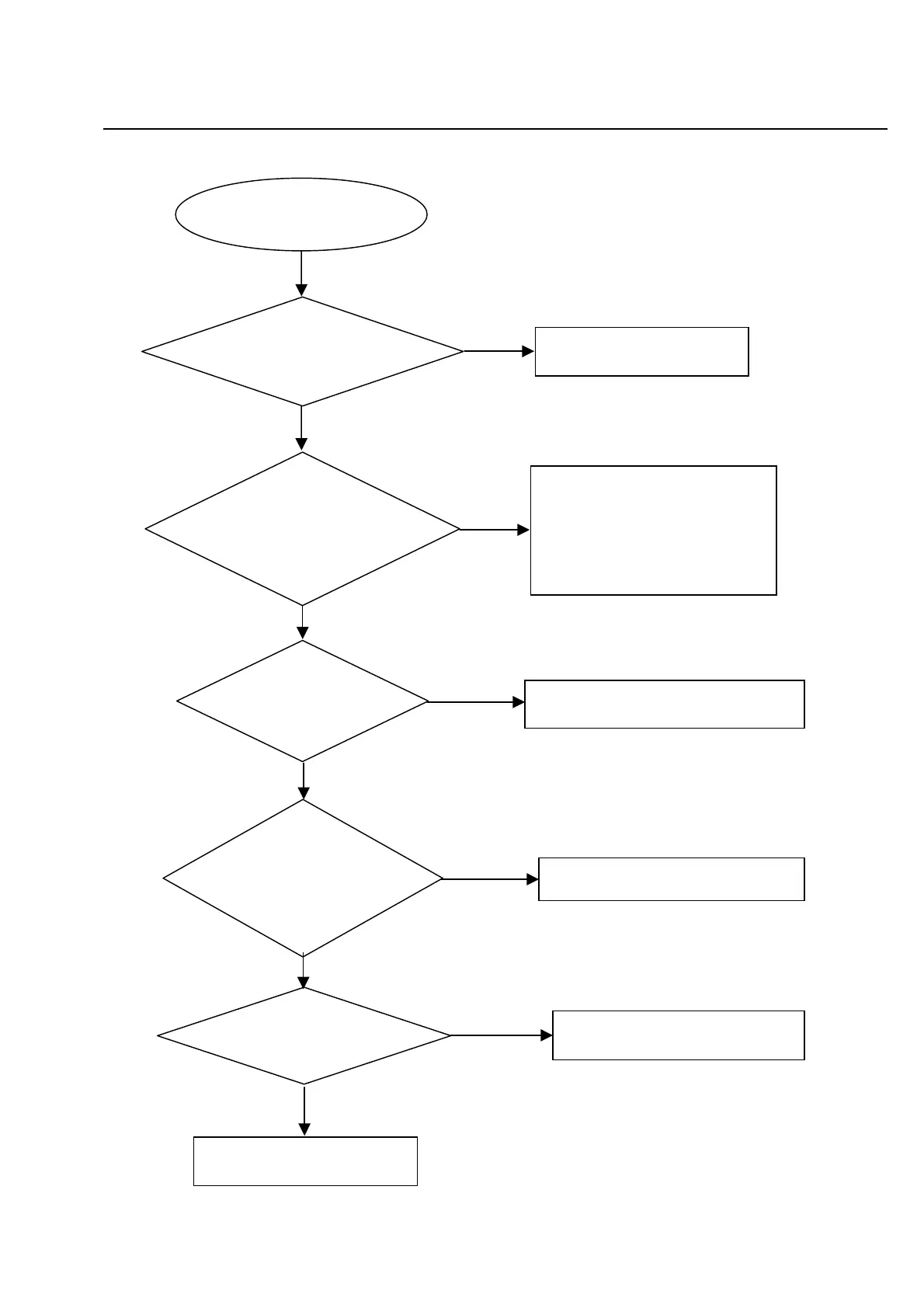
Disc cannot be read
.
No
Yes
No
Yes
No
Yes
Yes
No
No
Yes
Disc cannot be read.
Check the loaded circuit
1.Check voltage on pin 52 of U1 varies
between 0 and 3.3V:
Æ
3.3V for VCD
Æ
0V for DVD
2.Check whether peripheral components
are eroded or defect
Check the FFC connection
between 24P and the loader.
Check U1 and peripheral components
Re-solder or replace the defective parts
Check the connection
between U4 and U1
Fix connection
Replace U1 or loader.
Yes
Check whether there is lase
voltage (2V for VCD and 2.2V fo
DVD) on Collector of Q5 &Q6
Check whether there is RFO signal
on pin17 of CN2. (The normal RFO
signal is a clear reticulated wave)
Trouble shooting chart
Check whether U1, U2, U4
and peripheral components
are eroded or badly soldered.



 To Next Page