22
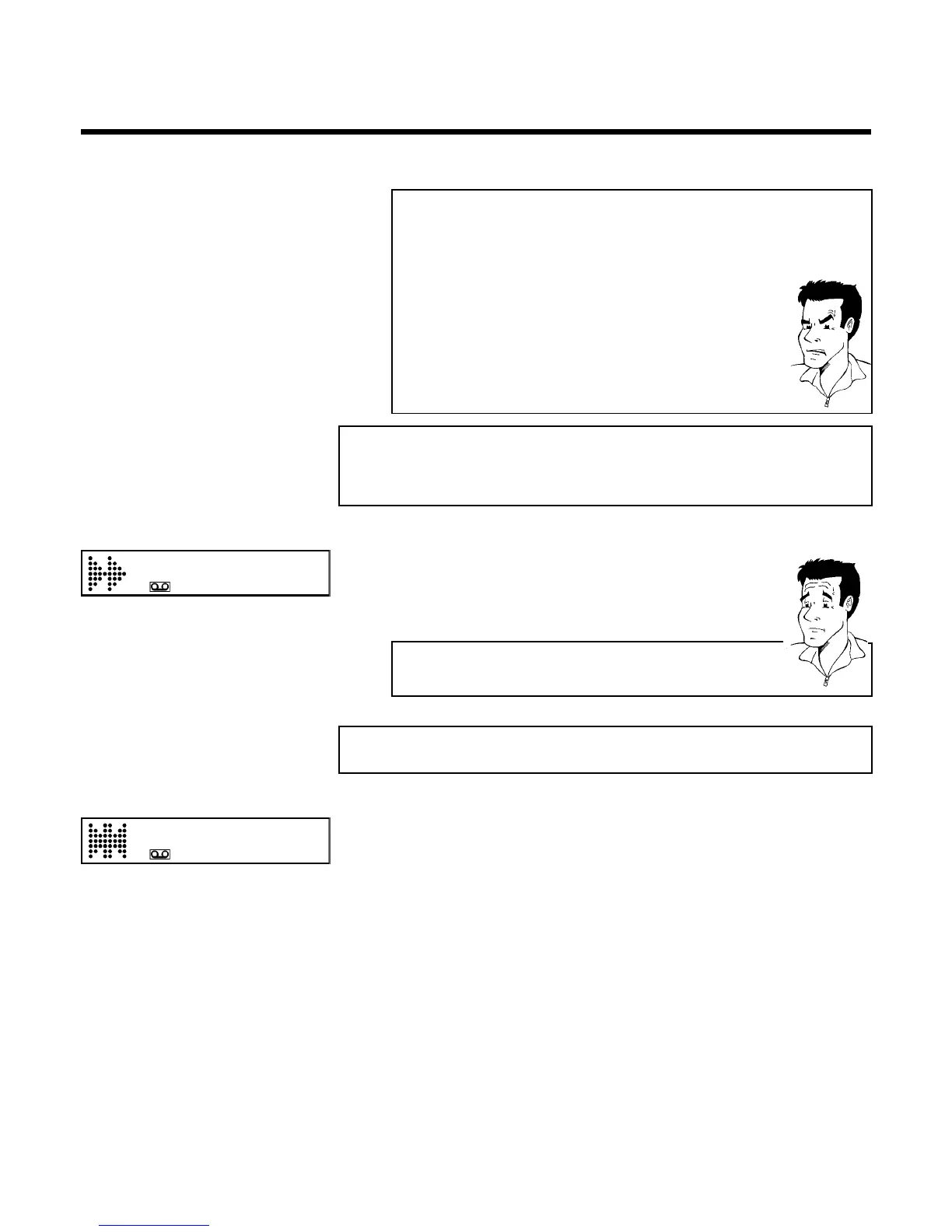
a The counter does not move
b This occurs when there are no recordings on a portion of a tape.
Therefore, the video recorder cannot receive any information from the
tape. This is not a fault in your machine.
a The display/the screen shows '-0:01:20'
b If you rewind a cassette from the tape position '0:00:00', the counter will
show for instance, '-0:01:20' (the cassette will be rewound to 1 minute
and 20 seconds before '0:00:00').
a ':' is displayed in the 'REMAIN' counter
b This counter will automatically recognise the length of the tape. In addition,
when you put in a cassette the video recorder must first calculate the time
played. Therefore, '-:--' appears first and only after the tape has been
running for a few seconds will the correct playing time be shown.
Searching for a tape position with picture
(scanning)
0:30:21
1 While a cassette is playing, press H (reverse) or I (forward) one
or more times. This will, for example, appear in the display:
2 To stop at a certain place on the tape, press PLAY G .
Decreased picture quality
Scanning interferes with the picture quality. The sound is switched off. This is
not a fault in your machine.
Still picture / slow motion
0:00:02
1 During playback, press STILL R to stop the tape and display a still
picture. This will, for example, appear in the display:
2 Each time you press STILL R , the picture will advance one frame.
3 When you hold down the STILL R button, the tape will be played
in slow motion.
4 When you press I several times, you have a choice of several
playback speeds for slow motion.
5 To continue playback, press PLAY G .
Playback



 To Next Page