23
Searching for tape position without
picture (forward wind and rewind)
1 Stop the tape with STOP h .
0:30:21
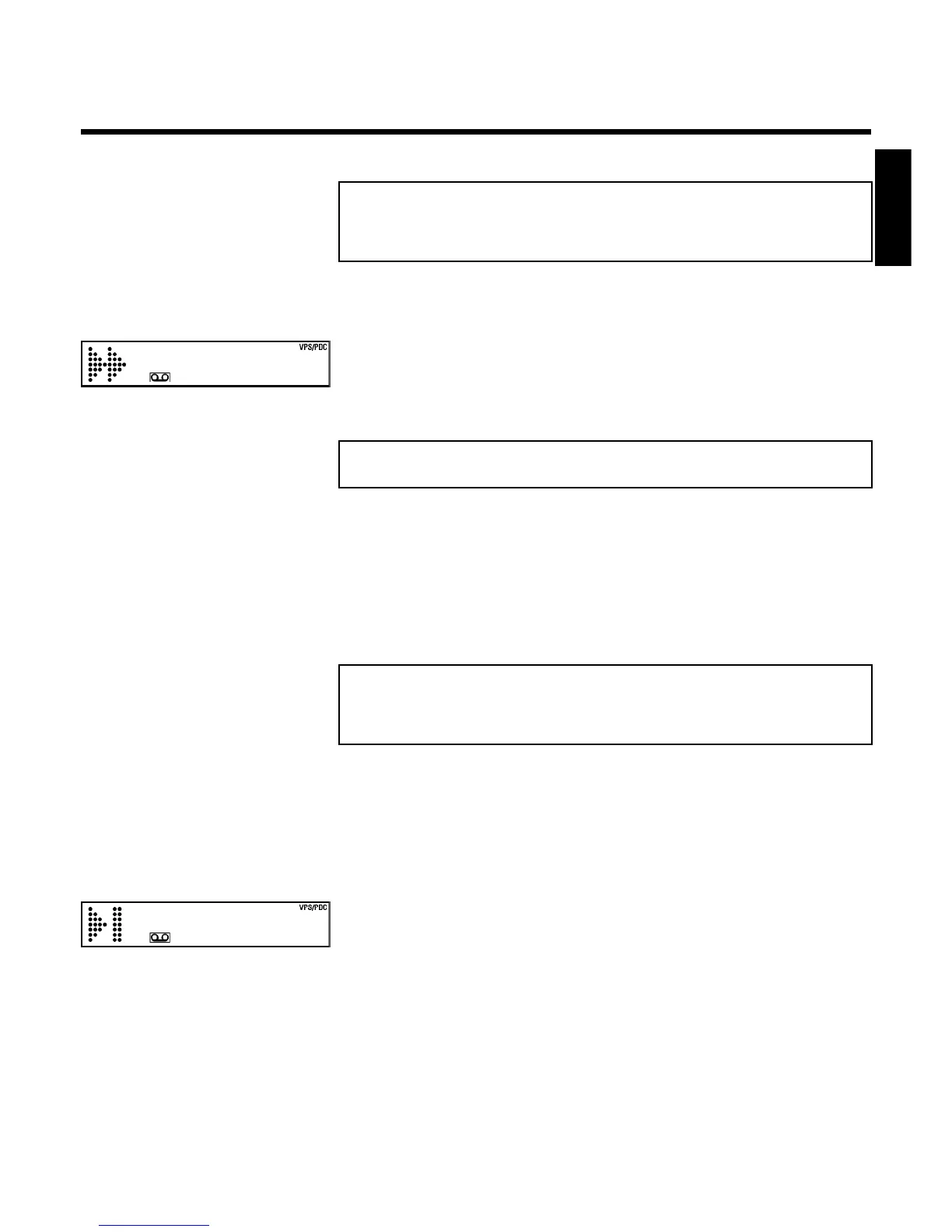
2 Press H (reverse) or I (forward). This will, for example, appear
in the display:
3 To stop at a certain place on the tape, press STOP h .
Instant View
With this function you can switch to picture search during wind and rewind.
1 If you hold H (rewind) or I (wind) during wind or rewind, you
will switch to picture search.
2 As soon as you release the button, the video recorder will
automatically switch back to rewind or wind.
Automatic search for a tape position
(index search)
Every time a tape is recorded an index marking is written on the tape. This marking can be
compared with a bookmark. These marked positions can be found again quickly and easily later
by pressing a button.
1 To search for the previous marking, press INDEX E and then H .
0:30:02
2 For the next marking, press INDEX E and then I . This will, for
example, appear in the display for the next marking.
3 As soon as the video recorder finds this marking, it automatically
switches to playback.
ENGLISH
Playback



 To Next Page