24
Automatic search for a blank space on the
tape
You can search for space on the tape (at least 1 minute of blank tape) for a new recording, for
example, after an existing recording on the tape.
0:00:00
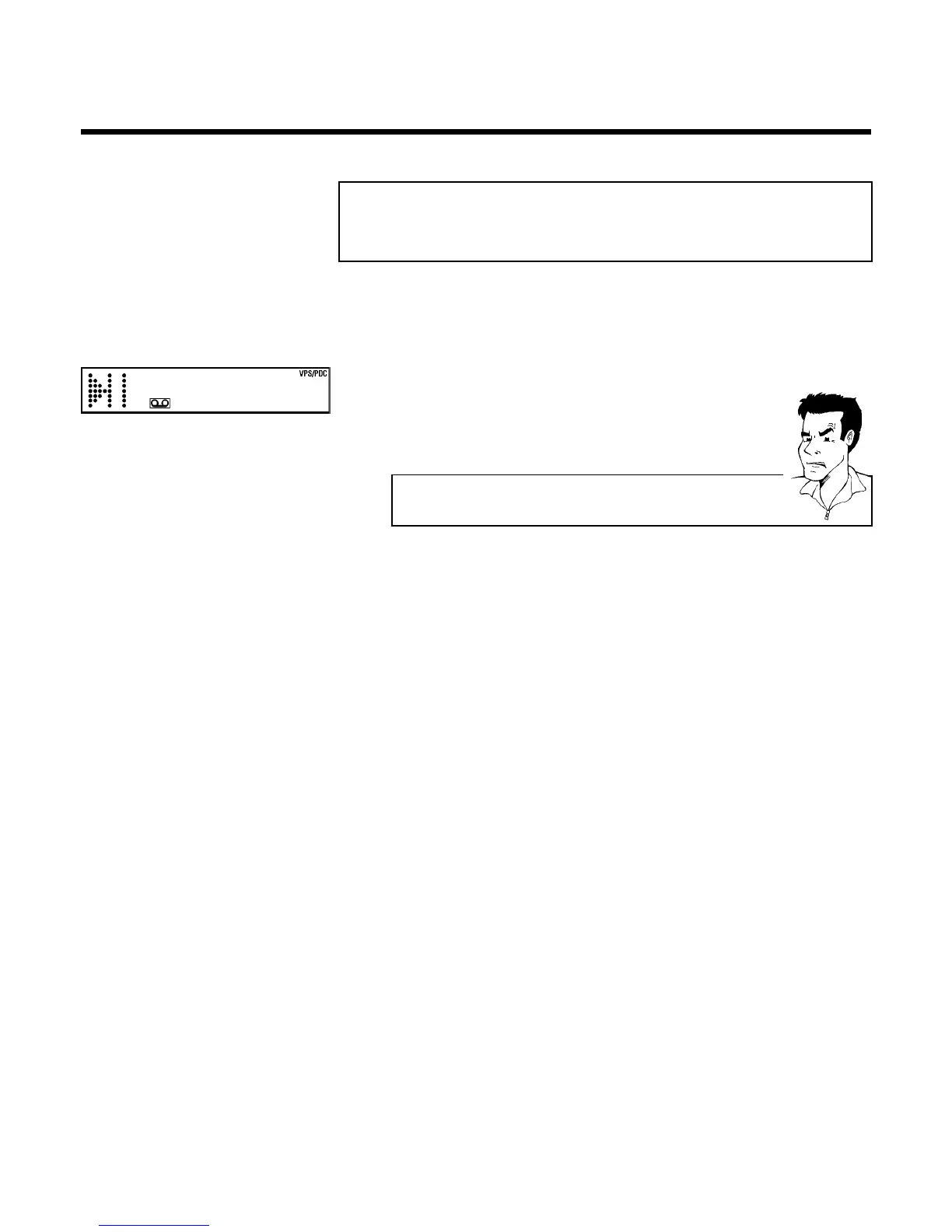
1 Press INDEX E . Then press STOP h . This will, for example,
appear in the display:
2 As soon as the video recorder finds the corresponding tape position,
it automatically switches to pause.
a The cassette is ejected
b The video recorder was unable to find any blank space on the tape
inserted.
Playback



 To Next Page