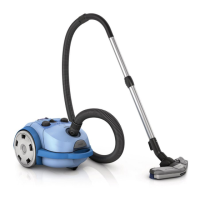
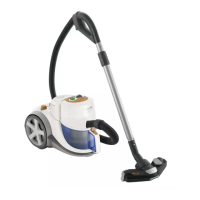
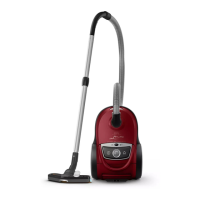
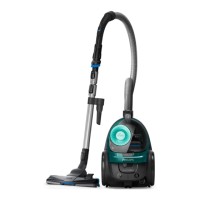
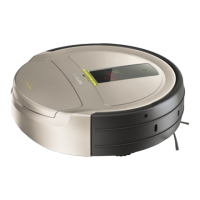
FC9728/01 /61 /71
12-19
• Remove the Bucket assy and Accessory cover assy (17)
including the accessories.
• To remove buttons (20, 21) the Front housing (22) has
to removed first !
• Unscrew the 4 screws (C) in Front housing (22).
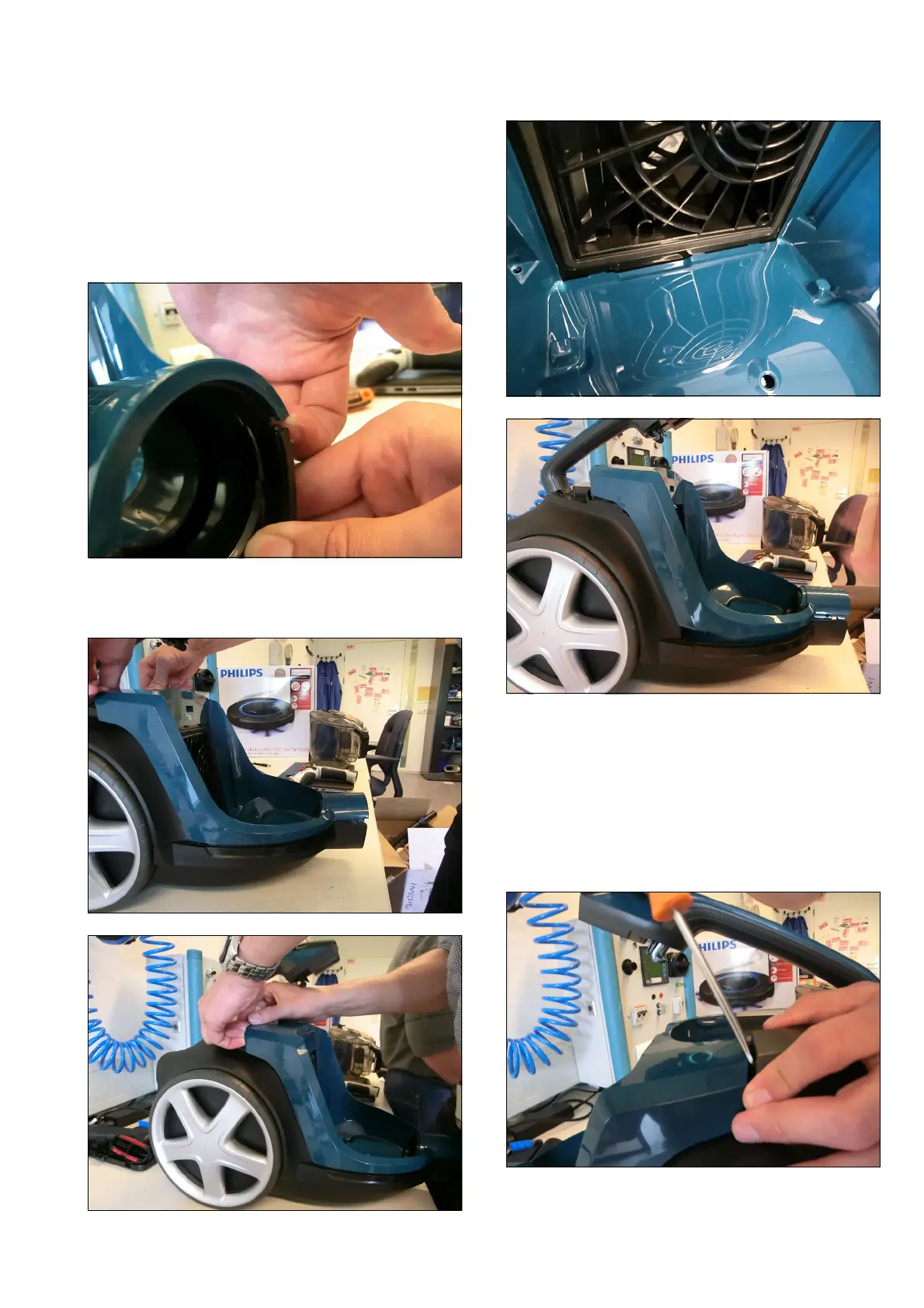
• To remove the Front housing start on side of the Hose
inlet to unlock the clicknocks, with your hands or a
screwdriver.
• Then the clicknocks on the sides and at the Motor
housing, after the clicknocks have come loose pull the
Front housing upwards.
• Turn the appliance.
• Remove Exhaust grill assy (19) and Exhaust filter (18)
(on the bottom).
• Turn the appliance back again.
To remove the Buttons
• Use a screwdriver, start on the front side (Fronthousing-
side), lift up, then pull upwards and by pushing with your
thumb.
Disassembly- and Reassembly advice



 To Next Page