FC9910/01/B
Step Display Test item Displays after execution Action Possible deviation
Possible cause of
deviation
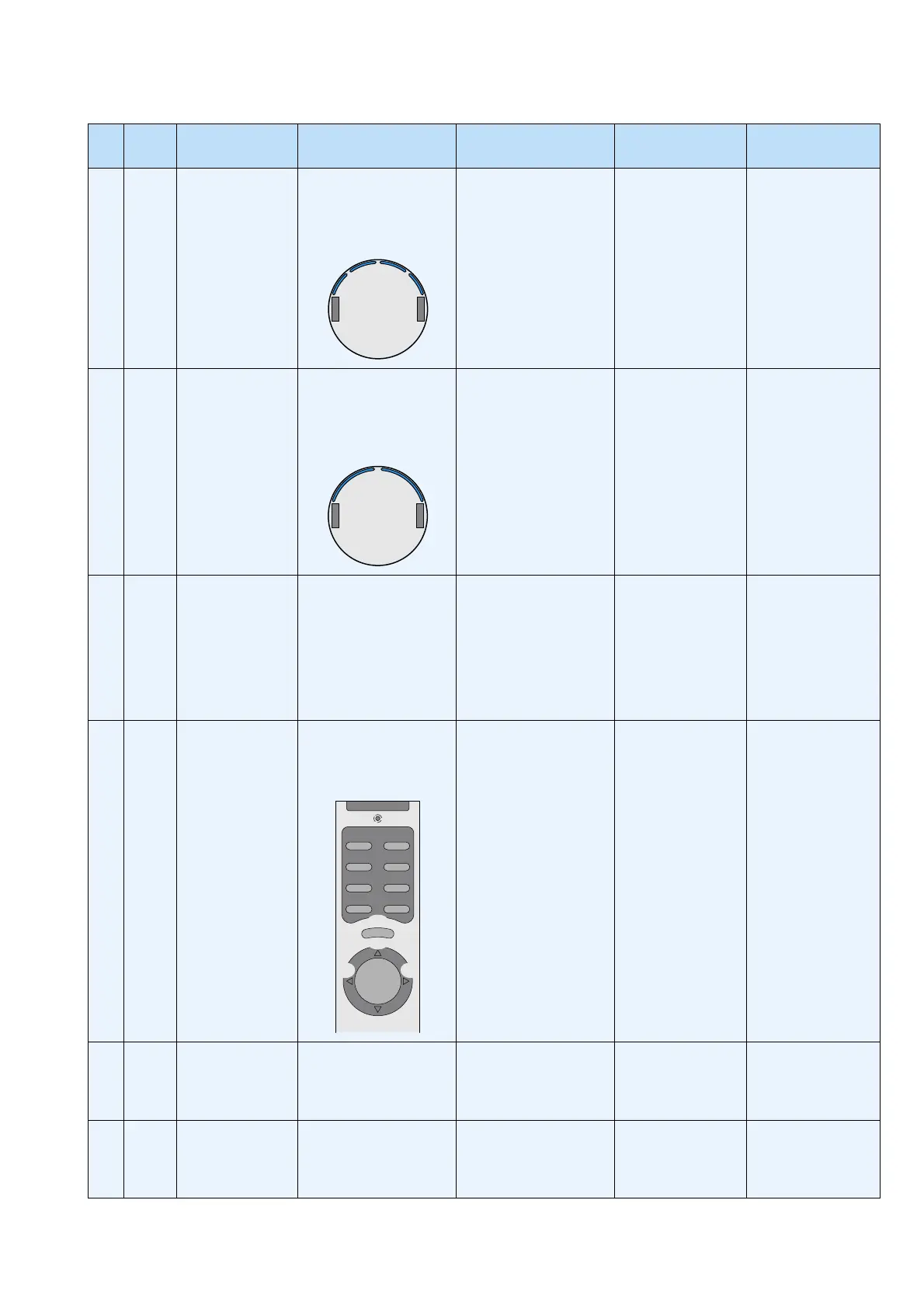
13 bU Front bumper
sensors
Push the 4 bumper areas
as indicated below, this
should result in a change
of the display.
03
12
Check each of the 4
seperate front bumper
sensors by pushing them
by hand.
No reaction to one
sensor/no reaction
at all
Defect bumper
sensor/defect main
board
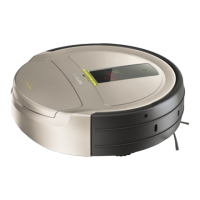
14 tbU Upper bumper
sensors
Push the 2 bumper areas
at the top of the appliance
as indicated below, this
should result in a change
of the display.
12
Check each of the 2
seperate top bumper
sensors by pushing them
by hand.
No reaction to one
sensor/no reaction
at all
Defect bumper
sensor/defect main
board
15 doIr Docking IR sensor Left two digits refl ect the
reception of the IR signal
from the docking station
for the two IR sensors at
the left and right side.
Right two digits defl ect the
receiption of the middle
sensor.
Turn the appliance in front
of the docking station
and rotate it to check
receiption of the two
sensors.
No reaction to one
sensor/no reaction at
all/no reading at all
IR sensor defect/
docking station
transmittor defect
16 rE Remote control IR
sensor
Each button of the
remote control refl ects a
Hexadecimal code on the
display.
0407
0105
0302
0E0D
06
08
0A
09
0A0B
Push each button of the
remote control and check
the display for the correct
code.
No reaction to one
button/no reaction
at all
Remote control
defect/battery of the
remote empty/remote
receiver defect
17 dUSt Dustbin detection
sensor
When detecting the
dustbin "1" is displayed.
If dustbin is not present
"0" is displayed.
Remove and place the
dustbin.
No reaction Dustbin detector
defect/dustbin
somehow does not
actuate the detector
18 tACt Wheel lift sensors Last two digits refl ect the
condition of the two wheel
lift sensors: Wheel lifted
will result in "1"
Lift the robot at both sides
seperately to check the
sensors.
No reaction to lifting
one of the wheels/
both of the wheels
Wheel lift sensor
defect/Mechanical
defect
REPAIR INSTRUCTION
7-17



 To Next Page