3 Basic Operation
49
Switching On: FM40/FM50
1 Connect the monitor to AC mains.
– The green LED lights up.
2 Press the On/Standby switch.
– The monitor performs a self-test as it starts up.
Selftest: OK, the serial number, and revisions
for the software and firmware are printed on the fetal trace paper (if recorder
Auto Start is
configured to
On).
– The monitor display comes on.
– There is a start-up tone from the loudspeaker.
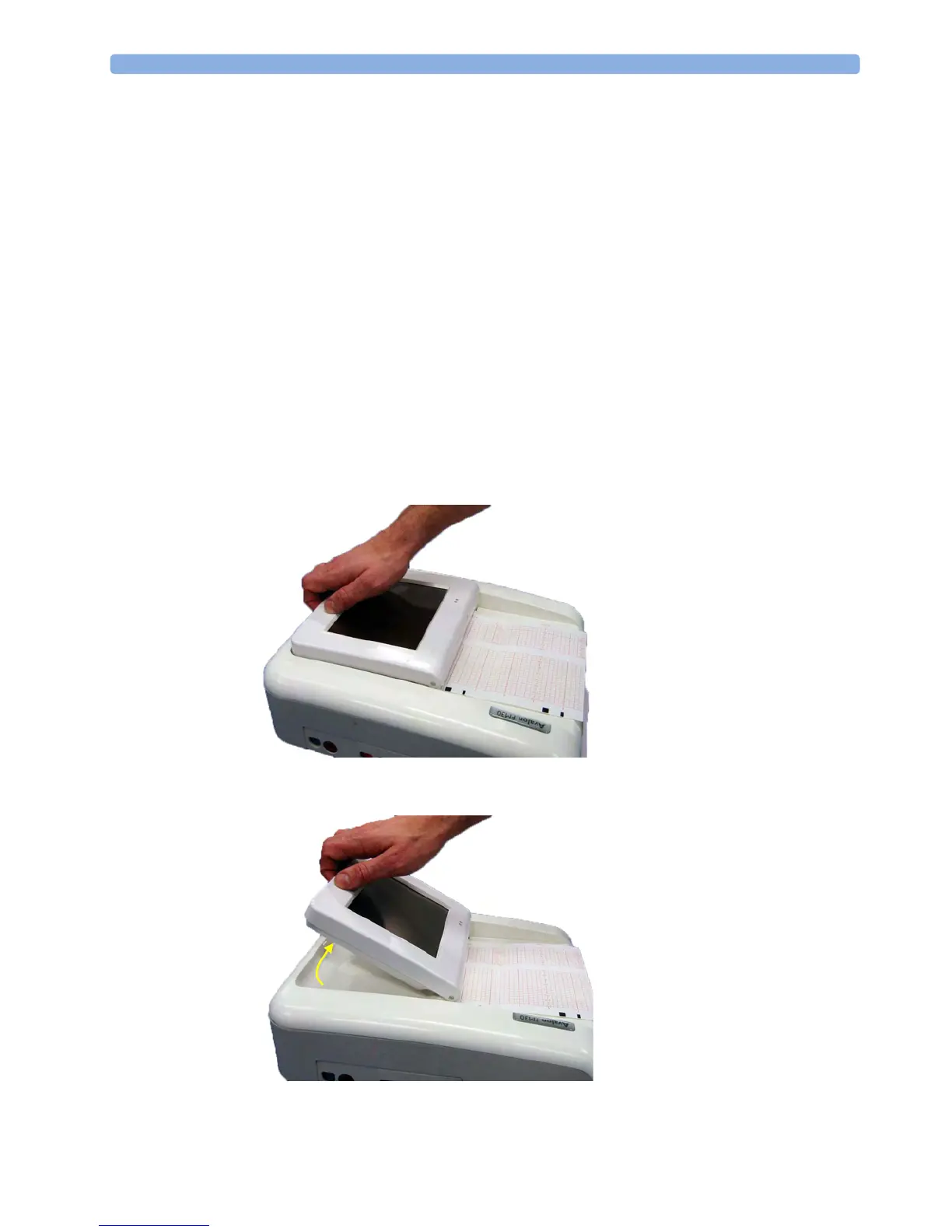
Adjusting the Display Angle (FM20/FM30)
You can tilt the display on the FM20 and FM30 to one of five different positions, or you can fold it
completely down. The tilt/fold mechanism works on a one-way ratchet system. You hear a click as
each of the five positions is reached. The screen can be folded back down only after tilting the display
forwards as far as it will go.
To tilt the display from the folded position:
1 Unlock the display by releasing the catch.
2 Lift the display forward. You will hear a click as the first position engages. If you want to tilt the
display further, lift the display further forward until you reach the desired angle.




 To Next Page