3 Basic Operation
55
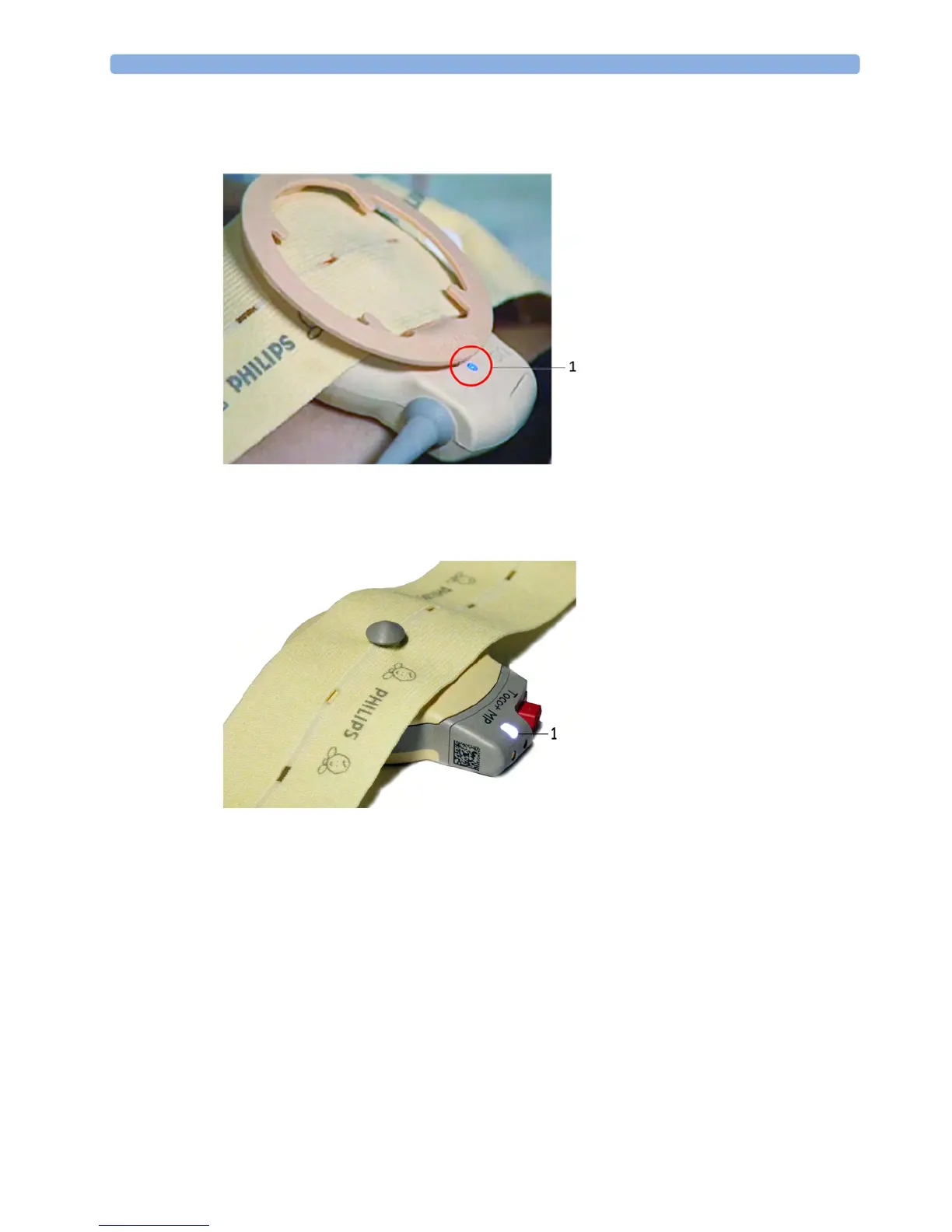
The blue finder LED on a wired fetal transducer lights up when you touch the measurement on the
screen, allowing you to identify the corresponding transducer.
The white finder LED on a cableless fetal transducer lights up when you touch the measurement on
the screen, allowing you to identify the corresponding transducer.
The recorder prints an annotation showing the date, time, recorder speed, and Monitoring Mode. It
repeats this every 10 minutes.
Start Recording
Checking/Setting Paper Scale
You can check the paper Scale Type (US for USA, or Internat'l for other geographies) in the Fetal
Recorder
menu. In Monitoring Mode, you can see these settings (grayed out), but you cannot change
them. They can be changed in Configuration Mode, see the Configuration Guide.
NOTE
Check if the scale type of the paper and the settings in the fetal monitor match.
1 finder LED
1 finder LED cableless transducer




 To Next Page