3 Basic Operation
58
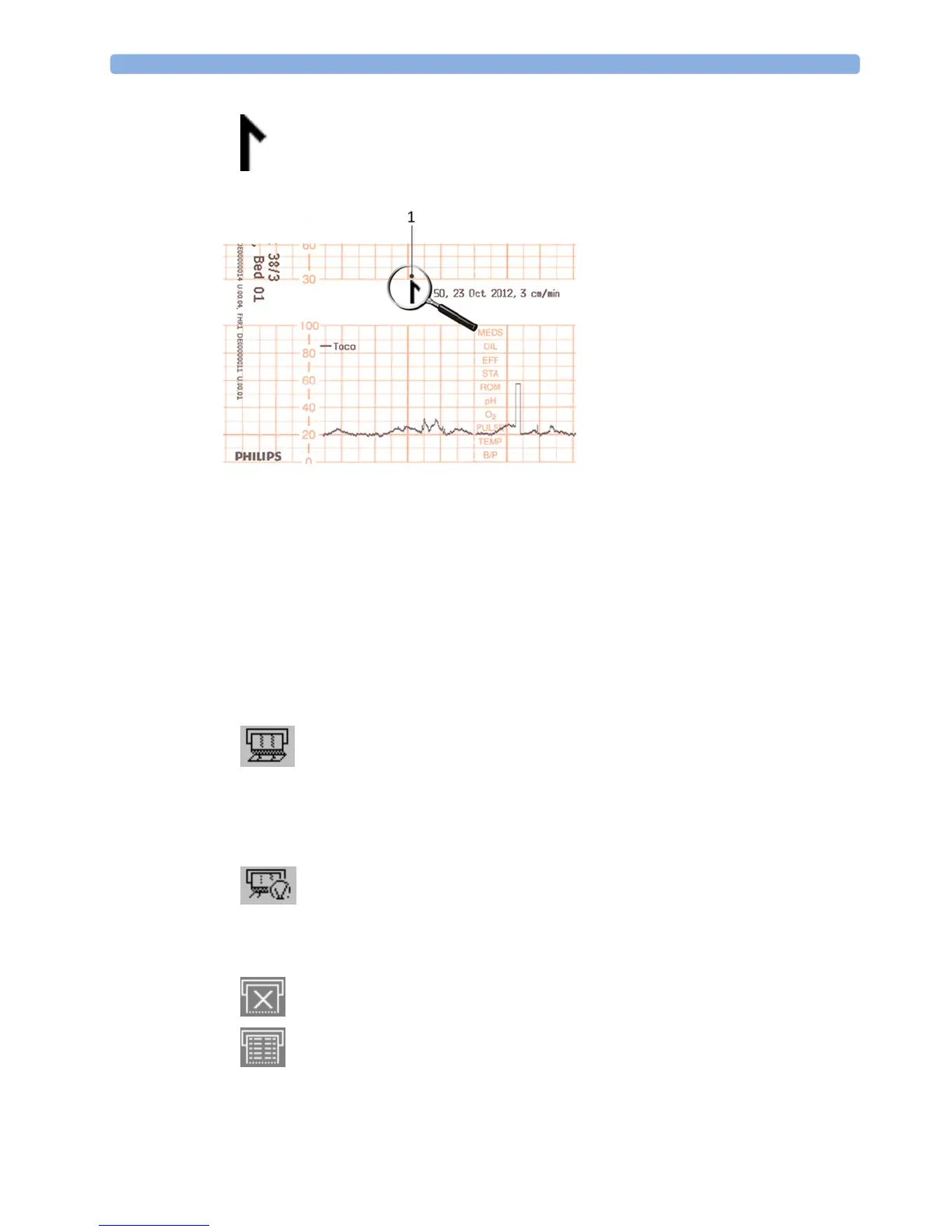
The trace records maternal parameters also. When measuring noninvasive blood pressure, the
annotation is made at the end of the measurement. If the noninvasive blood pressure measurement
repetition time is short, the noninvasive blood pressure numeric may not always be printed.
The recording of notes (see “Entering Notes” on page 69) or time/date information may be
interrupted by connecting, or unplugging a transducer, or by a change in measurement-related setting
(for example, artifact suppression, Toco sensitivity, or alarm settings).
A new patient admission or a change to the paper scale setting stops all annotations, and prompts a
new vertical trace header to be printed.
To switch off the recorder:
1 Either select Start/Stop from the Fetal Recorder menu.
2 Or press one of the SmartKeys (depending on configuration): fetal recorder Start/ Stop or Stop
Recordng
.
If your recorder is configured with
Confirmed Stop on (a Configuration Mode setting), you will
need to confirm that you want to stop the recorder, before it will stop.
When the recorder is off, the "recorder off" status indicator is displayed in the bottom right-hand
corner of the screen: When the
Paper Save Mode is set to Off the paper symbol shows an x mark,
and when
Paper Save Mode is On the icon shows a paper trace icon.
1 Time stamp printed every ten
minutes




 To Next Page