3 Basic Operation
60
Caution
The trace contains sensitive personal data. For information how to protect personal information, see
“Protecting Personal Information” on page 17.
Choosing Recorder Speed
You can choose a recorder speed of 1, 2, or 3 centimeters per minute (cm/min). The default setting is
3 cm/min.
The ACOG technical bulletin on FHR monitoring states that "accurate pattern recognition is difficult if not
impossible at 1 cm/min and that 1 cm/min is only recommended for more economic screening. When FHR
abnormalities arise, the faster recorder speeds will enhance FHR pattern recognition".
Additionally, because a change in recorder speed results in a change in the appearance of an FHR trace,
you are advised to ensure ALL monitors in your institution are set to the same speed.
To set the recorder speed (in Configuration Mode), see the Configuration Guide.
Advancing the Paper
You can advance the paper automatically to the next fold by pressing the Paper Advance SmartKey at
any time except during a stored data recording. This is also possible using the
Fetal Recorder menu.
Marking an Event
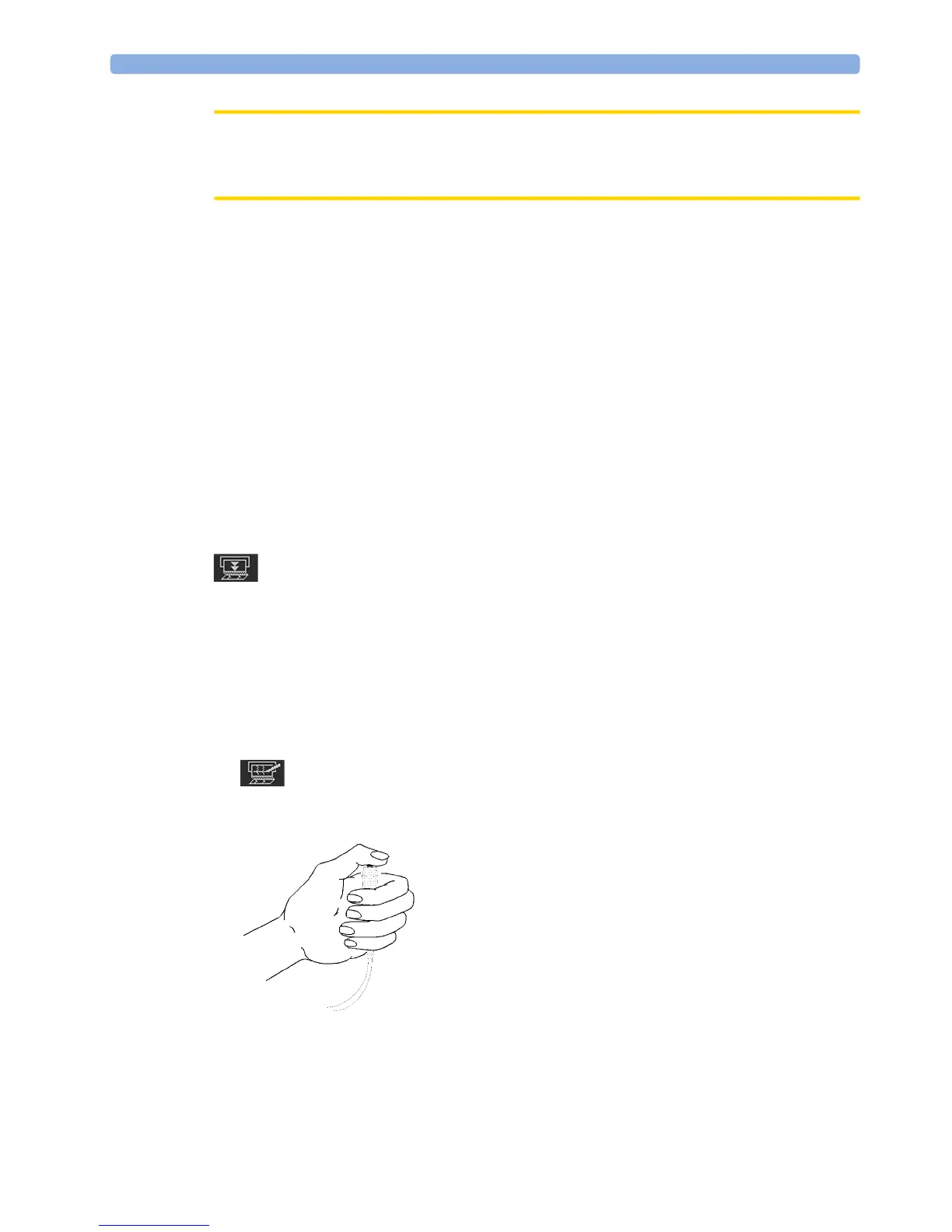
You can record significant events on the trace paper (for example, when pain medication is
administered or when the mother changes position). The mother can use the remote event marker to
mark events herself. You connect the remote event marker to any free fetal sensor socket.
To mark an event on the trace paper, you can:
1 Either select the Set Marker SmartKey.
2 Or press the button on the optional remote event marker (989803143411). The remote event
marker is connected to the monitor via any fetal transducer socket.




 To Next Page