3 Basic Operation
65
7
Push the paper drawer back until it "clicks" closed.
8 Press the recorder Start/ Stop SmartKey or the Start Recordng SmartKey to switch on the recorder.
Annotations of trace information are printed on the trace paper (see “Switching the Recorder On and
Off” on page 56 for details).
Loading Paper FM40/FM50
CAUTION
Using recorder paper that is not approved by Philips can result in accelerated paper fading and can
damage the thermal line printhead. This type of damage is not covered by warranty.
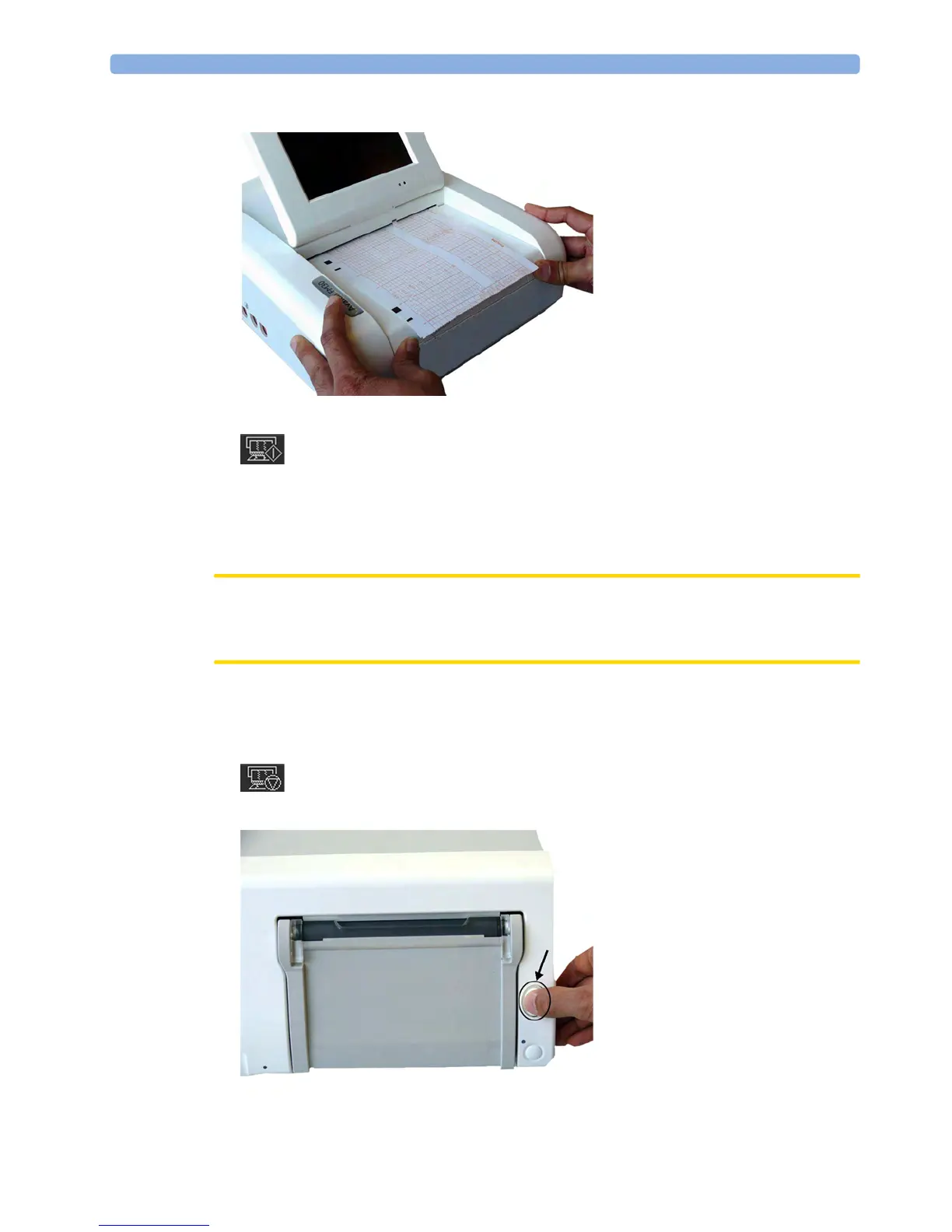
FM40/FM50 To load a pack of paper:
1 If the recorder is on, press the Start/ Stop Rec SmartKey or the Stop Recordng SmartKey to turn it
off before loading a new pack of paper.
2 Press the paper eject button to open the paper drawer.




 To Next Page