4 Cableless Monitoring
96
NOTE
A CL transducer is considered still active, even if it has an INOP condition (e.g. cl US Disconnect), until
it is either deactivated by docking it at the base station, or until it is manually removed from the
Tele
Info
window.
Pop-up Keys
Messages
The fetal monitor issues messages to certain user interactions. For example, if the CL SpO
2
Pod is
picked up from the base station to activate it, the monitor displays the message
cl SpO₂ Added and the
equipment label of the CL Pod.
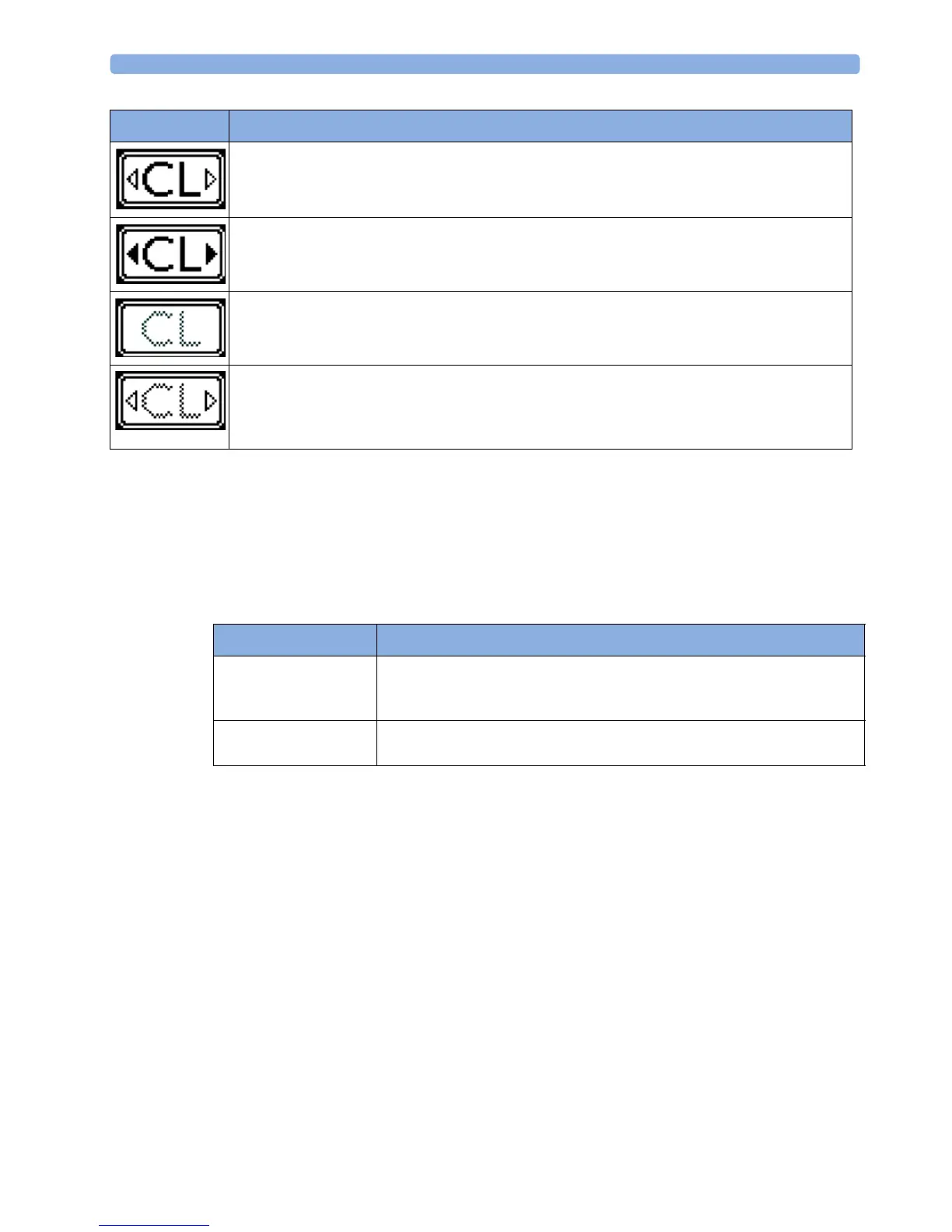
A base station is connected to the monitor, it is on, and minimum one assigned cableless
transducer or cableless Pod is active. The CL Wide Range Pod is activated and trying to connect
to the monitor.
A base station is connected to the monitor, it is on, and minimum one assigned cableless
transducer or cableless Pod is active. The CL Wide Range Pod is activated and connected to the
monitor.
A CL transducer has moved away from the base station and is approaching the limit of the area of
reach (min. 100 m/300 ft in line of sight). The US sound is replaced by an artificial QRS sound
(like DECG). The DECG and MECG waves are no longer displayed.
A CL transducer has moved away from the base station and is approaching the limit of the area of
reach (ca. min. 100 m/300 ft in line of sight). The US sound is replaced by an artificial QRS sound
(like DECG). The DECG and MECG waves are no longer displayed. The CL Wide Range Pod is
activated and trying to connect to the monitor.
Indicator Avalon CL
Pop-Up key Function
Remove Selecting the Remove key deactivates and unassigns the selected active
transducer or CL Pod and removes it from the list. This key is disabled if no
active device is selected.
Find Selecting the Find key pages the selected active CL transducer. This key is
disabled if no active device is selected.




 To Next Page