EasyManua.ls Logo

Philips FR 731 - Troubleshooting; Power and Sound Issues; Reception and Remote Control Problems; Noise and Interference Issues

Philips FR 731
17 pages
Print Icon
To Next Page IconTo Next Page
To Previous Page IconTo Previous Page
Loading...
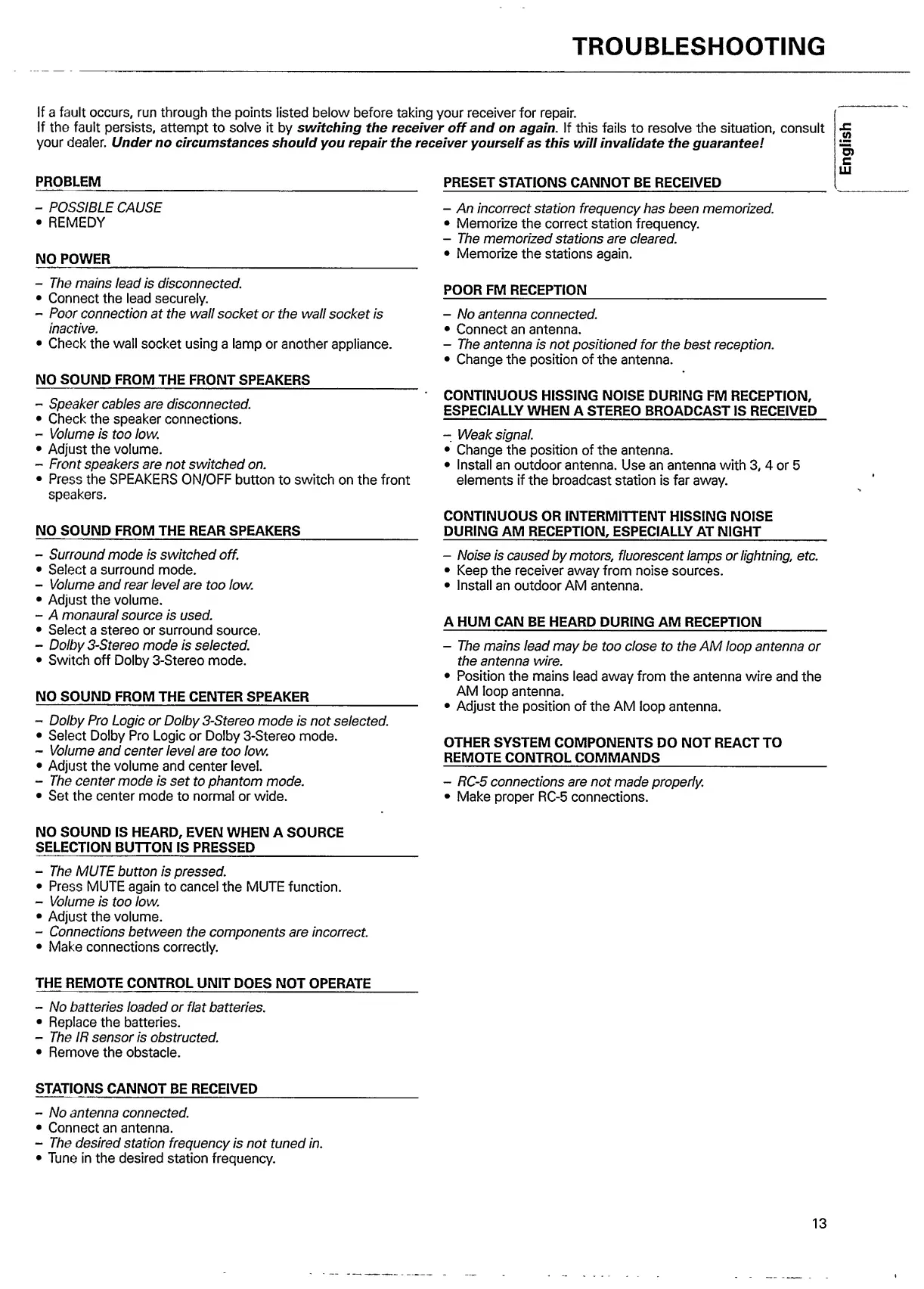
TROUBLESHOOTING
if
a
fault
occurs,
run
through
the
points
listed
below
before
taking
your
receiver
for
repair.
If
the
fault
persists,
attempt
to
solve
it
by
switching
the
receiver
off
and
on
again.
If
this
fails
to
resolve
the
situation,
consult
your
dealer.
Under
no
circumstances
should
you
repair
the
receiver
yourself
as
this
will
invalidate
the
guarantee!
PROBLEM
PRESET
STATIONS
CANNOT
BE
RECEIVED
-
POSSIBLE
CAUSE
REMEDY
NO
POWER
_
-
The
mains
lead
is
disconnected.
Connect
the
lead
securely.
-
Poor
connection
at
the
wall
socket
or
the
wall
socket
is
inactive.
Check
the
wall
socket
using
a
lamp
or
another
appliance.
NO
SOUND
FROM
THE
FRONT
SPEAKERS
_
-
Speaker
cables
are
disconnected.
Check
the
speaker
connections.
-
Volume
is
too
low.
Adjust
the
volume.
-
Front
speakers
are
not
switched
on.
Press
the
SPEAKERS
ON/OFF
button
to
switch
on
the
front
speakers.
NO
SOUND
FROM
THE
REAR
SPEAKERS
_
-
Surround
mode
is
switched
off.
Select
a
surround
mode.
-
Volume
and
rear
level
are
too
low.
Adjust
the
volume.
-
A
monaural
source
is
used.
Select
a
stereo
or
surround
source.
-
Dolby
3-Stereo
mode
is
selected.
Switch
off
Dolby
3-Stereo
mode.
NO
SOUND
FROM
THE
CENTER
SPEAKER
_
-
Dolby
Pro
Logic
or
Dolby
3-Stereo
mode
is
not
selected.
Select
Dolby
Pro
Logic
or
Dolby
3-Stereo
mode.
-
Volume
and
center
level
are
too
low.
Adjust
the
volume
and
center
level.
-
The
center
mode
is
set
to
phantom
mode.
Set
the
center
mode
to
normal
or
wide.
-
An
incorrect
station
frequency
has
been
memorized.
Memorize
the
correct
station
frequency.
-
The
memorized
stations
are
cleared.
Memorize
the
stations
again.
POOR
FM
RECEPTION
_
-
No
antenna
connected.
Connect
an
antenna.
-
The
antenna
is
not
positioned
for
the
best
reception.
Change
the
position
of
the
antenna.
CONTINUOUS
HISSING
NOISE
DURING
FM
RECEPTION,
ESPECIALLY
WHEN
A
STEREO
BROADCAST
IS
RECEIVED
-
Weak
signal.
Change
the
position
of
the
antenna.
Install
an
outdoor
antenna.
Use
an
antenna
with
3,
4
or
5
elements
if
the
broadcast
station
is
far
away.
CONTINUOUS
OR
INTERMITTENT
HISSING
NOISE
DURING
AM
RECEPTION,
ESPECIALLY
AT
NIGHT
_
-
Noise
is
caused
by
motors,
fluorescent
lamps
or
lightning,
etc.
Keep
the
receiver
away
from
noise
sources.
Install
an
outdoor
AM
antenna.
A
HUM
CAN
BE
HEARD
DURING
AM
RECEPTION
_
-
The
mains
lead
may
be
too
close
to
the
AM
loop
antenna
or
the
antenna
wire.
Position
the
mains
lead
away
from
the
antenna
wire
and
the
AM
loop
antenna.
Adjust
the
position
of
the
AM
loop
antenna.
OTHER
SYSTEM
COMPONENTS
DO
NOT
REACT
TO
REMOTE
CONTROL
COMMANDS
_
-
RC-5
connections
are
not
made
properly.
Make
proper
RC-5
connections.
NO
SOUND
IS
HEARD,
EVEN
WHEN
A
SOURCE
SELECTION
BUTTON
IS
PRESSED
_
-
The
MUTE
button
is
pressed.
Press
MUTE
again
to
cancel
the
MUTE
function.
-
Volume
is
too
low.
Adjust
the
volume.
-
Connections
between
the
components
are
incorrect.
Make
connections
correctly.
THE
REMOTE
CONTROL
UNIT
DOES
NOT
OPERATE
-
No
batteries
loaded
or
flat
batteries.
Replace
the
batteries.
-
The
IR
sensor
is
obstructed.
Remove
the
obstacle.
STATIONS
CANNOT
BE
RECEIVED
_
-
No
antenna
connected.
Connect
an
antenna.
-
The
desired
station
frequency
is
not
tuned
in.
Tune
in
the
desired
station
frequency.
13
English

Other manuals for Philips FR 731

Related product manuals