EasyManua.ls Logo

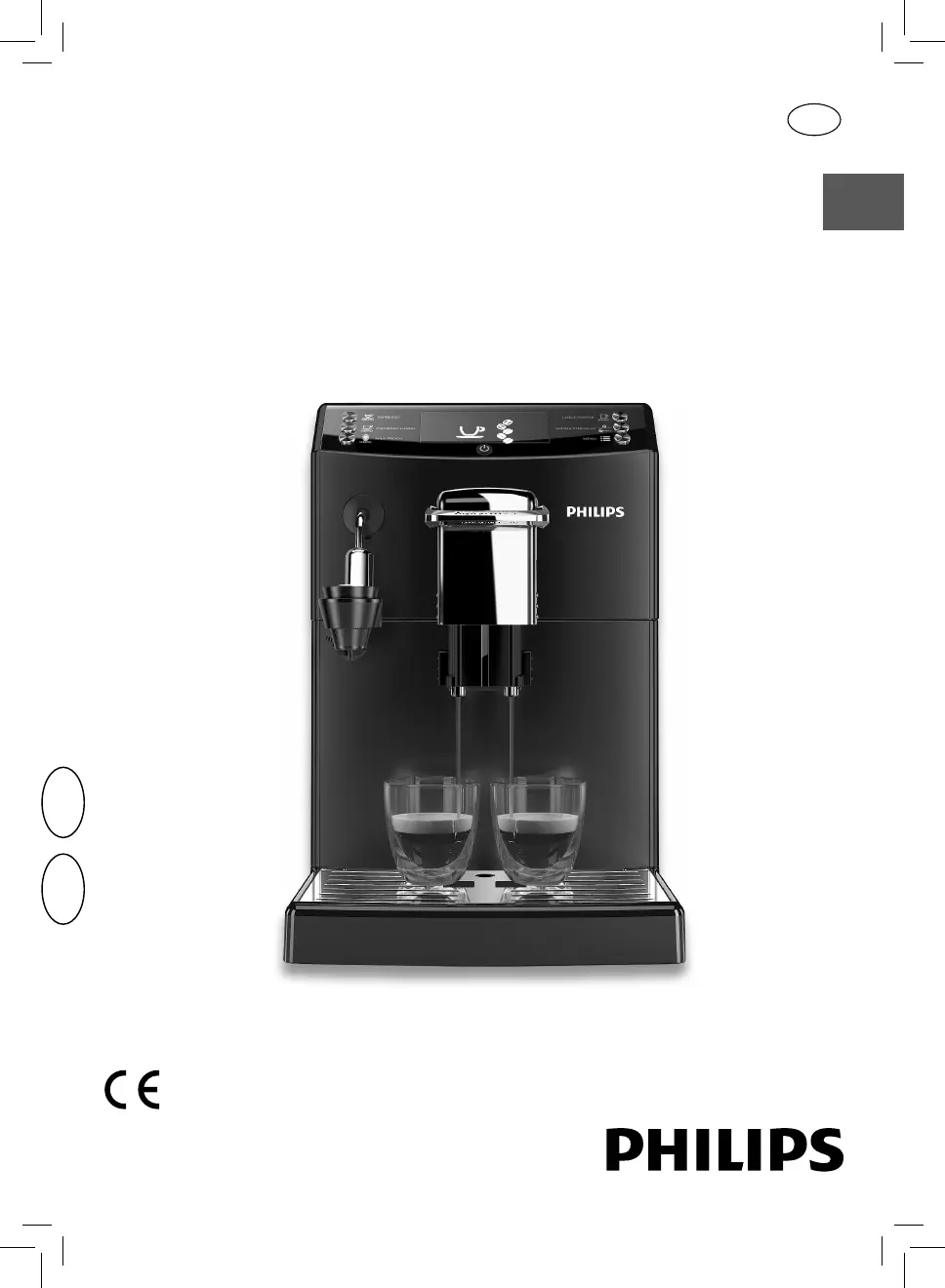
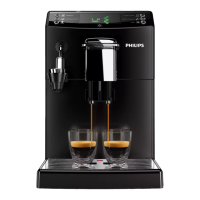
Philips HD8844/09 - User Manual

Philips HD8844/09
84 pages
Print Icon
To Next Page IconTo Next Page
Loading...
English
Read carefully before using the machine.
Register your product and get support at
www.philips.com/welcome
Super automatic espresso co ee machine
4000 series
USER MANUAL
HD8844
02
EN
02

Table of Contents

Other manuals for Philips HD8844/09

Questions and Answers

  • L
    Laura CooperAug 30, 2025
    What to do if my Philips Coffee Maker dispenses no hot water or steam?
    • B
      Benjamin DuncanAug 30, 2025
      If no hot water or steam is dispensed from your Philips Coffee Maker, the hole of the steam/hot water wand may be clogged. Clean the hole of the steam wand using a pin. Descale the machine.
  • R
    Rebecca GoldenSep 8, 2025
    What to do if I cannot pull out the key from Philips Door locks?
    • C
      Crystal BrownSep 8, 2025
      If you cannot pull the key out from the Keyhole of your Philips Door locks, disassemble the lock, then rotate to pull out the key and re-install the lock. Do not insert the key when you are installing.
  • J
    John BushAug 29, 2025
    Why is there no picture on my Philips Monitor?
    • J
      jacobhernandezAug 29, 2025
      There are several reasons why your Philips Monitor might not be displaying a picture: 1. The power cord might be disconnected; plug it in. 2. The main power switch on the back of the display might not be switched on; ensure it is on. 3. The selected input might have no connection; connect a signal to the display. 4. The display might be in standby mode.
  • C
    Cheryl CrosbySep 18, 2025
    Why does my Philips soundbar keep turning off?
    • J
      James BrownSep 18, 2025
      If your Philips soundbar turns off unexpectedly, and the unit’s external input signal level is too low, the unit will turn off automatically after 15 minutes. Increase the volume level of your external device.
  • C
    Cindy LeeSep 9, 2025
    Why Philips Door locks does not smoothly lock or unlock while using the Thumb Turn?
    • S
      scottchapmanSep 9, 2025
      If the Philips Door locks does not smoothly lock or unlock while using the Thumb Turn, conžrm the Mounting Screws are properly installed.
  • L
    Laura CollierSep 12, 2025
    Why some picture elements do not light up on Philips Monitor?
    • L
      Lisa JonesSep 12, 2025
      This display is manufactured using an extremely high level of precision technology: however, sometimes some pixels of the display may not display. This is not a malfunction.
  • W
    william32Sep 18, 2025
    Why is the Bluetooth audio quality poor on my Philips Speaker System?
    • S
      sean37Sep 18, 2025
      If the audio quality from a connected Bluetooth device to your Philips Speaker System is poor, it could be due to poor Bluetooth reception. Try moving the device closer to the soundbar or removing any obstacles between the device and the soundbar.
  • A
    Amy BrownAug 27, 2025
    How to reset Master PIN Code on Philips Door locks?
    • D
      Daniel GarciaAug 27, 2025
      If you forgot your Master PIN Code for your Philips Door locks, perform a factory reset. This will clear all PIN codes, and the Master PIN Code will revert to the default: 12345678.
  • J
    Joseph WarnerAug 26, 2025
    Why can't my device connect to my Philips Speaker System soundbar?
    • J
      Jamie WoodsAug 26, 2025
      If a device cannot connect with your Philips soundbar, it might be due to several reasons. The device may not support the compatible profiles required for the soundbar. Ensure you have enabled the Bluetooth function of the device (refer to the device's user manual). Also, check if the device is correctly connected. If the soundbar is already connected to another Bluetooth device, disconnect that device and try again.
  • S
    Sandra JohnsonAug 25, 2025
    How to fix a Philips Coffee Maker that does not turn on?
    • M
      Matthew SchmidtAug 26, 2025
      If your Philips Coffee Maker doesn't turn on, ensure it's properly connected to the electric network and that the power button is switched to the “I” position.

Philips HD8844/09 Specifications

General IconGeneral
BrandPhilips
ModelHD8844/09
CategoryTV
LanguageEnglish

Related product manuals