17ENGLISH
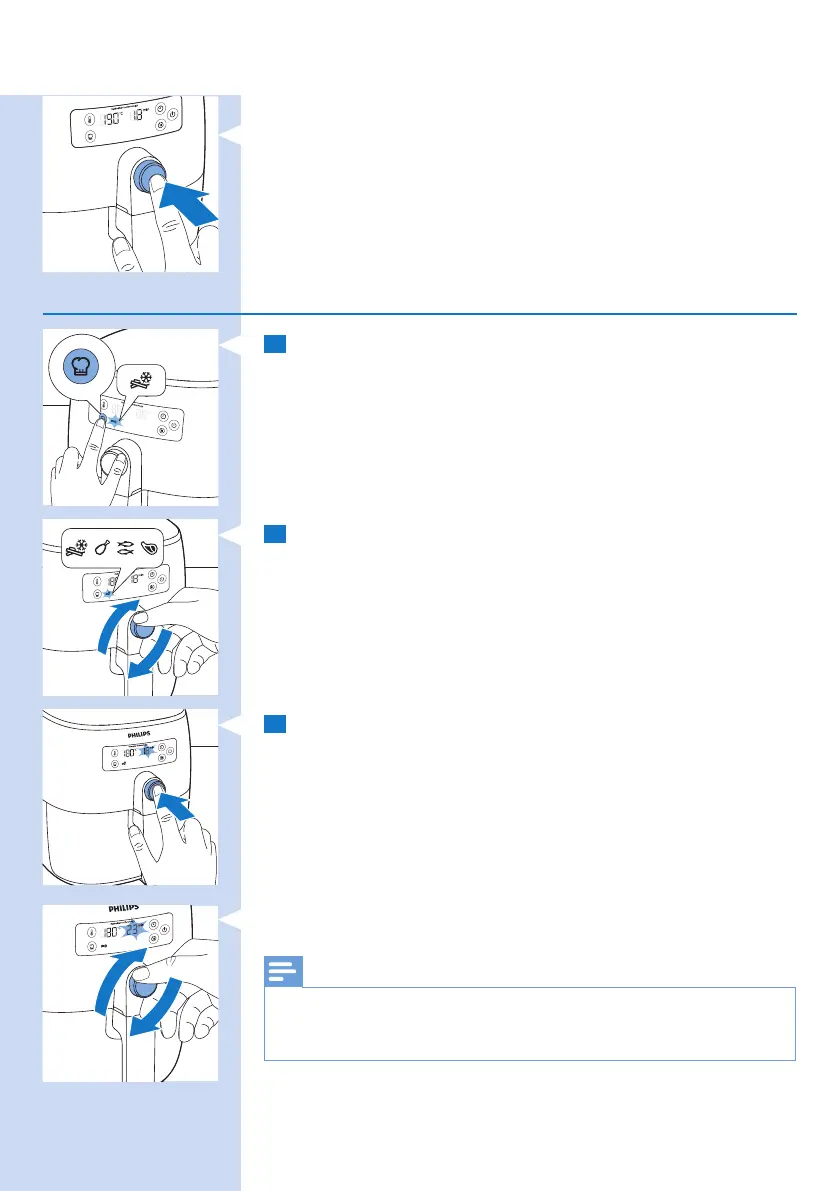
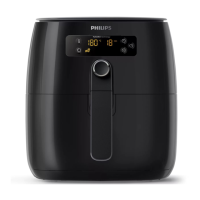
» To conrm the cooking time, push the QuickControl dial.
Choosing the preset modes
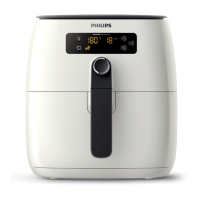
1 After the appliance is switched on, press the preset
button.
» The preset indication for frozen French fries starts
blinking.
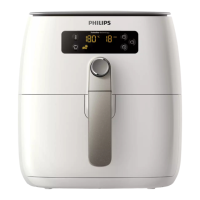
2 Turn the QuickControl dial to select the preset you need.
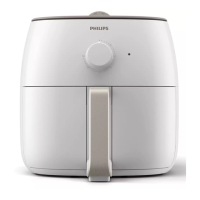
3 Push the QuickControl dial to conrm the preset.
» The cooking temperature displays on the screen and
the recommended cooking time blinks.
» To change the cooking time, turn the QuickControl dial.
Note
• Changing the temperature is not possible when using a preset
mode. If you press the temperature button when selecting the
preset mode the appliance will exit the preset mode.




 To Next Page