19
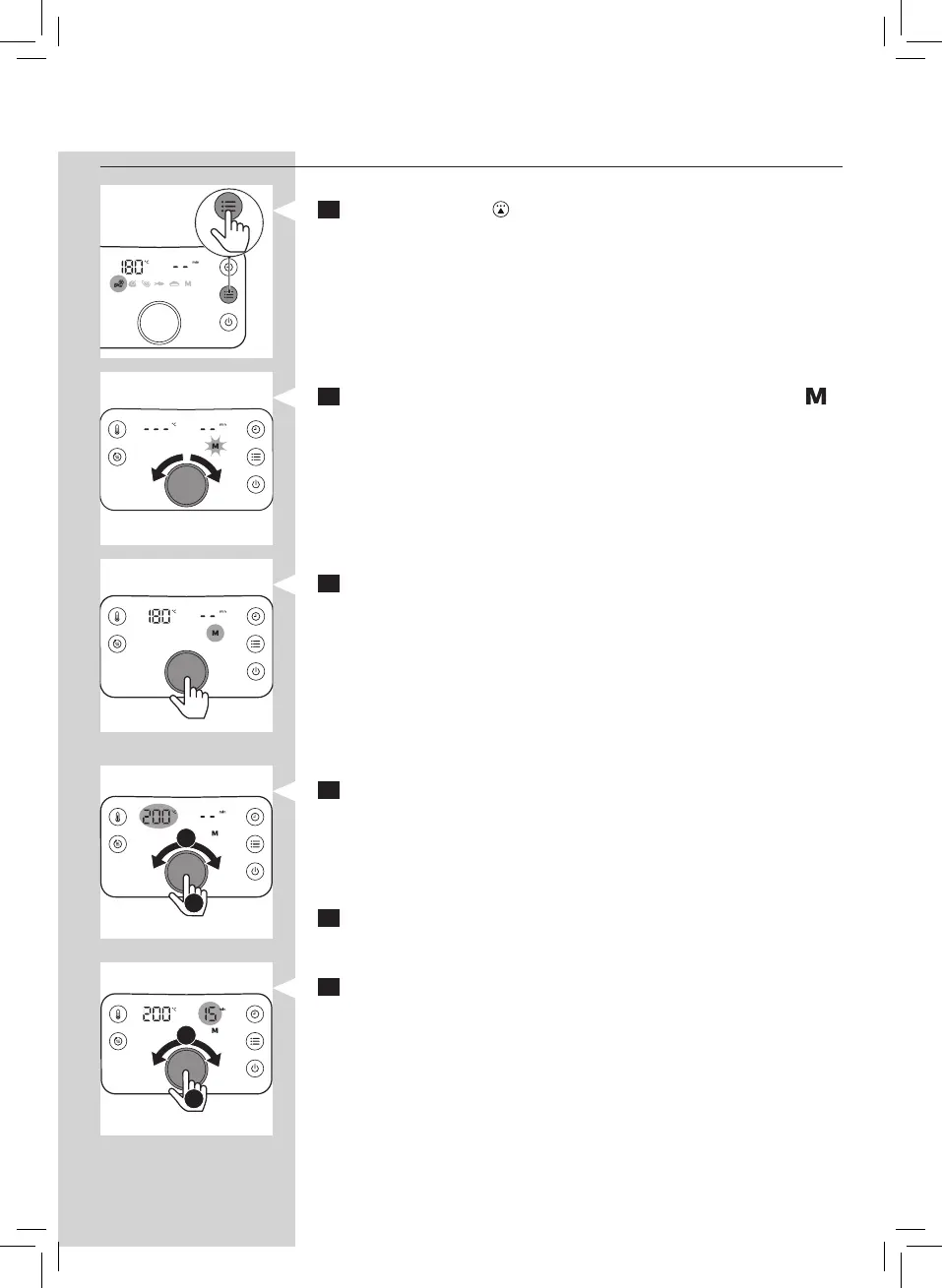
Using the manual mode
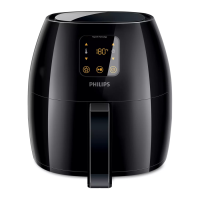
1 Press the preset ( ) button.
2 Turn the QuickControl dial to select the manual mode ( ).
3 Push the QuickControl dial to enter the manual mode.
» The default temperature is 180°C.
4 To change the temperature, turn the QuickControl dial.
» To conrm the temperature, push the QuickControl dial.
5 After the temperature is conrmed, the time indication
“- -” starts blinking.
6 To change the cooking time, turn the QuickControl dial.
» To conrm the cooking time, push the QuickControl dial.
1
2
1
2


 To Next Page