31
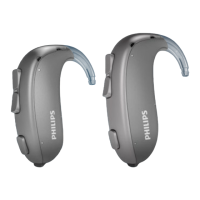
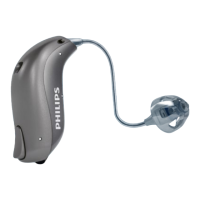
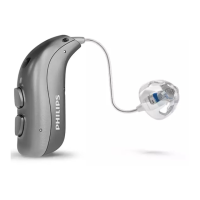
Change volume with Program
Button
The Program Button allows you to adjust the
volume. You may hear a click when you turn
the volume up or down.
A short press on the RIGHT
hearing aid increases the volume
A short press on the LEFT
hearing aid decreases the volume
You will hear 2 beeps at
the start-up level.
You will hear 3 beeps at
Maximum and Minimum.
Maximum
Minimum
Start-up level
To be lled out by the hearing
care professional
Volume change
LEFT RIGHT


 To Next Page
 Loading...