How to use the appliance
Use the appliance for its intended household use as described in this
manual.
1 Place the appliance at arm’s length (at approximately 50-75cm/
20-30 in. from your eyes) within your eld of vision. The light must
bathe your face (Fig. 5).
- You can read, eat, work at the computer, watch TV or exercise while
you use the appliance.
- For the best results, place the appliance at the same level as your
midriff (stomach area), e.g. place it on the table at which you are
sitting.
- Make sure that the surroundings of the appliance are well-lit for more
visual comfort.
Note: Do not stare into the light of the appliance. It is sufcient that the blue
light reaches your eyes indirectly.
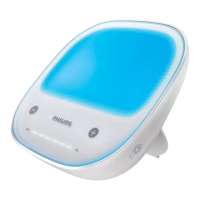
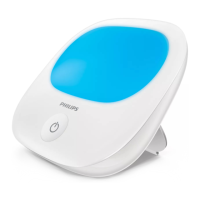
2 Press the on/off button briey to turn on the appliance (Fig. 6).
, The rst time you turn on the appliance, the blue light comes on at
the default middle setting (setting 3) of 5 light intensity settings.
, The next time you turn on the appliance, the light comes on at the
last used light intensity setting.
3 You can choose between ve settings.
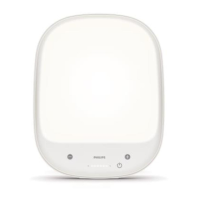
, To change to a higher or lower light intensity setting, touch the +
or – button briey (Fig. 7).
Note: For best results, use the highest light intensity setting that is
comfortable to your eyes.
4 The time indicator bar displays the elapsed time after you turn on
the appliance.
, The indicator has 6 segments. Each segment represents 10 minutes.
All segments together represent one hour.
, After you turn on the light, the rst segment of the time indicator
bar ashes (Fig. 8).
ENGLISH14





 To Next Page