EasyManua.ls Logo

Philips HMP4000 - Set up a network; Network setup

Philips HMP4000
32 pages
Print Icon
To Next Page IconTo Next Page
To Previous Page IconTo Previous Page
Loading...

English
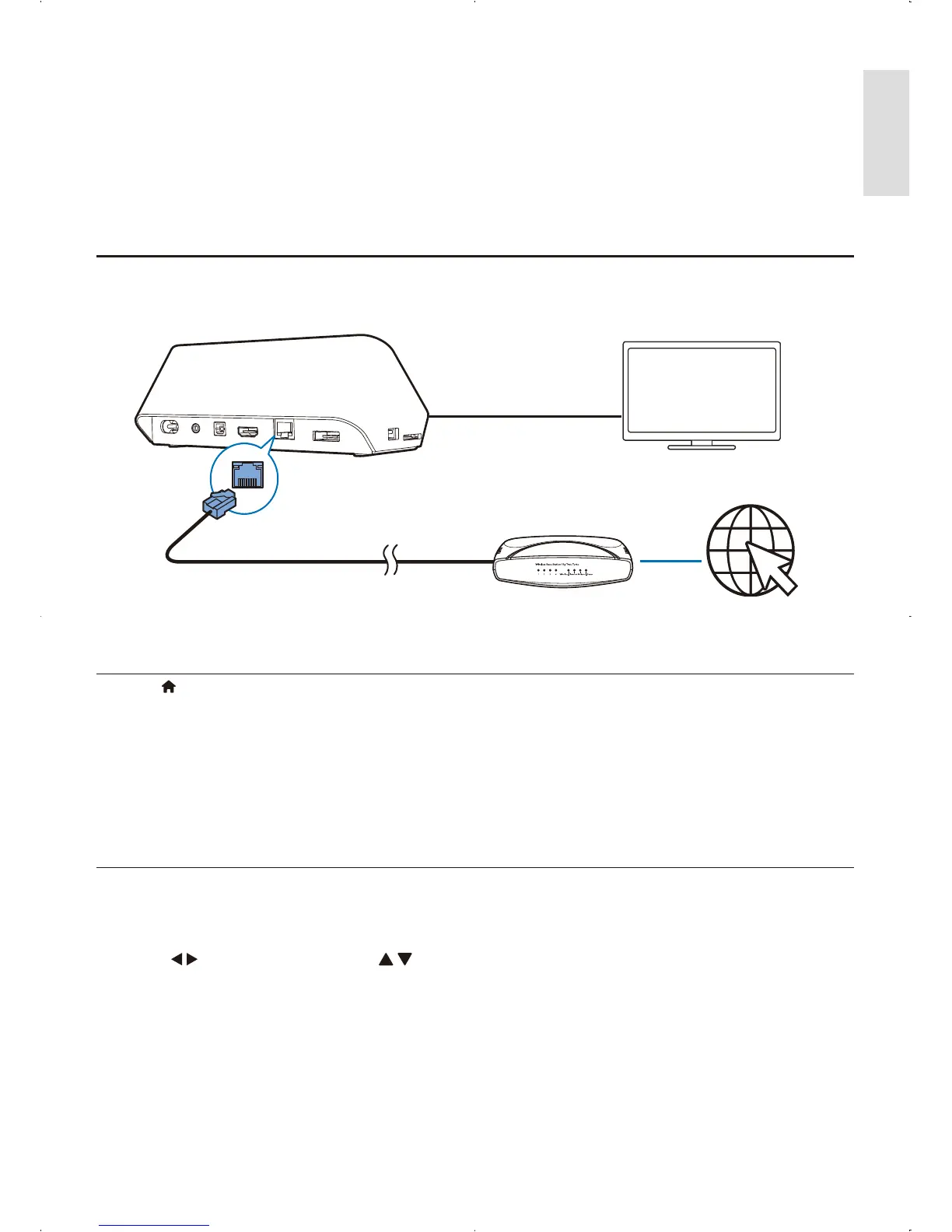
5 Set up a network

 
 
 Browse Internet photo albums.
 
Network setup
1 
2 
Press .
 and press OK.
» 
and press OK.
» 
 and press OK 
» A connection test is started.
» 
 Press OK 
You can set the IP address manually.
1.
» 
2 Press to select a item and press 
3 Press OK when you complete setting the IP address.
» 
4 and press OK 
a
b
EN