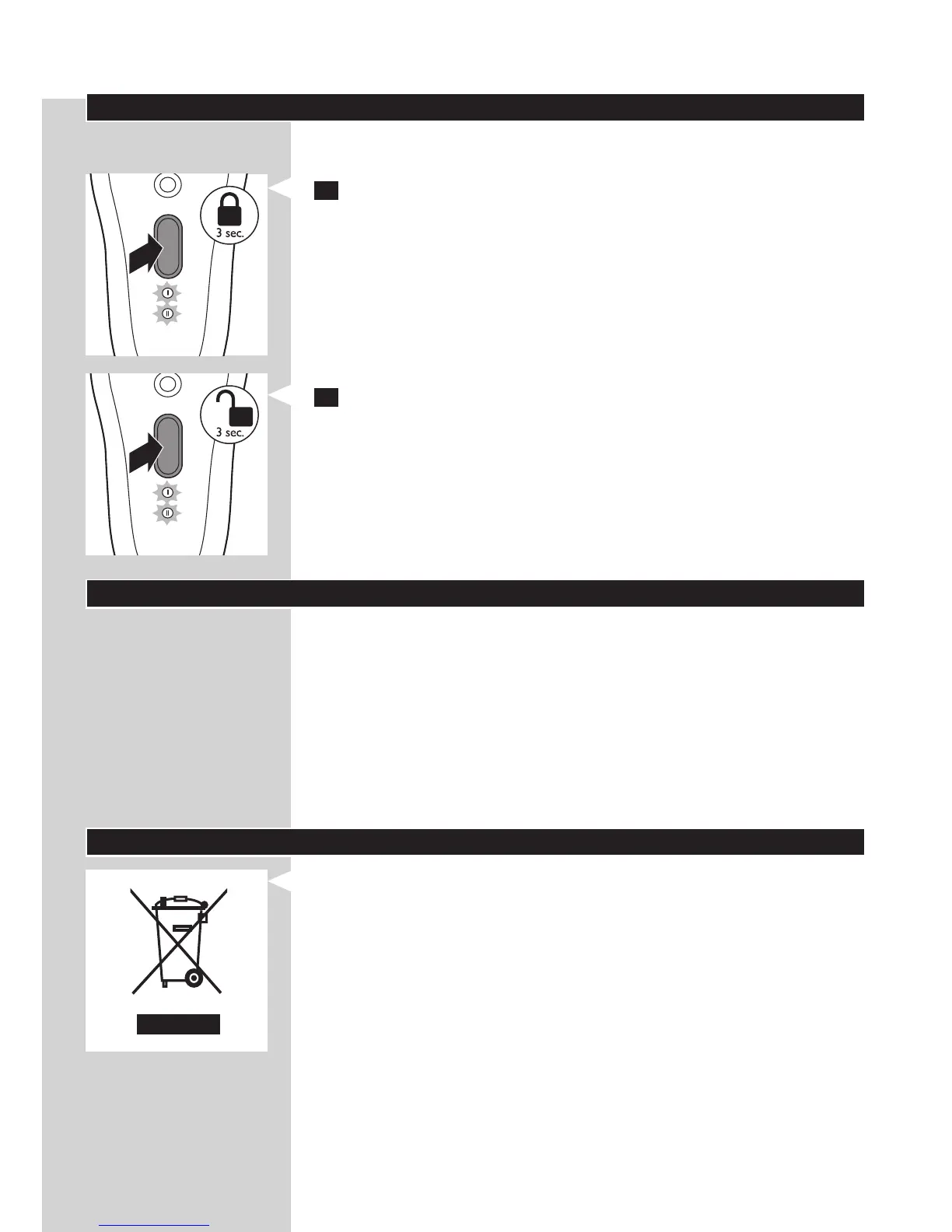
Travel lock
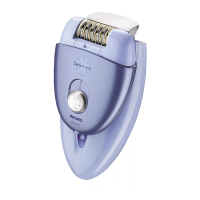
The epilator has an integrated travel lock which prevents the appliance
from accidentally being switched on during travel.
1 To activate the travel lock, press and hold the on/off button for 3
seconds until the speed lights ash white 2 times.
, The epilator starts running and stops immediately when the travel
lock activates.
2 To deactivate the travel lock, press and hold the on/off button for 3
seconds until the speed lights ash white 2 times.
Note: You can also insert the appliance plug into the inlet socket and the
adapter into a wall socket to deactivate the travel lock.
Ordering accessories
To purchase accessories for this appliance, please visit our online shop at
www.shop.philips.com/service. If the online shop is not available in
your country, go to your Philips dealer or a Philips service centre. If you
have any difculties obtaining accessories for your appliance, please contact
the Philips Consumer Care Centre in your country. You nd its contact
details in the worldwide guarantee leaet.
Shaving head
If you use the shaving head two or more times a week, we advise you to
replace the shaving unit after one or two years or when it is damaged.
Environment
- Do not throw away the epilator with the normal household waste
at the end of its life, but hand it in at an ofcial collection point for
recycling. By doing this, you help to preserve the environment.
ENGLISH 17



 To Next Page