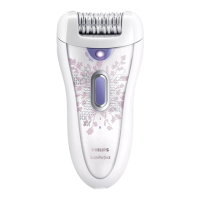
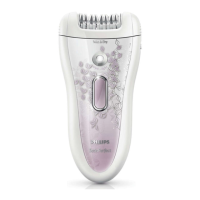
Epilator
- The built-in rechargeable batteries of the epilator contain substances
that may pollute the environment. Always remove the batteries before
you discard and hand in the epilator at an ofcial collection point.
Dispose of the batteries at an ofcial collection point for batteries.
If you have trouble removing the batteries, you can also take the
appliance to a Philips service centre. The staff of this centre will remove
the batteries for you and will dispose of them in an environmentally
safe way.
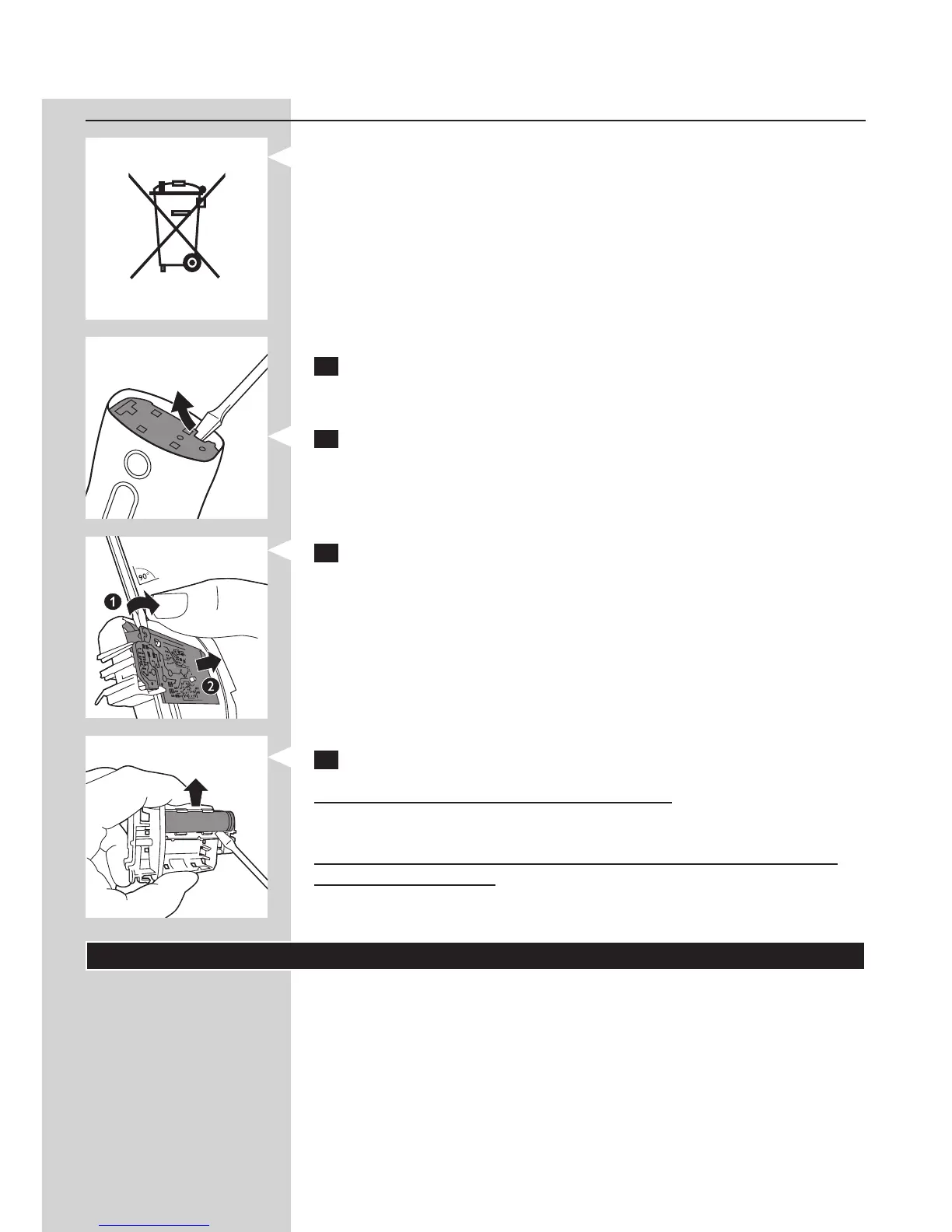
Removing the rechargeable batteries
1 Disconnect the epilator from the adapter. Let the epilator operate
until the batteries are completely empty and you can no longer
switch on the epilator.
2 Remove the epilating head and open the appliance with a
screwdriver.
3 Insert the screwdriver into the small slot in the printed circuit board
(1). Turn around the screwdriver until the connection between the
printed board and the batteries breaks off (2).
4 Pry the batteries out of the appliance with the screwdriver.
Caution: Be careful, the battery strips are sharp.
Do not try to reassemble the appliance in order to connect it to the
mains. This is dangerous.
Guarantee and service
If you need service or information or if you have a problem, please visit
the Philips website at www.philips.com/support or contact the Philips
Consumer Care Centre in your country. You nd its phone number in the
worldwide guarantee leaet. If there is no Consumer Care Centre in your
country, go to your local Philips dealer.
ENGLISH18



 To Next Page