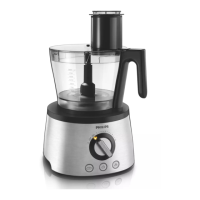
HR7735/55
7-8
REPAIR INSTRUCTION
To remove the PCB´s:
1. Remove the 2 screws to loosen the Main PCB.
To remove the PCB Frame:
1. Release the 3 snaphooks, which hold the PCB on the
frame.
Soldering of Motor wires on PCB:
- Here you can see the colours of the Motor wires and their
soldering points on the PCB.
Solder point 1 - black wire
Solder point 2 - red wire
To remove the upper part of the coupling:
1. Remove the retaining ring with a screwdriver.
To remove the lower part of the coupling:
1. Remove the retaining ring with a screwdriver.
In this situation you can exchange for example the
coupling fork.
If you want to exchange the toothed wheel, you have to
remove the coupling fork and also the small axle from the
„click & go“ system (green arrow).


 To Next Page