Play from Radio
1. Press source key to select FM.
2. Display shows FM frequency (eg. 104.0).
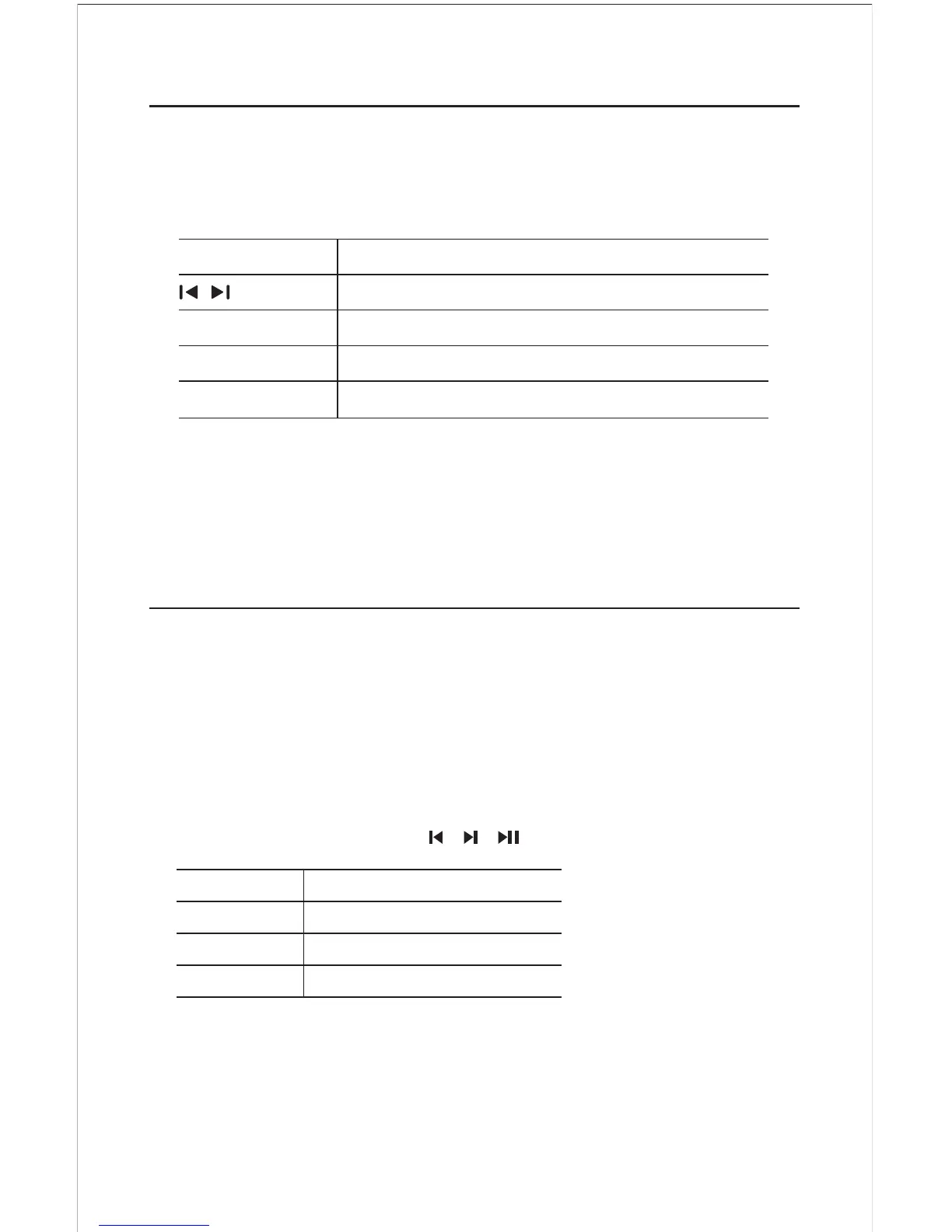
3. Press following buttons to control play.
8
Play through Bluetooth
You can enjoy music wireless with Bluetooth.
1. Select Source.
2. Display Shown blue (Flashing).
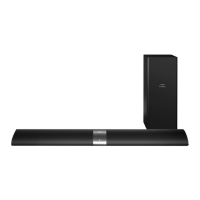
3. Pair "your Bluetooth device with Soundbar name Philips HTL1030.
4. Display stops flashing, once Bluetooth device is paired.
Now your system is ready to play through Bluetooth. Control all
function from your device eg. , , .
Button Action
VOL– Volume Decrease
VOL+ Volume Increase
Mute To Mute / Unmute Sound
Button Action
Search for a radio station
– TUN + TUN Select a preset radio station
SCAN Press to auto scan the radio station
Numeric Keys Key in station frequency (i.e. for 104.6 press 1046)
Note - While autoscan turn off your TV/DVD or other radiation source.
For best reception, while listening to radio, turn off TV/DVD or other
radiation source.


 To Next Page