18
English
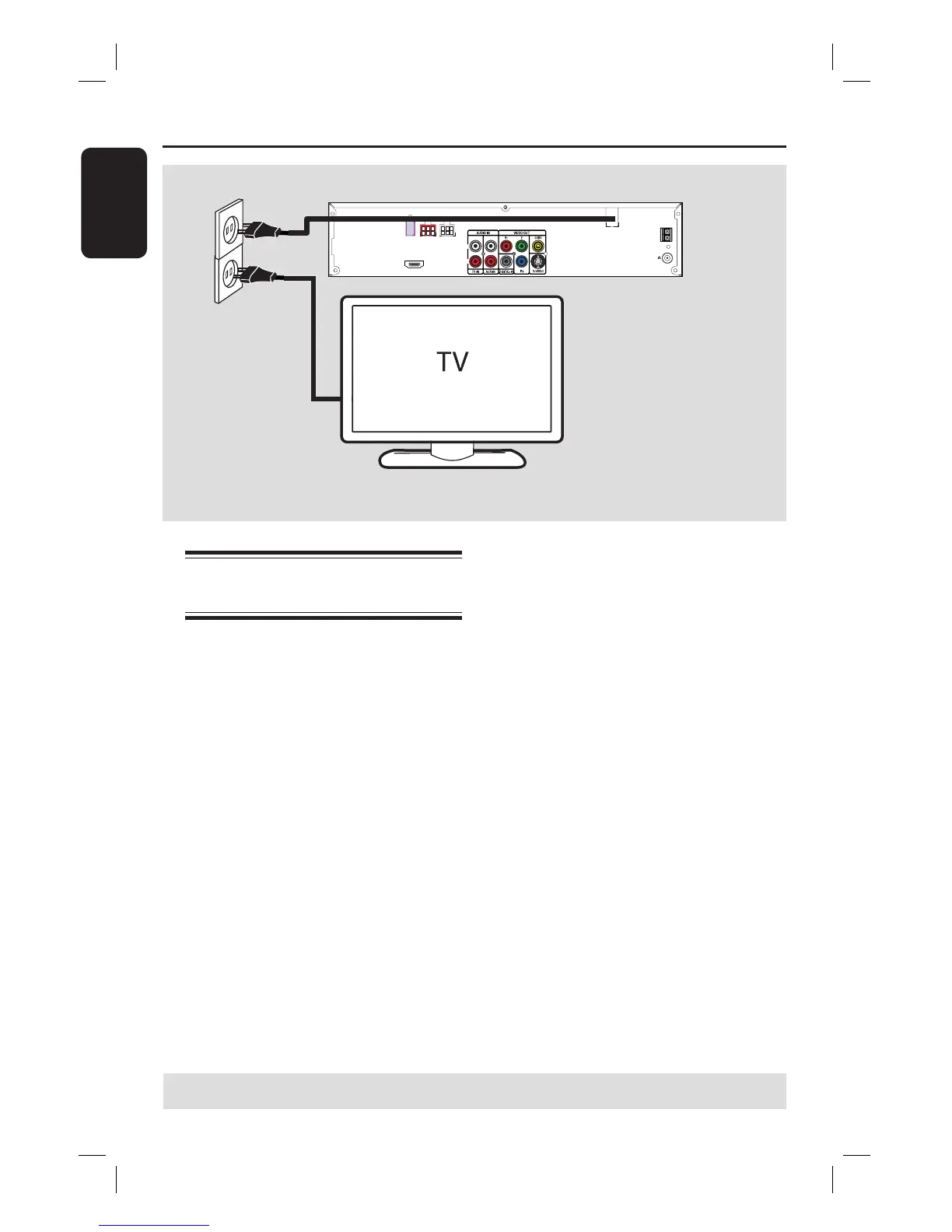
Step 5: Connecting the
power cord
After everything is connected
properly, plug the AC power cord
into the power outlet.
The Eco Power LED on the DVD system
will light up. Never make or change any
connections with the power turned on.
Helpful Hints:
– Refer to the type plate at the rear or
bottom of the product for identi cation and
supply ratings.
FM 75
AM
FM/AM ANTENNA
HDMI OUT
~
MAINS
R
L
SUB-
WOOFER
FRONT
LEFT
FRONT
RIGHT
Basic Connections (continued)
TIPS: Before making or changing any connections, make sure that all the devices are disconnected
from the power outlet.















 To Next Page