Delete 14
Table of contents
7Delete
Deleting files and index marks
1 Press the INDEX / a button while the recorder is stopped to
select the desired folder.
2 Press and hold the j / DEL button for one second or longer.
•
DELETE appears on the display.
3 Press the h or b button to select a delete option:
4 Press the f button.
5 Press the h or b button to select the file, the folder or the file
containi
ng the index marks to be deleted.
6 Press button f again.
• NO appears.
7 Push button h or b to select YES.
8 Press the f button to confirm.
D Note
The files will be automatically renumbered.
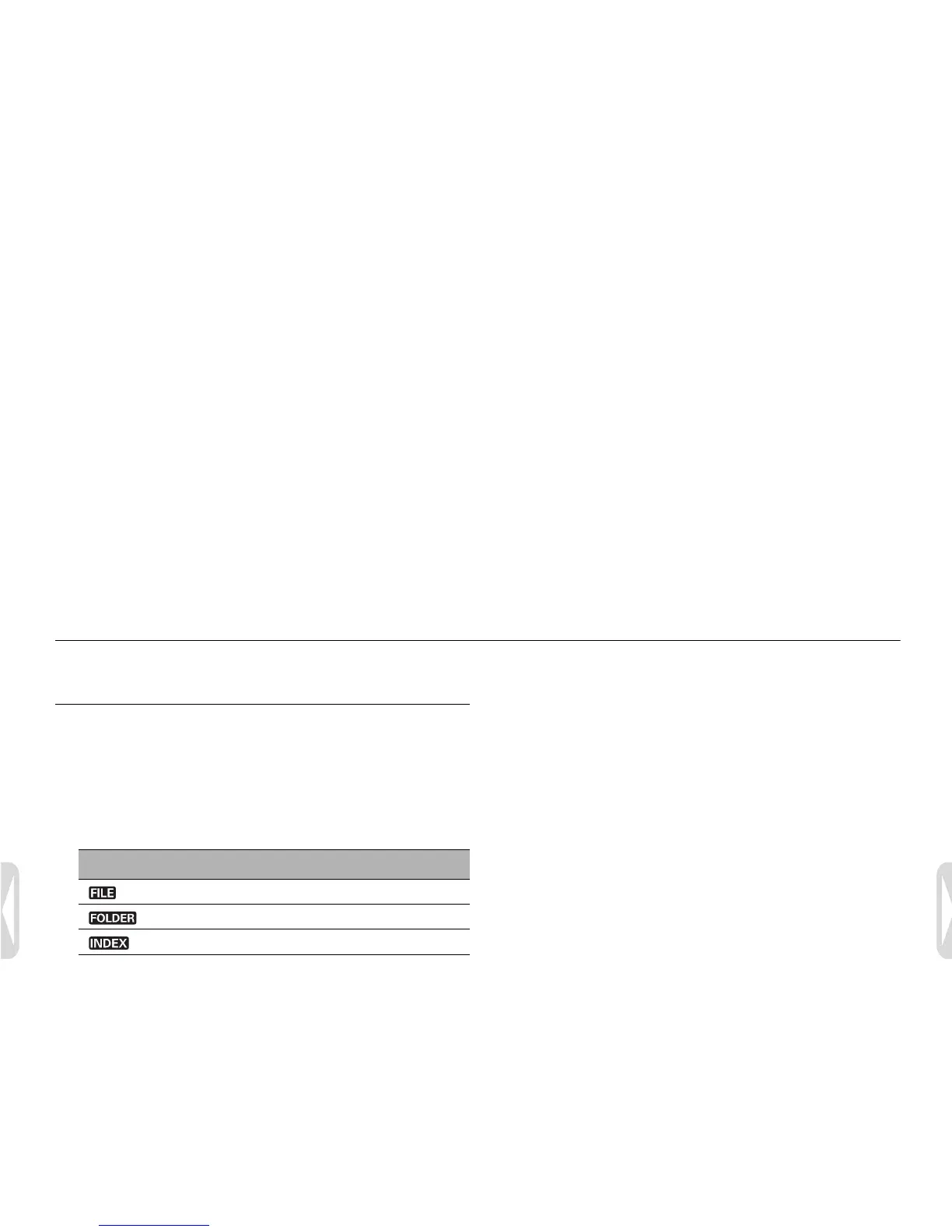
Icon Description
Delete a single file.
Delete all files in a folder.
Delete all index marks in a file.





 To Next Page