18
English
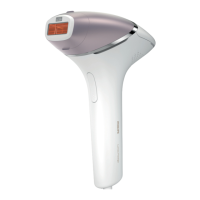
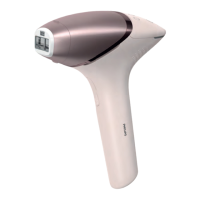
6 Move to an adjacent spot and press the flash button again. The surface of
the attachment that is in contact with your skin is slightly larger than the
light exit window. The surface of the attachment should overlap the
previous spot to make sure you flash the complete skin area.
DO NOT flash the same spot multiple times during a treatment. The surface
of the attachment should overlap the previous spot to make sure you flash
the complete skin area, but treating the same area multiple times does not
increase efficacy.
7 Continue until you have treated the full area. There are two treatment
modes (see 'Two treatment modes: Stamp & Flash and Slide & Flash').
8 Turn off the device when you finished the treatment.
9 Remove hair before every next treatment, as long as hair is still visible.
Note: Do not try the device on difficult or sensitive areas (ankle and bony area).
D Clean & store after treatment
1 Unplug the device from the power outlet if you have used it with the power
adapter.
2 Let the device cool down.
3 Moisten the soft cloth supplied with a few drops of water.
4 Take the attachment off the device.


 To Next Page
 Loading...