EasyManua.ls Logo

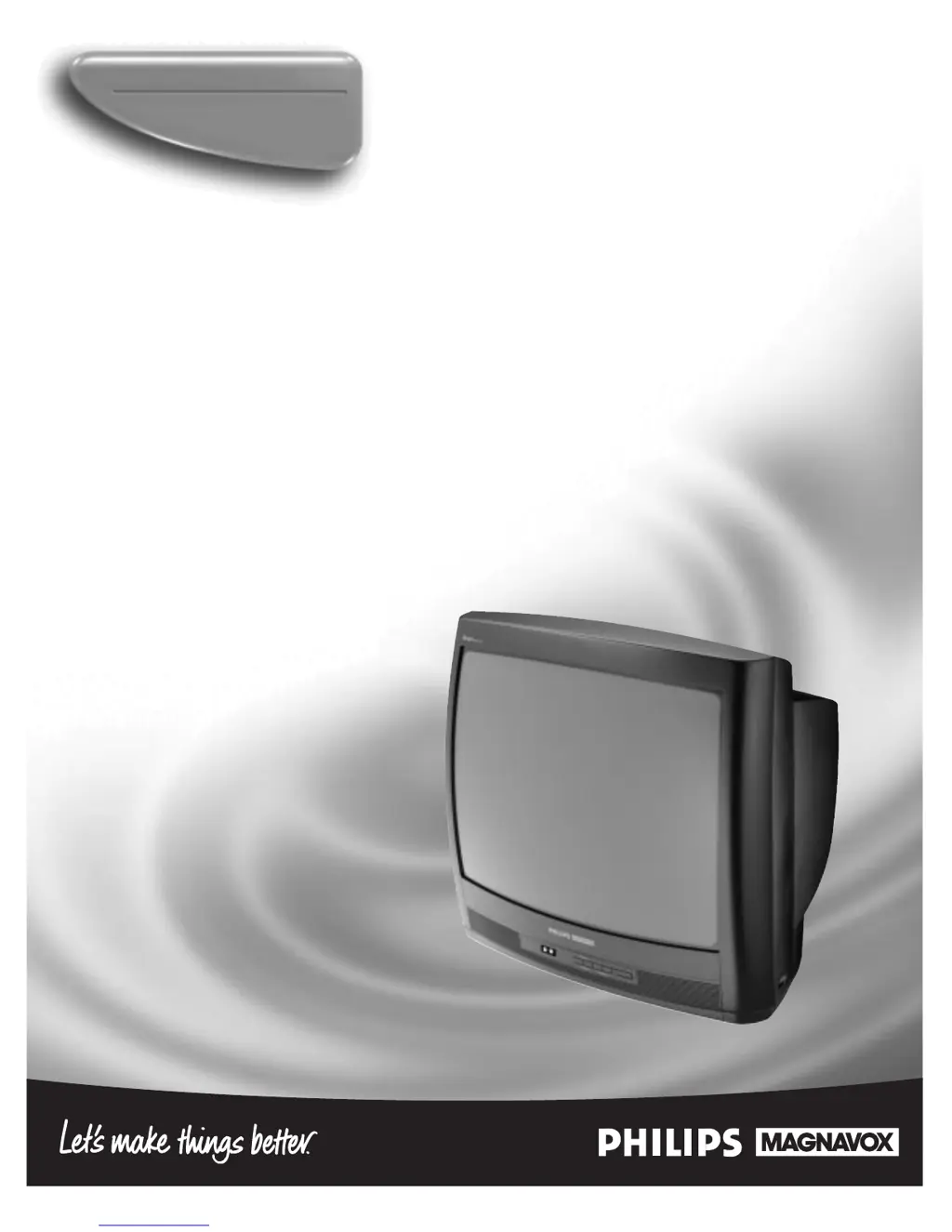
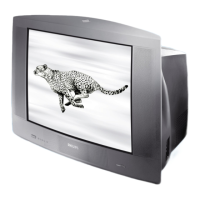
Philips Magnavox 19PR21C1 - User Manual

Philips Magnavox 19PR21C1
36 pages
Print Icon
To Next Page IconTo Next Page
Loading...
Instructions for use
Color Television
19PR21C1
3135 015 18301

Questions and Answers

  • M
    marvin74Jul 29, 2025
    Why Philips Magnavox 19PR21C1 remote won't work?
    • V
      Vincent RamseyJul 29, 2025
      If your Philips TV remote isn't working, first check the batteries and replace them if needed with AA Heavy Duty (Zinc Chloride) or Alkaline batteries. Ensure you're pointing the remote at the front of the TV. Try cleaning the remote sensor on the front of the remote. As a last resort, unplug the TV from the wall, wait 10 seconds, plug it back in, power it on, and try the remote again. Also, inspect the remote for any physical damage like cracks or battery acid, which might require a replacement.
  • T
    Tracy TownsendAug 3, 2025
    What to do if my Philips Magnavox 19PR21C1 TV has no sound?
    • A
      Andrea RodriguezAug 3, 2025
      If there's no sound on your Philips TV, first, check the volume level by pressing the Volume + button on the TV or remote. Make sure the Mute button on the remote isn't activated. Also, verify that the antenna/cable connection at the back of the TV is securely connected to the 75? input.
  • L
    Lisa LunaAug 8, 2025
    Why is there no picture on my Philips Magnavox 19PR21C1 TV?
    • J
      Jennifer WolfAug 9, 2025
      If your Philips TV shows no picture, begin by checking the antenna/cable connection at the back of the TV to ensure it's securely connected to the 75? input. Then, check the Cable Control setting: set it to ON if you're using cable channels, or OFF for normal antenna broadcast channels. You can also try activating the Auto Program Control to add available channels to the TV's memory.
  • R
    Ryan LongAug 13, 2025
    How to fix Philips Magnavox 19PR21C1 TV no power?
    • J
      Jeff LunaAug 13, 2025
      If your Philips TV has no power, start by checking the power cord and ensuring it's properly connected. Unplug the TV for 10 seconds, then plug it back into the AC outlet and press the power button on the TV or remote. Verify the wall outlet has power and isn't controlled by a switch that's turned off. Also, check the fuse or circuit breaker. If you're using a power strip or surge suppressor, check it for a blown fuse.
  • J
    Jennifer MyersAug 19, 2025
    How to fix Philips Magnavox 19PR21C1 TV not displaying channels above 13?
    • X
      xwilliamsAug 19, 2025
      If your Philips TV isn't displaying channels above 13, first, try repeating the channel selection process. Check the Cable Control feature and ensure it's set to ON if you have cable. Activate the Auto Program Control to add all available channels to the TV's memory. You can also manually save the channels using the Channel Edit Control.
  • A
    Angela ReyesAug 23, 2025
    What is the default access code for Philips Magnavox 19PR21C1 TV SMARTLOCK?
    • T
      Timothy JohnsonAug 23, 2025
      If you can’t remember your Access Code for SMARTLOCK on your Philips TV, use the default code: press 0, 7, 1, 1 to enter the SMARTLOCK feature and set a new personal access code.

Summary

Warranty Registration Benefits

Know These Safety Symbols

Electrical Shock Hazard Symbol

Indicates uninsulated material that may cause electrical shock.

Important Information Symbol

Calls attention to features requiring close reading of enclosed literature.

Safety Instructions

General Operating Precautions

Read, retain, and heed all safety and operating instructions.

Environmental and Placement Guidelines

Avoid water, heat sources, and ensure proper ventilation.

Power and Grounding Safety

Properly route power cords and ground antennas for surge protection.

Service and Damage Precautions

Only qualified personnel should service damaged or malfunctioning units.

Key Product Features

Basic Cable TV Signal Connection

Basic Antenna Signal Connections

TV to VCR and Front A;V Connections

Basic TV and Remote Operations

TV Remote Button Functions

Cable Tuning Control

Auto Program Control

Channel Edit Control

Adjusting the TV Picture

Picture Adjustment Options

Adjust Brightness, Color, Picture, Sharpness, Tint, and Contrast Plus.

Detailed Picture Control Descriptions

Explains how each control affects image quality, including Contrast Plus.

Understanding SmartLock Feature

SmartLock Terms and Rating Systems

Definitions for Master Disable, Block Unrated, Block No Ratings, and rating categories.

Movie Ratings Explained (MPAA)

Details on G, PG, PG-13, R, NC-17, X ratings for content advisories.

TV Parental Guidelines Explained

Details on TV-Y, TV-Y7, TV-G, TV-PG, TV-14, TV-MA ratings.

Setting SmartLock Access Code

Creating a Personal Access Code

Set a new 4-digit access code to control SmartLock features.

Using the Default Access Code

Access SmartLock with 0, 7, 1, 1 or use it to reset a forgotten code.

SmartLock Blocking Options

Master Disable Functionality

Enable or disable all blocking features with the Master Disable switch.

Blocking Unrated and No Rating Programs

Configure blocking for programs lacking ratings or advisories.

Block Programming by Movie Ratings

Selecting MPAA Ratings for Blocking

Turn ON or OFF blocking for specific movie ratings (G, PG, R, etc.).

Automatic Blocking of Higher Ratings

Blocking a lower rating automatically blocks all higher ratings.

Block Programming by TV Ratings

Selecting TV Broadcast Ratings

Enable or disable blocking for TV-Y, TV-G, and other broadcast ratings.

Customizing TV Sub-Rating Blocks

Block content based on specific sub-ratings like Violence (V) or Language (L).

SmartLock Review Screen

SmartPicture Control

SmartSound Control

SmartSurf Control (A;CH Button)

Troubleshooting Common Issues

Additional Troubleshooting and Care

Cleaning and Care Instructions

Limited Warranty Information

Warranty Coverage and Duration

Details parts and labor coverage, free replacement, and picture tube warranty.

Warranty Exclusions and Limitations

Lists items and conditions not covered by the warranty, including misuse and consequential damages.

Philips Magnavox 19PR21C1 Specifications

General IconGeneral
BrandPhilips
ModelMagnavox 19PR21C1
CategoryTV
LanguageEnglish

Related product manuals