12
English
3 Insert a disc with the printed side facing up. Press
OPEN•CLOSE again to close the
compartment.
➜ CLOSE is displayed followed by READ DISC
as the CD player scans the contents of a disc,
and then playback starts automatically (if not,
press ENTER/ÉÅ).
Basic playback controls
To play a disc
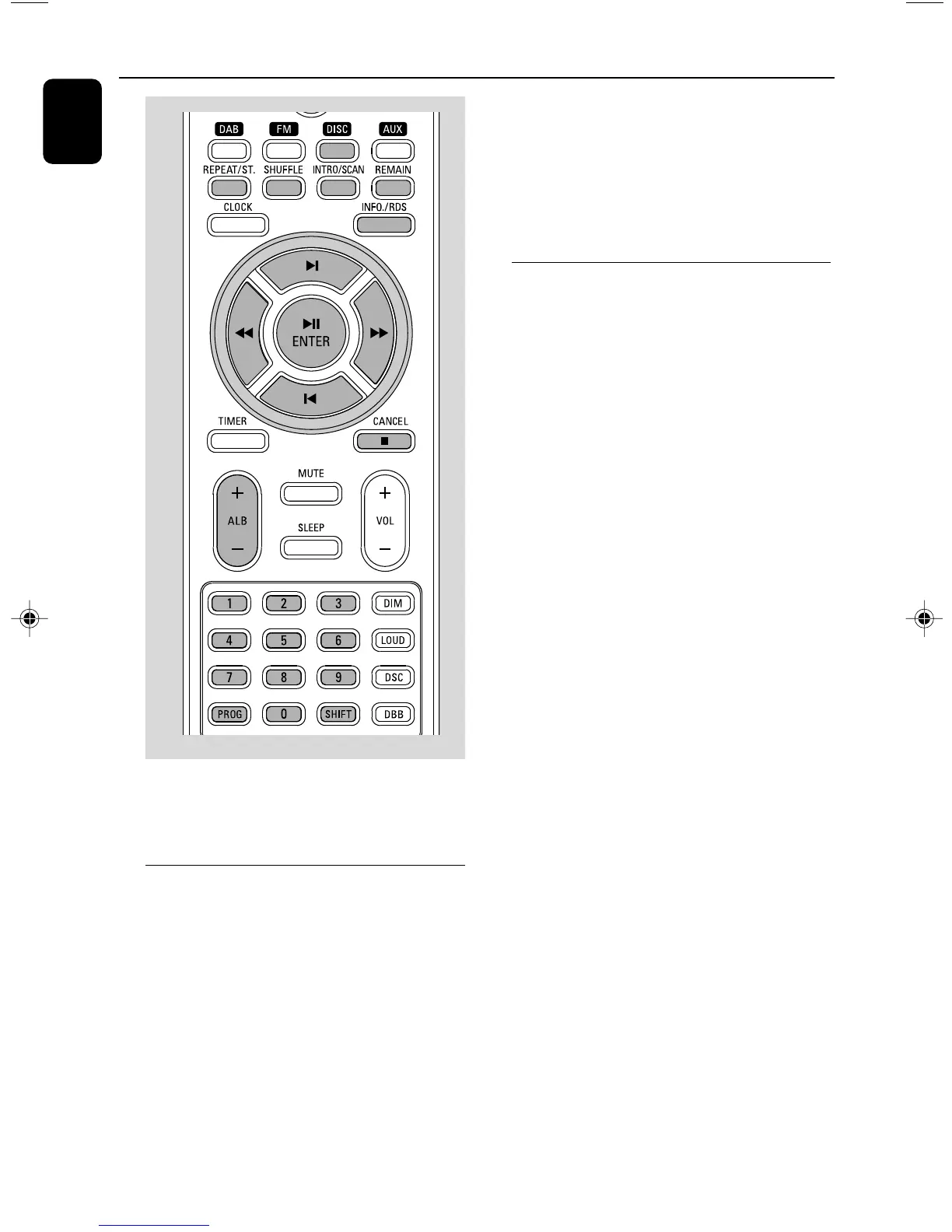
● Press ENTER/ÉÅ to start playback.
➜ The current track number and elapsed
playing time of the track are displayed during
disc playback.
To select a different track
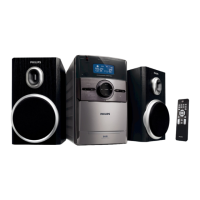
● Press the control knob on the front panel to the
left or right (corresponding to S/T) or
press ¡ / ™ on the remote once or repeatedly
until the desired track number appears in the
display.
● You can also use the Numerical Keypad
(0~9) on the remote to select a track directly.
● To input a number larger than 10, press SHIFT
on the remote once or more to select the first
digit you want and then use the Numerical
Keypad (0~9) to input the second digit.
● If you have selected a track number shortly after
loading a disc or in the PAUSE position, you will
need to press ENTER/ÉÅ to start playback.
Te xt display during playback
In CD mode
● Press REMAIN repeatedly to see the following
information.
➜ Tr ack number and elapsed playback time of
current track.
➜ Tr ack number and remaining playback time of
current track.
➜ Tr ack number and total remaining playback
time.
In MP3-CD mode
● Press INFO./RDS to display the ID-3
information if available.
Important!
The lens of the CD player should never be
touched.
Loading a disc
This CD player plays Audio Discs including CD
Recordables, CD-Rewritables and MP3 CD.
● CD-ROM, CD-I, CDV, VCD, DVD or computer
CDs, however, are not possible.
1 Press SOURCE on the top of the system to
select CD or press DISC on the remote.
2 Press OPEN•CLOSE to open the CD
compartment.
➜ OPEN is displayed when the compartment
cover slides up.
CD/MP3-CD Operation
pg001-021_MCB700_05 2006.10.25, 17:1112



 To Next Page