18
English
IMPORTANT!
– Depending on the DVD or VIDEO CD,
some operations may be different or
restricted.
– Do not push on the disc tray or put
any objects other than disc on the disc
tray. Doing so may cause the disc player
malfunction.
– If the inhibit icon appears on the TV
screen when a button is pressed, it
means the function is not available on
the current disc or at the current time.
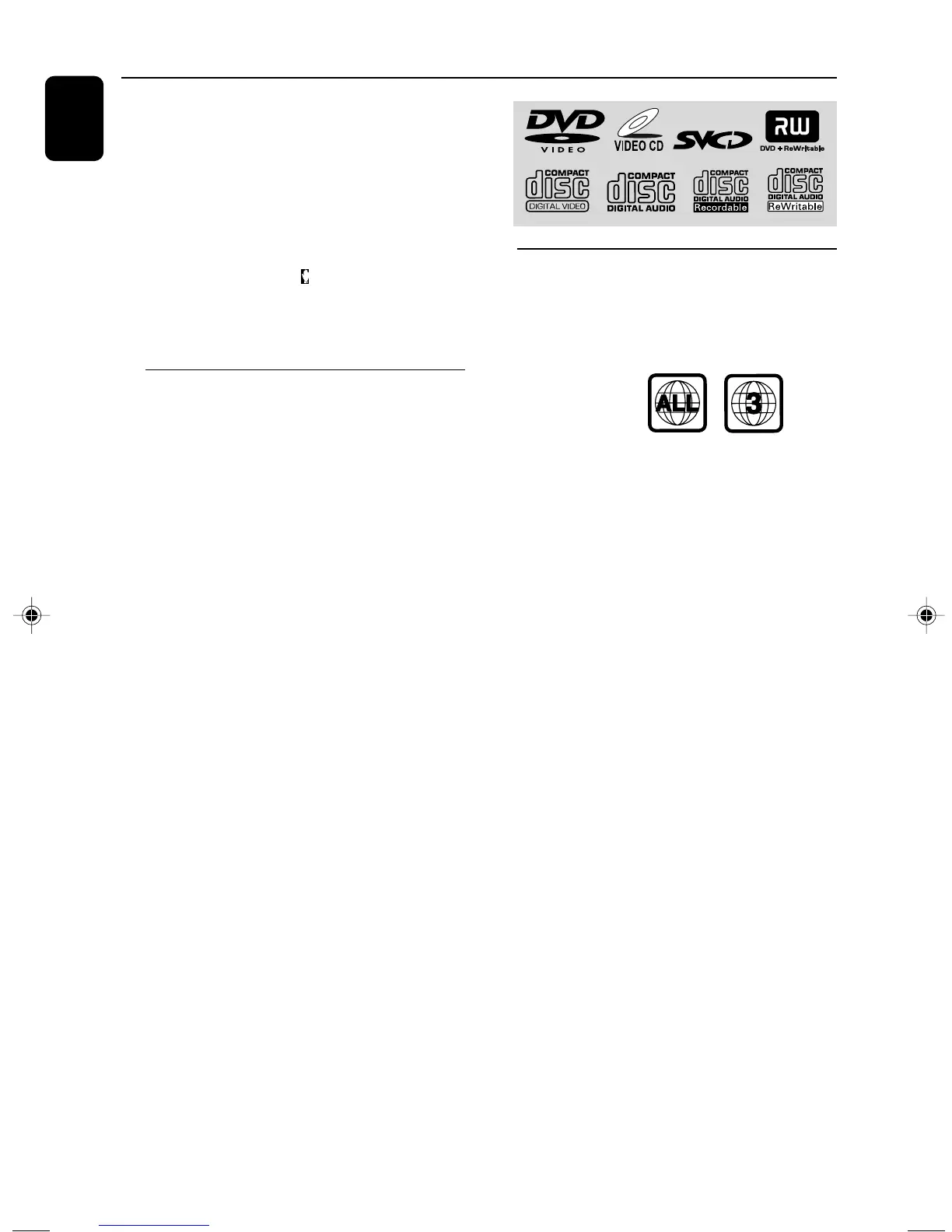
Playable Discs
Your DVD Player will play:
– Digital Versatile Discs (DVDs)
– Video CDs (VCDs)
– Super Video CDs (SVCDs)
– Digital Versatile Discs + Recordable
(DVD+R)
– Digital Versatile Discs + Rewritable
(DVD+RW)
– Compact Discs (CDs)
– MP3 disc on CD-R(W):
– Supported sampling frequencies: 32kHz,
44.1kHz, 48kHz.
– Supported Bit-rates : 32, 64, 96, 128, 192,
256(kbps)
– WMA-CDs (CD-ROMs with WMA tracks)
– Picture (JPEG) files on CD-R(W)
Disc Operations
Region Codes
DVDs must be labeled for ALL regions or Region
3 in order to play on this DVD system. You
cannot play discs that are labeled for other
regions.
Note:
– If you are having trouble playing a certain disc,
remove the disc and try a different one. Improper
formatted disc will not play on this DVD Player.
pg 001-032-mcd129_98_Eng 27/4/06, 14:2918



 To Next Page