English
14
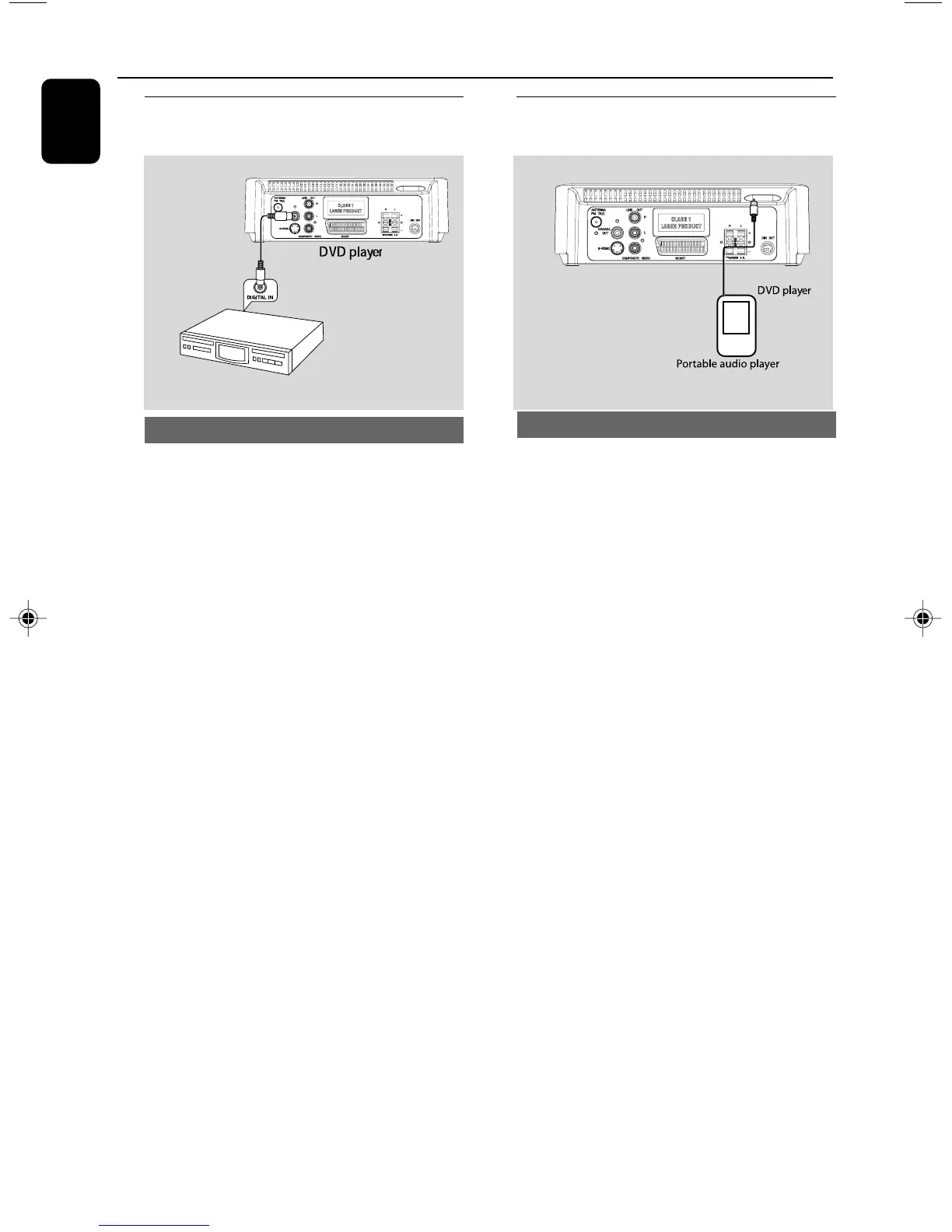
Step 7: Connecting digital
audio equipment
Recording (digital)
Connect the system’s COAXIAL OUT (digital
out) jack to the DIGITAL IN jack on a digital
recording device (DTS-Digital Theater System
compatible, with a Dolby Digital decoder, for
example).
Before operation, set COAXIAL OUTPUT
according to the audio connection.
Connections
Step 8: Connecting portable
audio player
Portable audio player(MP3)
Connect the system’s AUX jack (diameter
3.5mm) to the HEADPHONE jack (diameter
3.5mm) on a portable audio player.
Before starting playback, press AUX on the
remote control to select “AUX” in order to
activate the input source. The music will be heard
through the speakers.
Digital audio recorder
pg001-021_MCD179_12_Eng 2/5/09, 10:3414



 To Next Page