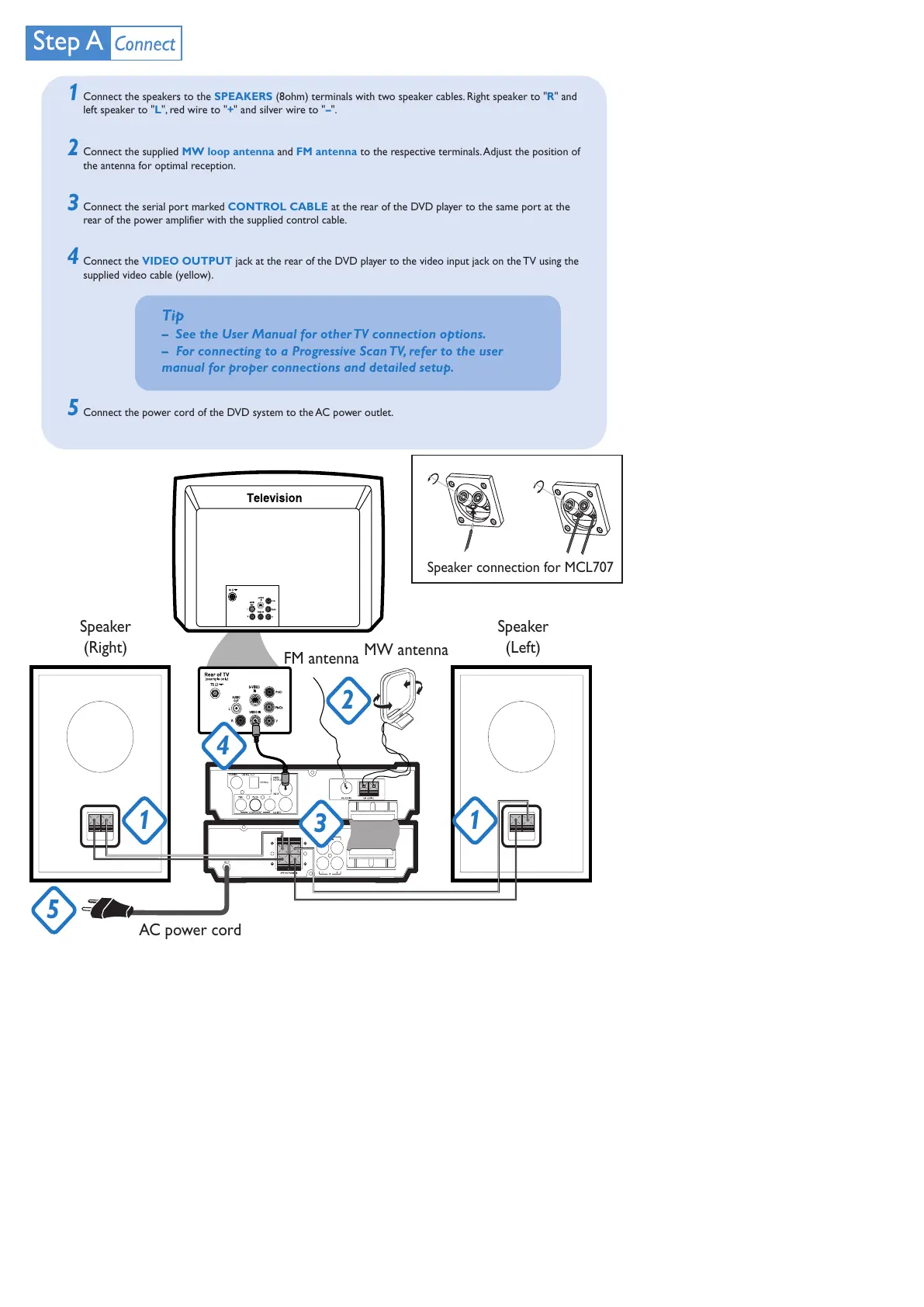
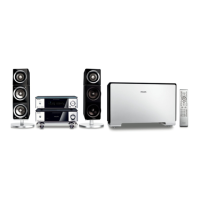
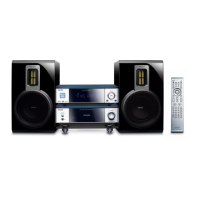
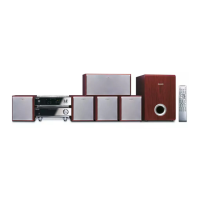
AC power cord
Speaker
(Right)
Speaker
(Left)
FM antenna
MW antenna
1
5
4
3
2
1
Speaker connection for MCL707
Connect the speakers to the SPEAKERS (8ohm) terminals with two speaker cables. Right speaker to "R" and
left speaker to "L", red wire to "+" and silver wire to "–".
Connect the supplied MW loop antenna and FM antenna to the respective terminals. Adjust the position of
the antenna for optimal reception.
Connect the serial port marked CONTROL CABLE at the rear of the DVD player to the same port at the
rear of the power amplifier with the supplied control cable.
Connect the VIDEO OUTPUT jack at the rear of the DVD player to the video input jack on the TV using the
supplied video cable (yellow).
Connect the power cord of the DVD system to the AC power outlet.
1
2
3
Tip
– See the User Manual for other TV connection options.
– For connecting to a Progressive Scan TV, refer to the user
manual for proper connections and detailed setup.
4
5
未命名-2 2006.9.29, 13:492



 To Next Page