4 Repeat the above steps to program other stations.
Note
To overwrite a programmed station, store another station in its •
place.
Select a preset radio station
1 Press ALB/PRESET+/- to select a preset number.
Tip
FM antenna is fi xed to the main unit. •
Position the antenna as far as possible from TV, VCR or other •
radiation source.
For optimal reception, fully extend and adjust the position of the
•
antenna.
9 Other features
Set the alarm timer
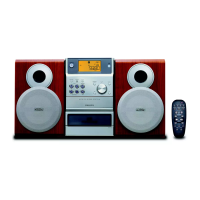
This Micro Hi-Fi can be used as an alarm clock. The DISC, TUNER or
USB is activated to play at a preset time.
1 Ensure that you have set the clock correctly.
2 Press and hold TIMER .
3 Press DISC , TUN or USB to select a source.
4 Press TIMER to confi rm.
The hour digits are displayed and begin to blink. »


 To Next Page