5
2� Setting up the
monitor
2.1 Installation
1
Package contents
Register your product and get support at
www.philips.com/welcome
Quick start
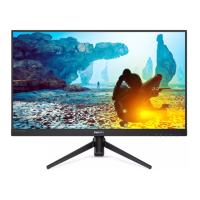
27M1N3500LS
27M1N3500L
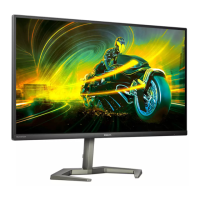
Momentum 3000
Gaming Monitor
27M1N3500LS
*Earphone-Hang
27M1N3500L
*DP
*HDMI Power
* USB A-B
*Different according to region
2
Install the base
1. Place the monitor face down on
soft and smooth surface taking care
to avoid scratching or damaging the
screen.
2. Hold the stand with both hands.
(1) Gently attach the base to the
stand.
(2) Use your fingers to tighten the
screw located at the bottom of
the base.
(3) Use a screwdriver to tighten the
screw located at the bottom of
the base, and secure the base to
the stand tightly.
(4) Gently attach the stand to the
VESA mount area until the latch
locks the stand.
27M1N3500L
1
2
3
4
27M1N3500LS
1
4
2
3
Caution
Place the monitor face down on a
smooth surface. Pay attention not to
scratch or damage the screen.



 To Next Page
 Loading...